
Highlights.Email
Highlights.Email is a tool designed to help users effortlessly export their Kobo highlights directly to their email inbox. This service eliminates the need for USB cables, allowing users to send their
18,416
Votes
20,980
Views
11,507
Bookmarks
About
Highlights.Email is a tool designed to help users effortlessly export their Kobo highlights directly to their email inbox. This service eliminates the need for USB cables, allowing users to send their highlights with just a tap of a button. The core functionality revolves around providing a seamless experience for Kobo users who want to keep track of their reading notes and highlights without the hassle of manual transfers. By signing up with an email address, users receive a personalized installation package that simplifies the process of connecting their Kobo device to the service. The target audience for Highlights.Email includes avid readers who use Kobo e-readers and want an easy way to manage their book highlights. This tool is particularly beneficial for those who frequently annotate their readings and wish to retain those insights for future reference. The service is designed for users who appreciate convenience and efficiency in their reading experience, making it an ideal solution for students, researchers, and book enthusiasts alike. One of the unique value propositions of Highlights.Email is its simplicity and user-friendliness. Users can export their highlights instantly and wirelessly, which sets it apart from other methods that may require more complex setups. The tool's key differentiators include its straightforward installation process, the ability to send highlights directly to email, and the fact that it does not store any personal book highlights, ensuring user privacy. The technical implementation of Highlights.Email involves a few simple steps: users need to create an account, install the provided package on their Kobo, and then they can easily access their highlights through the NickelMenu. This integration with NickelMenu enhances the functionality of the Kobo device, allowing users to enjoy additional features while using the app. The developer, Kavith, is committed to improving the tool and plans to introduce a paid plan in the future, ensuring transparency with users about any changes. Overall, Highlights.Email is a valuable tool for Kobo users looking to streamline their reading experience. With its focus on ease of use and user privacy, it provides a practical solution for exporting highlights, making it a must-have for anyone who wants to keep their reading notes organized and accessible.
Key Features
- Instant Export: Users can export their Kobo highlights with just a single tap, making it quick and easy to keep track of important notes.
- Email Delivery: Highlights are sent directly to the user's email, ensuring they are easily accessible and well-formatted for reading.
- No USB Required: The tool eliminates the need for USB cables, allowing for a wireless and hassle-free experience.
- User Privacy: Personal book highlights are not stored anywhere, ensuring that users' data remains private and secure.
- Simple Installation: Users receive a personalized installation package that simplifies the setup process on their Kobo device.
FAQ
How much does it cost to use Highlights.Email?
It's free for now! You can send up to 20 book highlights at no cost.
Do I need to install anything on my Kobo?
Yes, you'll need to install NickelMenu on your Kobo to use this tool.
Will my highlights be stored anywhere?
No, your personal book highlights aren't stored anywhere.
How do I contact the developer for support?
You can email Kavith directly at kavith@highlights.email for any questions or feedback.
Can I export highlights from any book?
You can export highlights from your last book with a single tap.
Is there a limit to how many highlights I can send?
Yes, you can send up to 20 book highlights for free.
You may also like
More tools in Productivity

Dify
A platform to develop and operate AI applications.
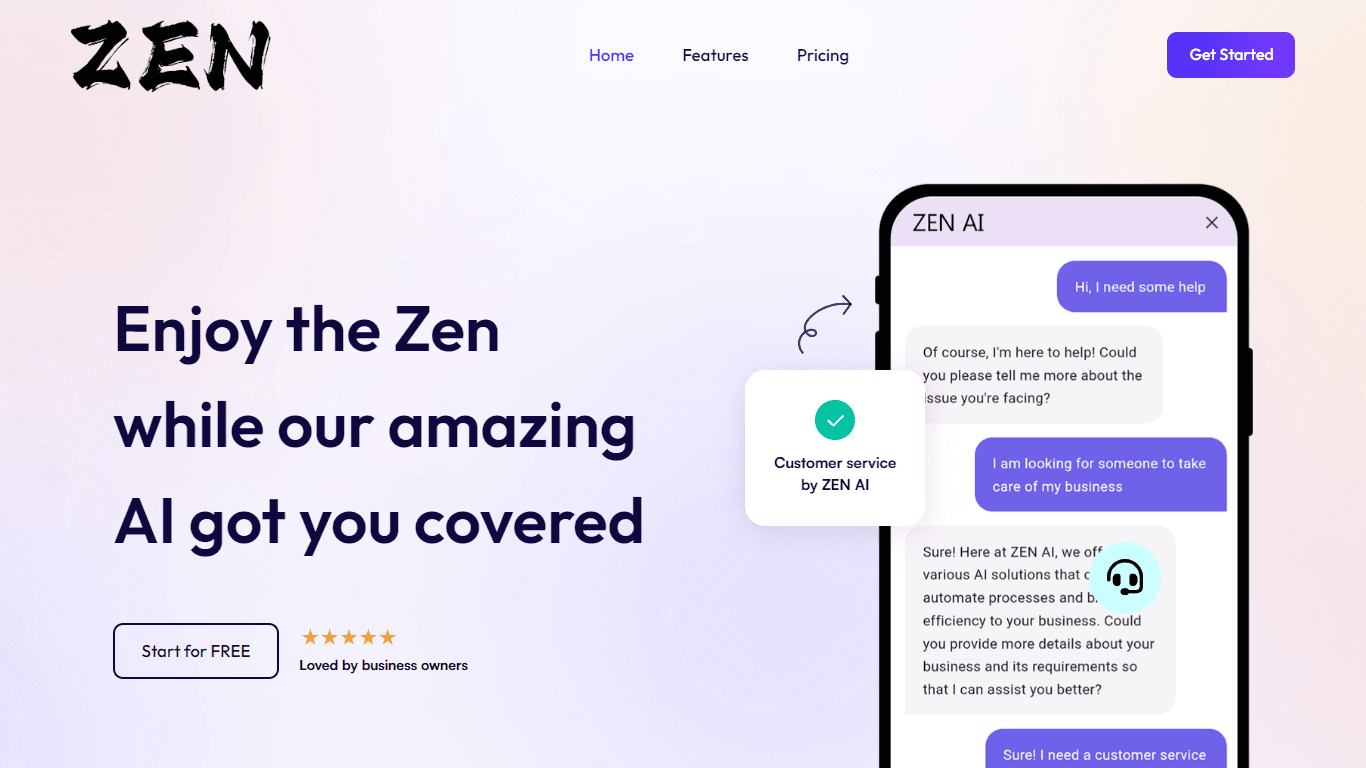
ZEN AI
Discover unparalleled customer service with ZEN AI, an intelligent customer support assistant designed for businesses of all sizes. ZEN AI operates around the clock, ensuring that your customers alway

Assert AI
Automatically generates test cases, identifies bugs, and provides insights.
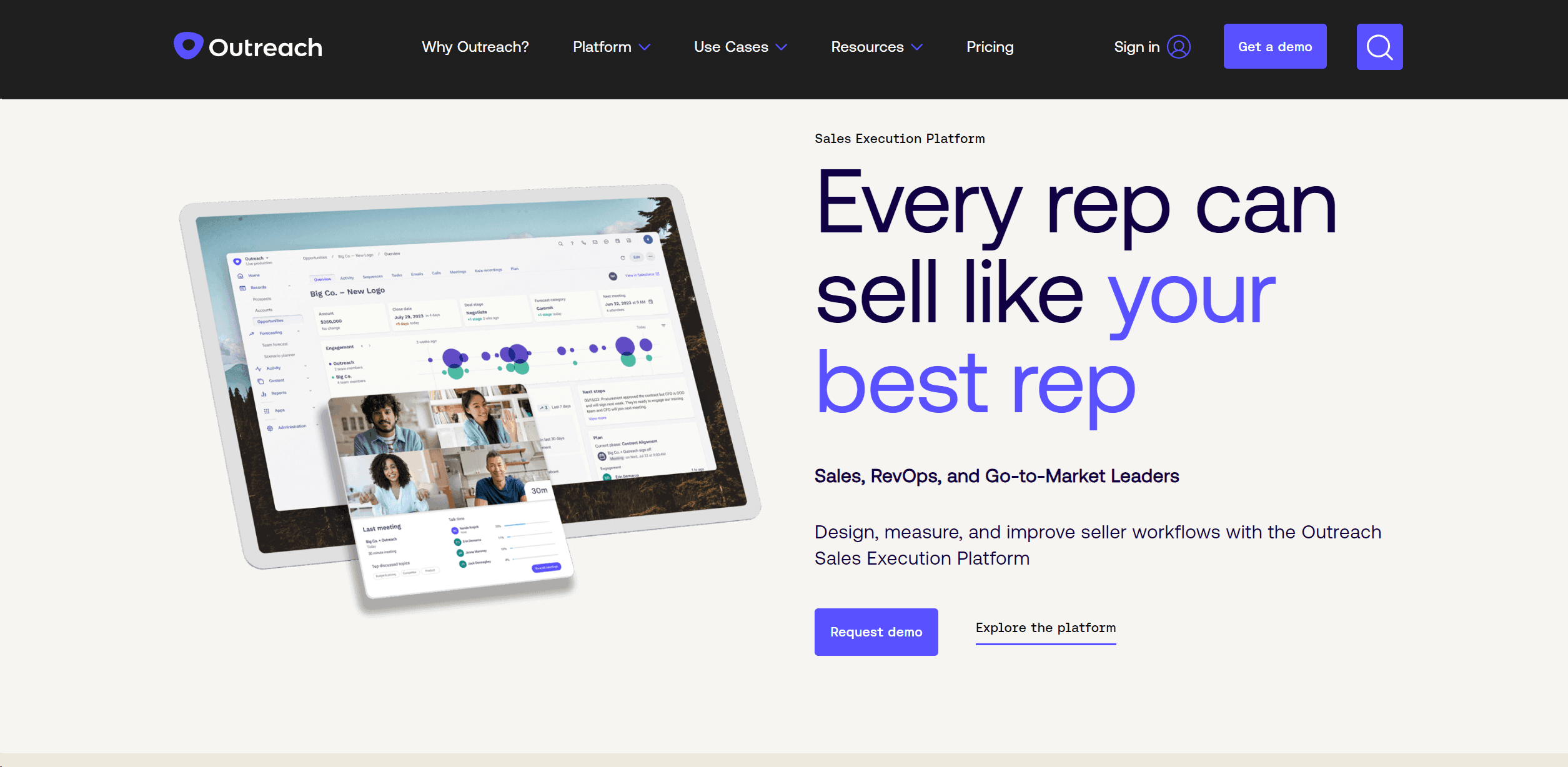
Outreach
Optimize sales, enhance workflows, boost efficiency with AI-powered tools.
Zendesk AI
Explore the transformative power of AI-driven customer support with Zendesk AI. With a suite of intelligent tools, including sophisticated bots, enhanced self-service options, and a wealth of producti

Convoso
A call center platform with dialing and omnichannel communication tools.
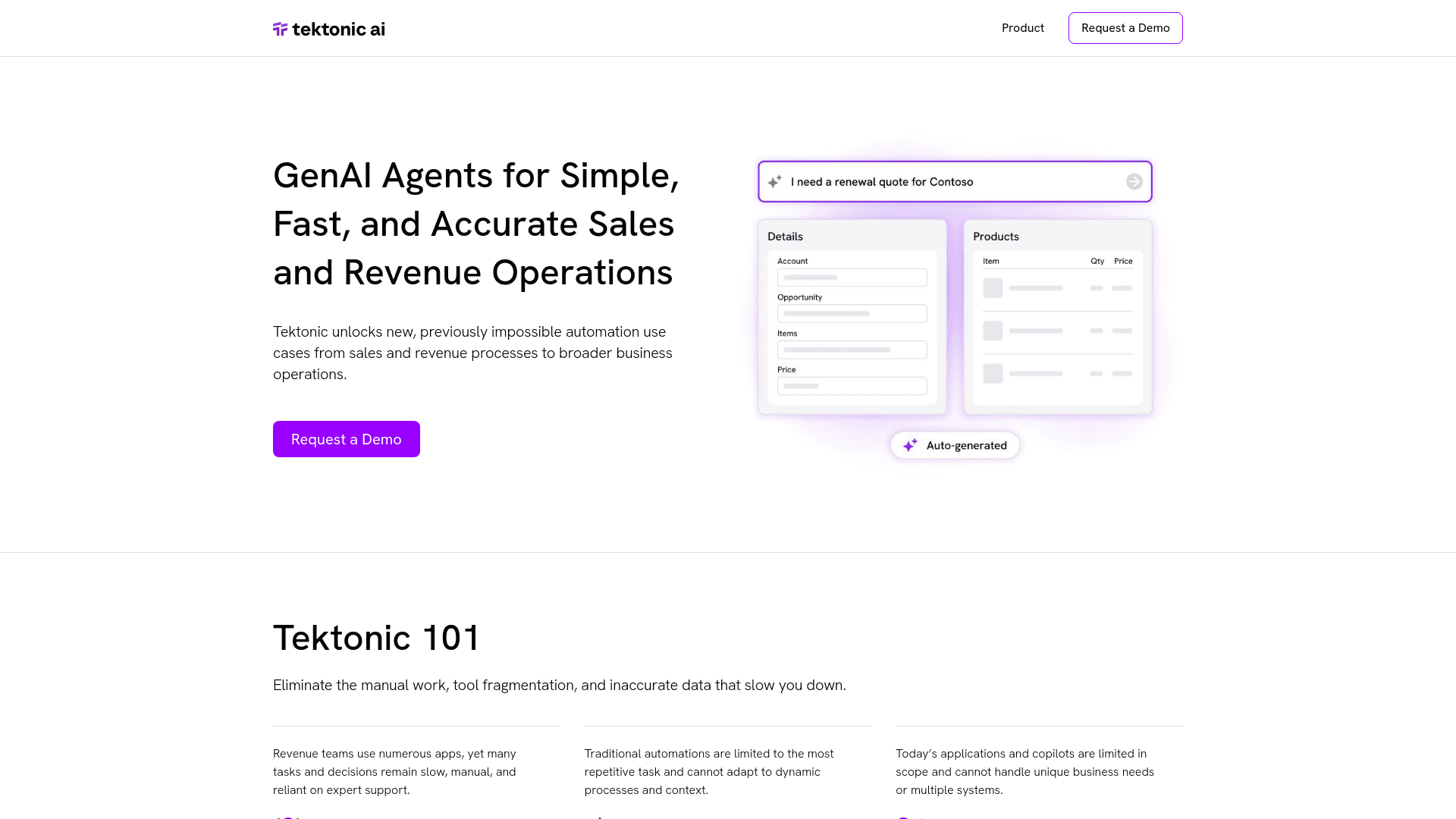
Tektonic AI
Streamline sales and revenue operations with advanced AI-driven automation.
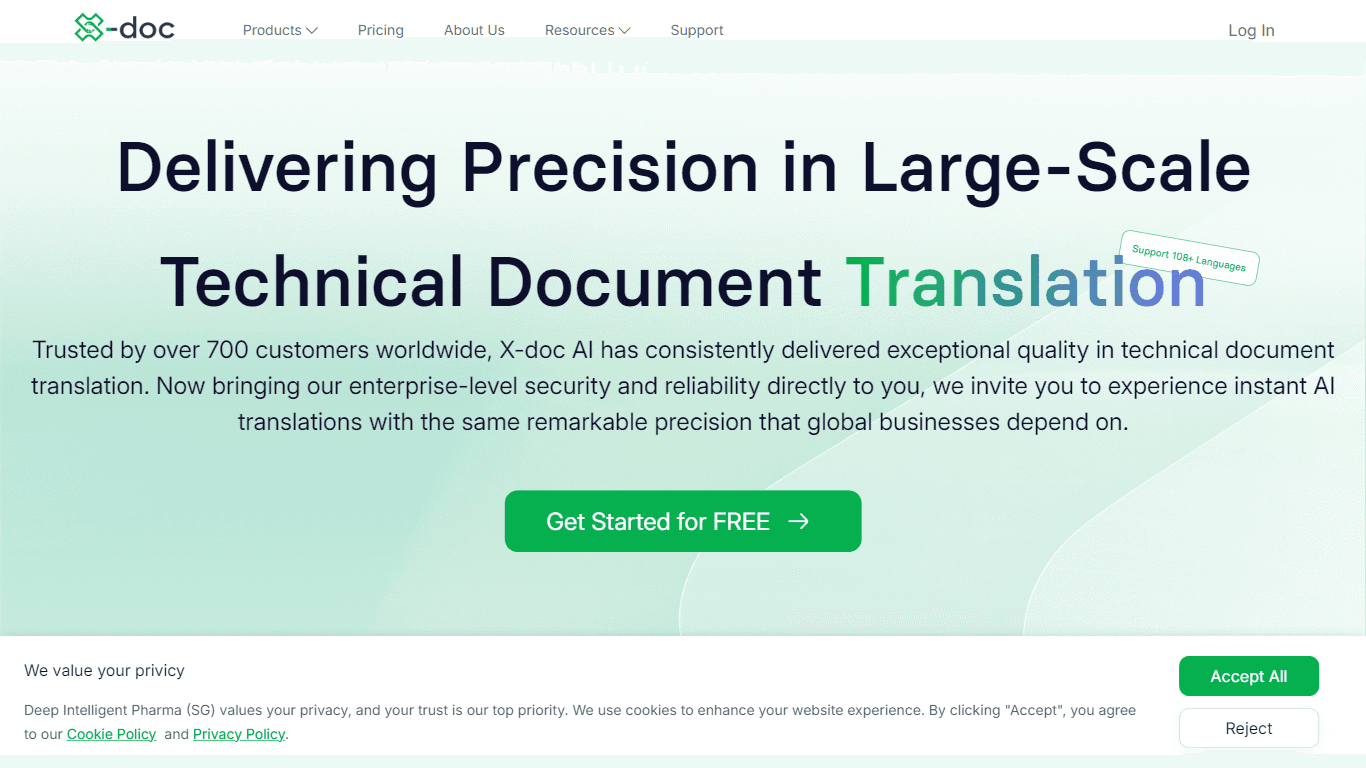
X-doc
X-doc is a cutting-edge AI-driven platform specializing in large-scale technical document translation. Its core functionality revolves around providing instant translations across 108 languages, ensur

Retell AI
Create lifelike AI voice agents, deploy anywhere, analyze real-time.
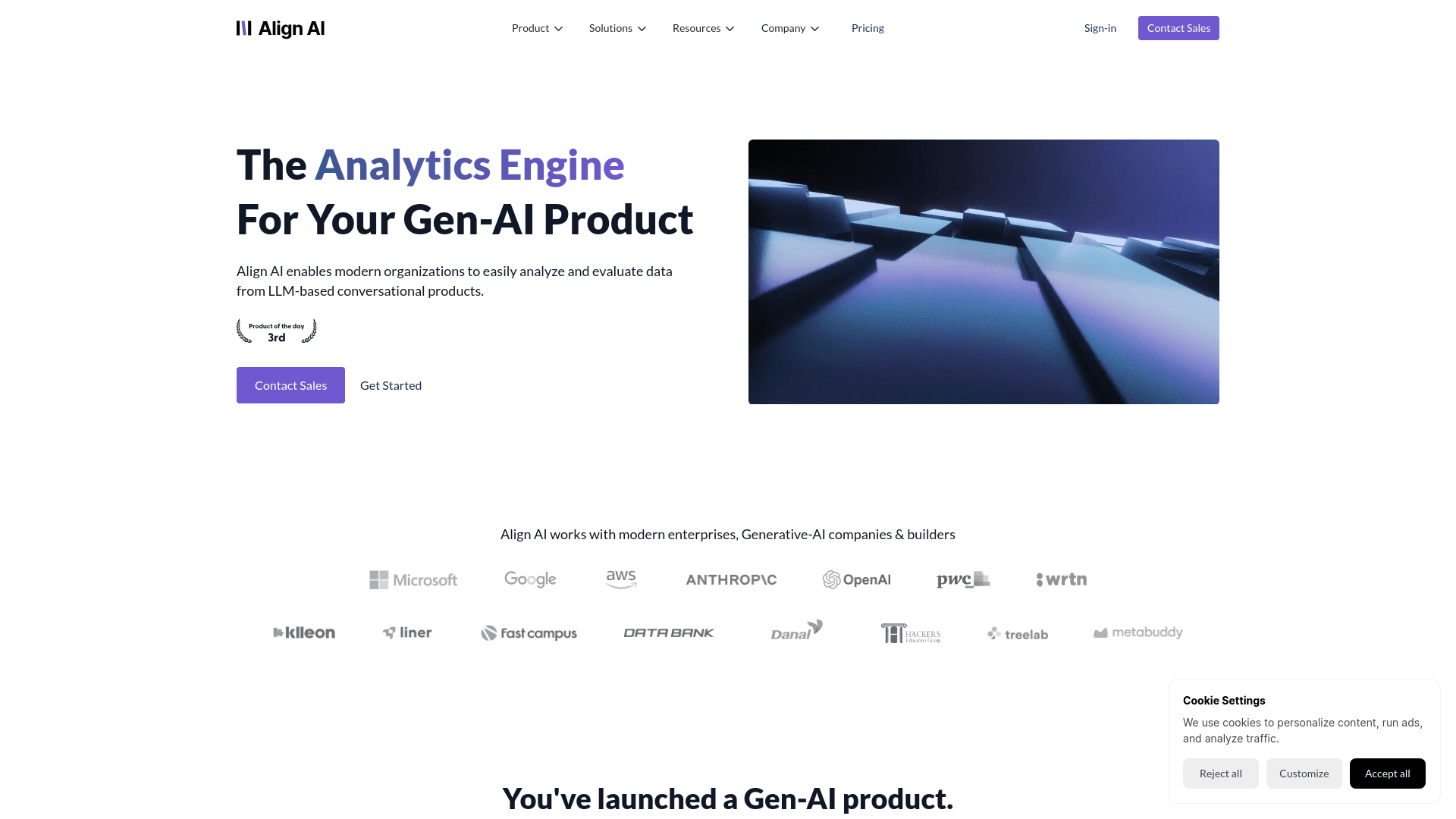
Align AI
Streamlines AI strategy alignment with business objectives.

ChatGPT for Google
ChatGPT response alongside search engine results

Ada
Revolutionize customer service with AI across all digital platforms.