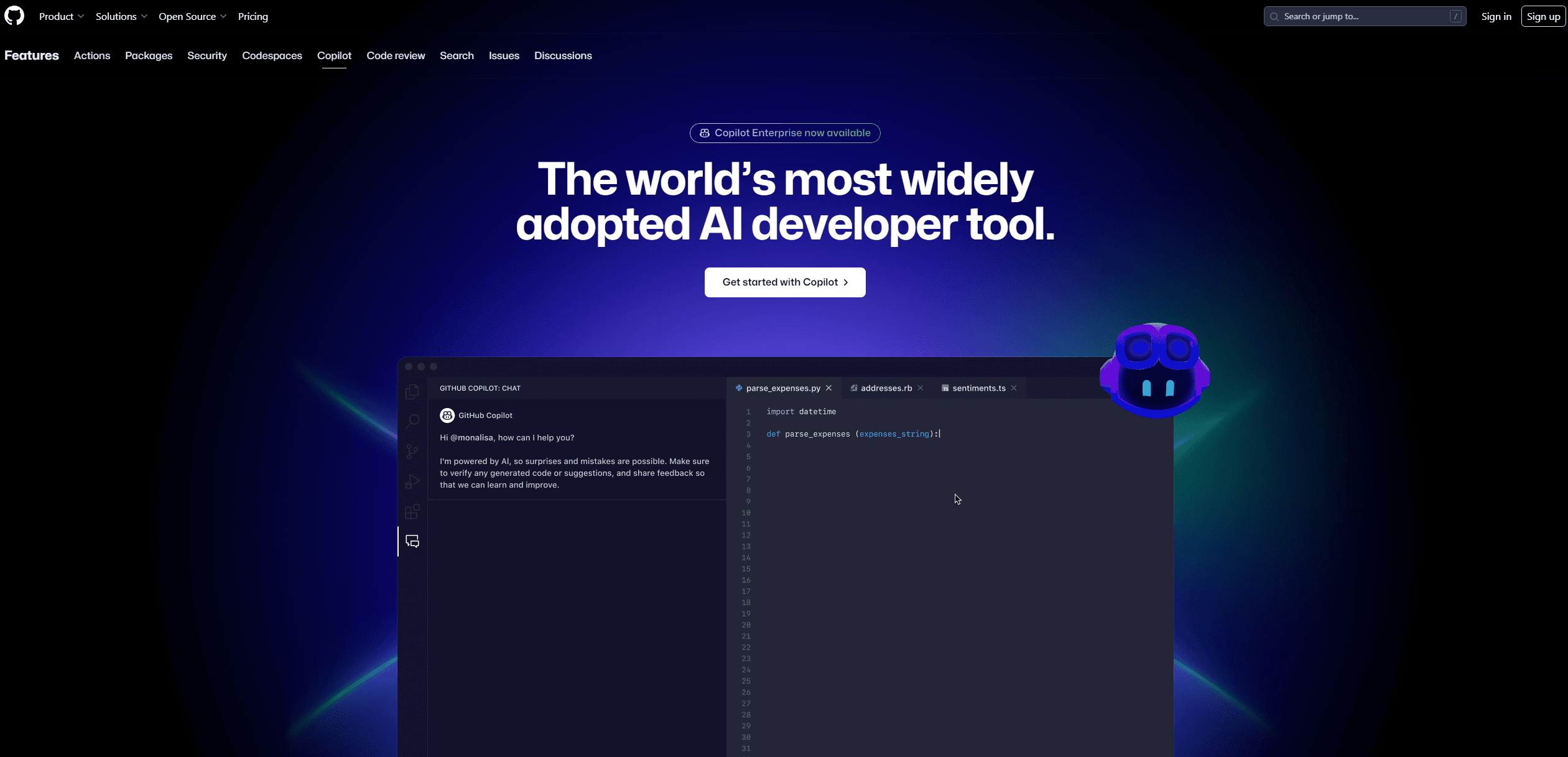
GitHub Copilot
AI tool offers real-time code suggestions and contextual assistance.
16,663
Votes
23,288
Views
11,352
Bookmarks
About
Copilot is an innovative AI tool developed by GitHub that acts as your AI pair programmer. It revolutionizes the coding experience by offering real-time code suggestions, contextualized assistance, and advanced code completion. Designed for developers across various industries, Copilot simplifies software development tasks by integrating seamlessly with popular IDEs like Visual Studio Code, JetBrains, and more.
Key Features
- Real-time Code Suggestions: Copilot provides instant code completions as you type, leveraging your project's context to offer relevant suggestions.
- Contextual Assistance: It interprets natural language prompts to generate coding suggestions, enhancing productivity and reducing manual code writing.
- Multi-file Editing: The tool can update multiple files in real-time, streamlining complex coding tasks across projects.
- AI-driven Code Review: Copilot assists in reviewing code, identifying potential bugs, and suggesting fixes before human intervention.
Pros
- Time Efficiency: Copilot significantly reduces coding time by providing instant suggestions and automating repetitive tasks.
- Enhanced Productivity: Developers report a 55% increase in productivity, allowing for more focus on problem-solving and innovation.
- Seamless Integration: It integrates natively with GitHub and supports major IDEs, ensuring a smooth workflow.
- High Satisfaction: Users experience up to 75% higher job satisfaction due to reduced boilerplate coding and enhanced creative focus.
Cons
- Initial Learning Curve: New users may require time to fully harness the tool's capabilities.
- Language Limitations: Performance may vary for less commonly used programming languages.
- Dependency on Quality Data: The accuracy of suggestions relies heavily on the quality of training data available.
Who Uses It
- Software Developers: Embracing Copilot for efficient code writing and project management.
- Startups: Using it to accelerate product development cycles and reduce time-to-market.
- Educational Institutions: Integrating Copilot into curriculums to teach coding more interactively.
- Freelancers: Leveraging it to enhance productivity and deliver projects faster.
Pricing
- Free Tier: Experience Copilot with limited functionality, including up to 2,000 code completions and 50 chat requests per month.
- Pro Tier: Unlimited access starts at $10 per month, with a 30-day free trial.
- Business Tier: Available for $19 per user per month, designed for teams.
- Enterprise Tier: Fully customized experiences at $39 per user per month.
You may also like
More tools in Code Tools

CodeGate
A local proxy that enhances security for AI-assisted coding.

Ovren
Turn GitHub tickets into reviewable production-ready code.

Symphony
Symphony is an innovative platform designed for users who want to streamline their interaction with programs through conversational interfaces. By enabling you to "write programs you can talk to," Sym
Qodo
Automates code reviews, test generation, and quality assurance.

SQLFlash
SQLFlash is an AI-powered tool that automatically rewrites and optimizes SQL queries to improve database performance. It targets developers, database administrators, and enterprises seeking to reduce

Panto AI
A tool to review code and detect errors and vulnerabilities.

BLACKBOX.AI
Revolutionize coding: AI generation, conversational code help, intuitive search.
AI Magicx
AI Magicx enhances creativity with AI-driven design and coding.

10Web AI Website Builder
10Web AI Website Builder is a platform designed to help businesses and individuals create fully functional, production-ready WordPress websites quickly and without coding skills. Users simply describe
MakeForms
MakeForms’ AI Form Builder helps create responsive and customizable forms in just a few minutes by leveraging AI-powered suggestions for question types and form fields. Just provide the Form Name and
What The Diff
"What The Diff is an AI-powered code review assistant that helps streamline the pull request process. It automatically generates pull request descriptions, sends summarized notifications to non-techni

Orchids
Your fullstack AI engineer.