
gait
Gait is a collaboration tool designed to enhance the way teams work with AI-generated code. Its core functionality revolves around storing prompts, context, and code together, making it easier for dev
14,556
Votes
28,202
Views
11,295
Bookmarks
About
Gait is a collaboration tool designed to enhance the way teams work with AI-generated code. Its core functionality revolves around storing prompts, context, and code together, making it easier for developers to understand and edit AI-generated outputs. This tool is particularly beneficial for software development teams that rely on AI to assist in coding, as it streamlines the process of integrating AI-generated content into their projects. By providing a centralized location for prompts and code, Gait helps teams maintain clarity and coherence in their development efforts. The target audience for Gait includes software developers, project managers, and teams that utilize AI in their coding processes. These users often face challenges in tracking the origins of AI-generated code and understanding the context behind it. Gait addresses these issues by linking prompts and conversations directly to the generated code, allowing users to see the thought process behind the AI's outputs. This feature is especially valuable in collaborative environments where multiple team members contribute to a codebase. Gait's unique value proposition lies in its ability to combine AI code generation with version control, creating a seamless workflow for developers. Unlike traditional version control systems, Gait integrates AI-generated prompts and conversations, providing a richer context for each piece of code. This integration not only enhances understanding but also improves productivity by reducing the guesswork involved in working with AI-generated content. Teams can focus on coding rather than deciphering the AI's logic, leading to faster development cycles. Key differentiators of Gait include its AI Blame feature, which links prompts to specific lines of code, and Codegen Analytics, which measures the impact of AI on the codebase. These features empower teams to analyze their productivity and make informed decisions about their development processes. Additionally, Gait's automatic saving of AI-codegen chats into a dedicated folder ensures that all relevant information is easily accessible, further enhancing collaboration among team members. In terms of technical implementation, Gait allows users to commit the .gait folder to their repositories, ensuring that all context and prompts are shared with the team. This functionality not only facilitates better collaboration but also ensures that everyone is on the same page regarding the AI-generated code. Overall, Gait represents a significant advancement in the way teams can leverage AI in their development workflows, making it an essential tool for modern software development.
Key Features
- AI Blame: This feature links prompts and conversations directly to the generated code, helping users understand the context behind each piece of code.
- Codegen Analytics: Users can measure the impact of AI on their codebase and productivity, allowing for better decision-making in development processes.
- Team Collaboration: Gait enables teams to share AI-assisted development context through version control, improving communication and understanding among team members.
- Capture Conversations: Gait automatically saves AI-codegen chats into a file in the .gait folder, ensuring that all relevant discussions are easily accessible.
- Commit to Repo: Users can commit the .gait folder to their repositories, sharing context and prompts with the team to enhance collaboration.
FAQ
What is Gait?
Gait is a collaboration tool that helps teams store, share, and understand AI-generated code and prompts.
Who can use Gait?
Gait is designed for software developers, project managers, and teams that use AI in their coding processes.
How does Gait improve team collaboration?
Gait allows teams to share AI-assisted development context through version control, making it easier to understand and edit code.
What is the AI Blame feature?
The AI Blame feature links prompts and conversations directly to the generated code, helping users understand the context behind the code.
How does Gait save conversations?
Gait automatically saves AI-codegen chats into a file in the .gait folder for easy access and reference.
Can I commit Gait files to my repository?
Yes, users can commit the .gait folder to their repositories to share context and prompts with their team.
You may also like
More tools in Code Tools

CodeGate
A local proxy that enhances security for AI-assisted coding.

Ovren
Turn GitHub tickets into reviewable production-ready code.

Symphony
Symphony is an innovative platform designed for users who want to streamline their interaction with programs through conversational interfaces. By enabling you to "write programs you can talk to," Sym

SQLFlash
SQLFlash is an AI-powered tool that automatically rewrites and optimizes SQL queries to improve database performance. It targets developers, database administrators, and enterprises seeking to reduce

Panto AI
A tool to review code and detect errors and vulnerabilities.
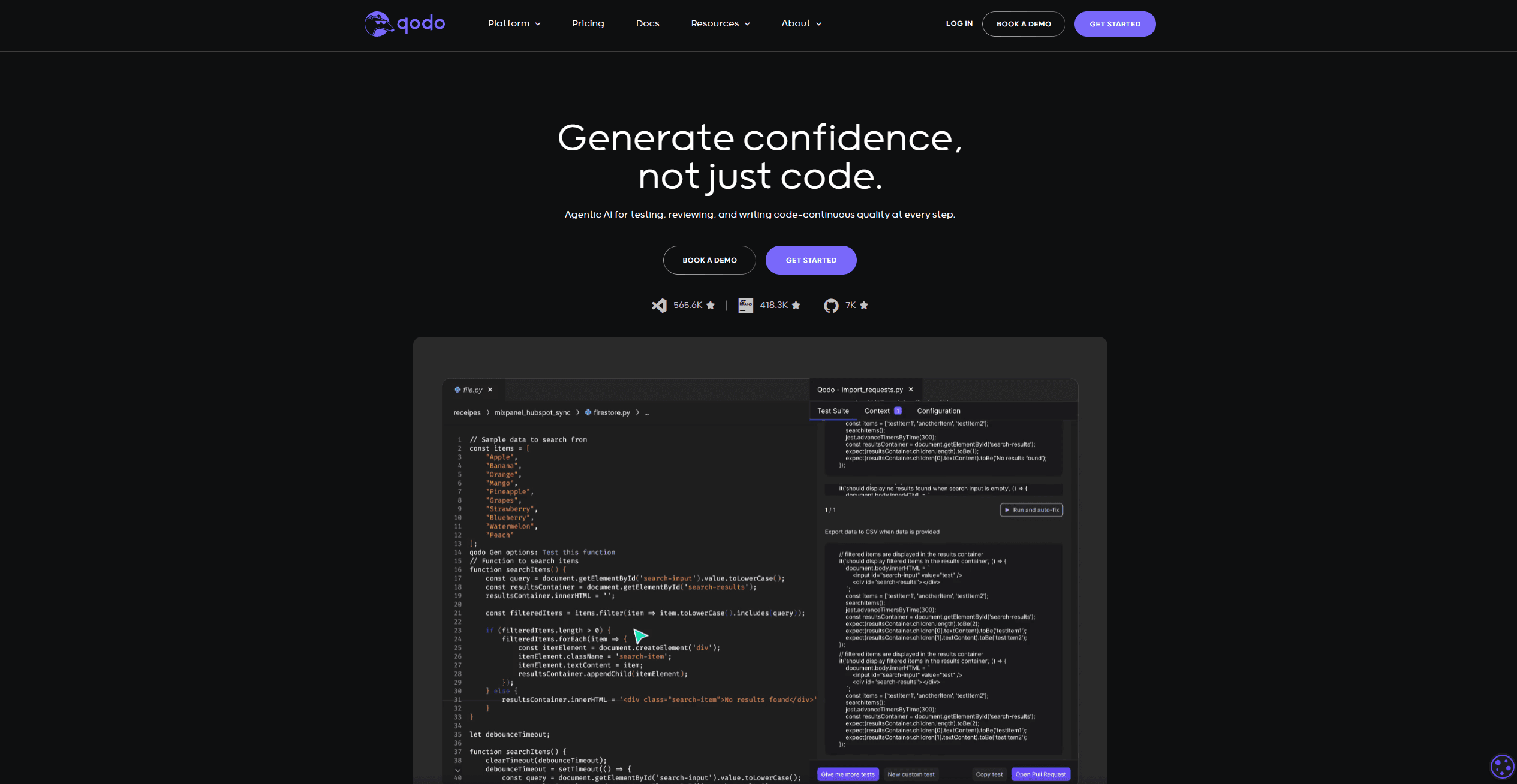
Qodo
Automates code reviews, test generation, and quality assurance.

AI Magicx
AI Magicx enhances creativity with AI-driven design and coding.

BLACKBOX.AI
Revolutionize coding: AI generation, conversational code help, intuitive search.

10Web AI Website Builder
10Web AI Website Builder is a platform designed to help businesses and individuals create fully functional, production-ready WordPress websites quickly and without coding skills. Users simply describe
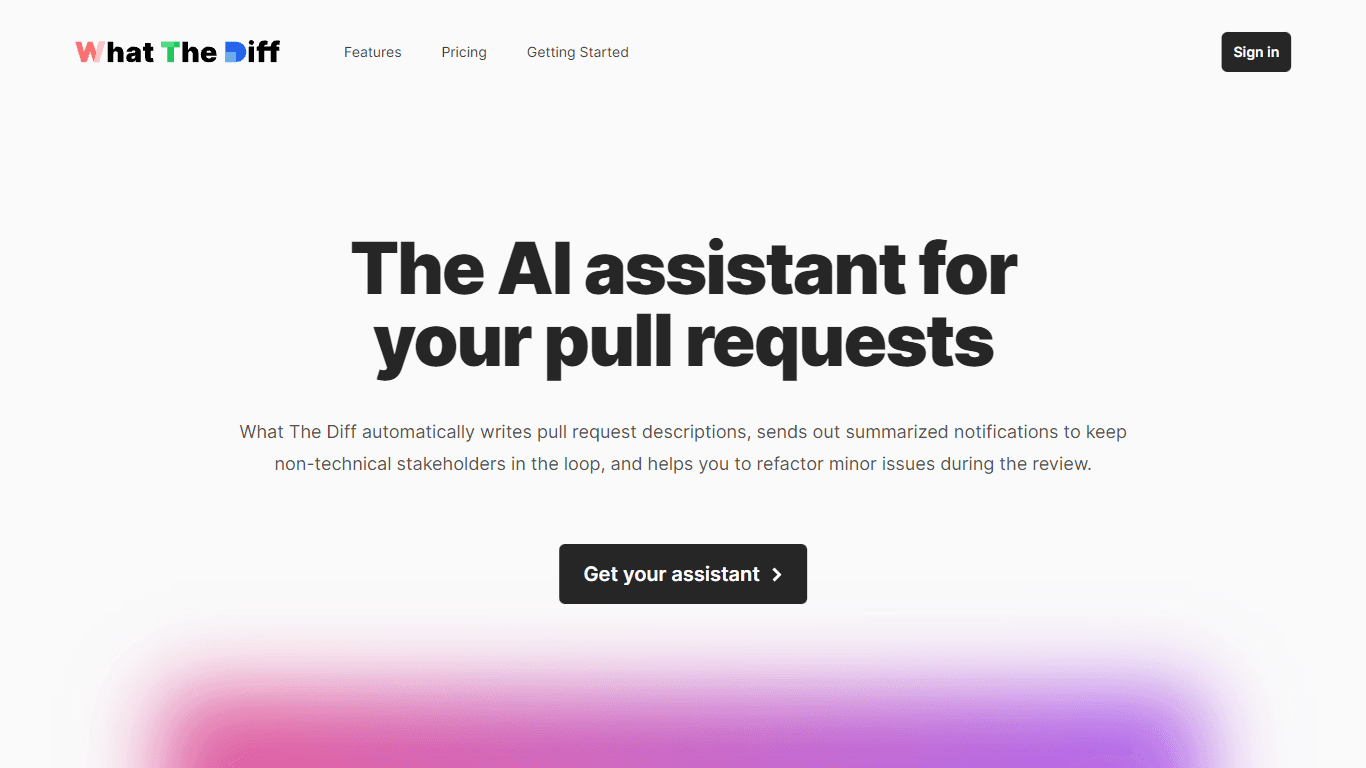
What The Diff
"What The Diff is an AI-powered code review assistant that helps streamline the pull request process. It automatically generates pull request descriptions, sends summarized notifications to non-techni

Orchids
Your fullstack AI engineer.
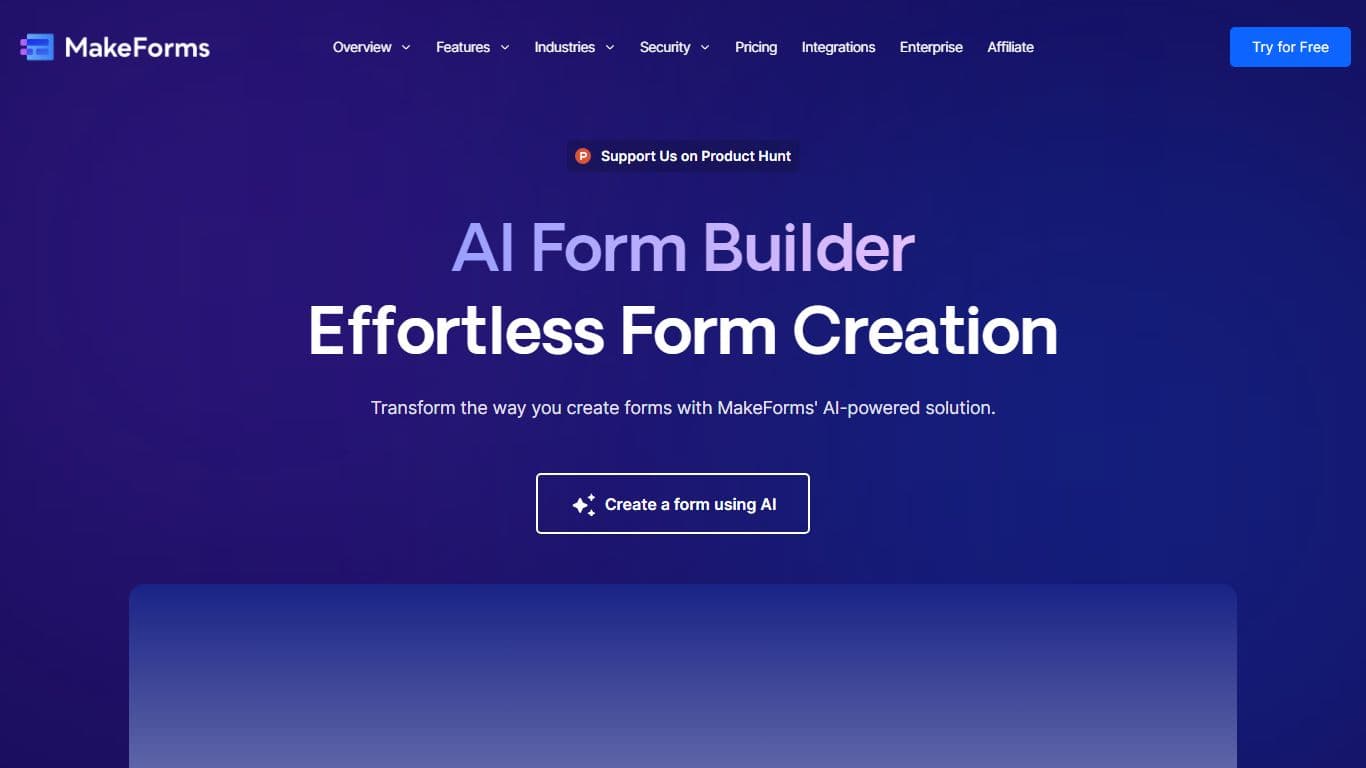
MakeForms
MakeForms’ AI Form Builder helps create responsive and customizable forms in just a few minutes by leveraging AI-powered suggestions for question types and form fields. Just provide the Form Name and