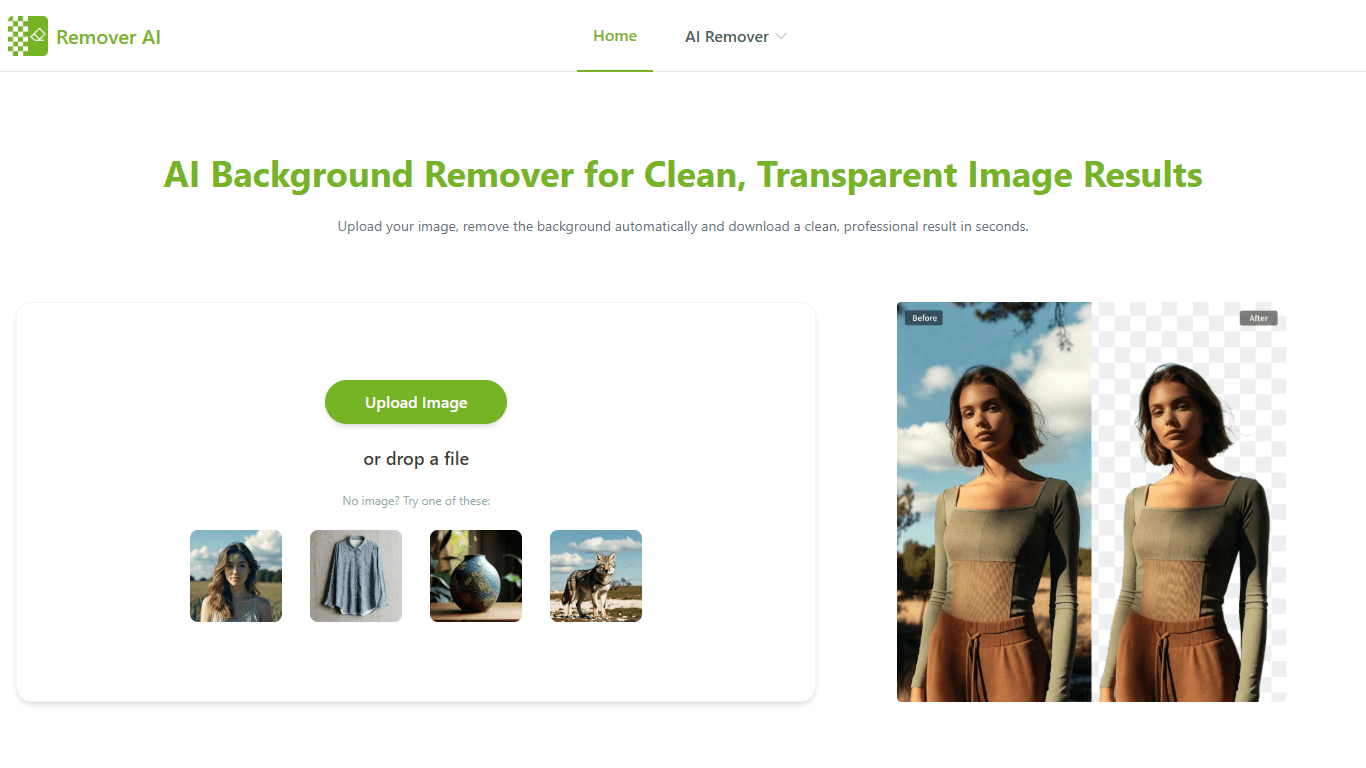
Free AI Background Remover - Remover AI
Remover AI is a free online tool designed to automatically remove backgrounds from images and videos using artificial intelligence. It targets users who need quick and professional background removal
19,157
Votes
22,046
Views
12,038
Bookmarks
About
Remover AI is a free online tool designed to automatically remove backgrounds from images and videos using artificial intelligence. It targets users who need quick and professional background removal without manual editing, including e-commerce sellers, content creators, designers, and marketers. The platform supports various image types such as portraits, product photos, logos, and complex visuals, as well as video clips up to 60 seconds long. Users upload their media, and the AI detects the main subject to separate it cleanly from the background. After automatic removal, users can refine edges or erase unwanted areas with built-in tools to ensure precise results. The tool stands out by balancing AI automation with manual control, offering clean, natural cutouts that preserve fine details like hair and facial contours. It works directly in the browser without requiring downloads or installations, making it accessible and fast. Remover AI also supports watermark removal and object or text removal, extending its utility beyond background editing. Its video background remover allows users to eliminate backgrounds from clips without green screens, enabling creative scene swaps and faster editing workflows. Remover AI emphasizes image quality and reliability, delivering consistent performance across different media types. It is suitable for commercial use, helping sellers improve product presentation and conversion rates, designers extract elements for layouts, and social media specialists create polished visuals. The platform processes files securely and quickly, maintaining privacy and professional-grade output. Overall, Remover AI offers a versatile, easy-to-use solution for anyone needing efficient background removal and image cleanup online.
Key Features
- 🖼️ Automatic Background Removal: Upload images or videos and let AI separate subjects from backgrounds instantly.
- ✂️ Manual Erase Tool: Fine-tune edges or remove unwanted areas for precise control over results.
- 🎥 Video Background Removal: Remove backgrounds from video clips up to 60 seconds without green screens.
- 🔄 Supports Multiple Media Types: Works with portraits, products, logos, pets, and complex objects.
- 🔒 Fast and Secure Processing: Edits happen quickly in-browser with privacy protection and no downloads needed.
Pros
- Removes backgrounds automatically with high accuracy across various image types.
- Includes manual tools for refining edges and removing unwanted areas.
- Supports video background removal without requiring green screens.
- Runs fully online with no software installation needed.
- Delivers professional-quality transparent images suitable for commercial use.
Cons
- Video background removal limited to clips up to 60 seconds.
- No explicit mention of batch processing capabilities for multiple images at once.
- Some advanced editing features may require manual refinement after AI processing.
FAQ
How do I remove a background from an image using Remover AI?
Upload your image to the platform, and the AI will automatically detect and remove the background. You can then refine the edges with the erase tool before downloading the final image.
Can I remove the background from videos with Remover AI?
Yes, Remover AI supports video background removal for clips up to 60 seconds long, allowing you to remove backgrounds without needing a green screen.
Is Remover AI suitable for commercial use?
Yes, the tool produces professional-grade transparent images and videos that can be used for e-commerce listings, branding, marketing, and other commercial purposes.
What types of images can Remover AI handle?
It works with portraits, product photos, logos, group photos, pets, and complex objects, preserving fine details and natural outlines.
Do I need to install software to use Remover AI?
No installation is required. Remover AI runs entirely in your web browser for fast and easy access.
Can I edit images after the background is removed?
Yes, after the AI removes the background, you can use the erase tool to manually adjust edges or remove unwanted areas for a cleaner result.
You may also like
More tools in Other

WriteSmart
WriteSmart is an AI-powered tool that generates personalized and thoughtful comments to add value to conversations and build relationships on LinkedIn. With WriteSmart, you can boost engagement, warm

Postfluencer
Postfluencer is a cutting-edge online platform designed to empower individuals in enhancing their personal branding on Linkedin. With the capability to generate over 60,000 posts for users, Postfluenc
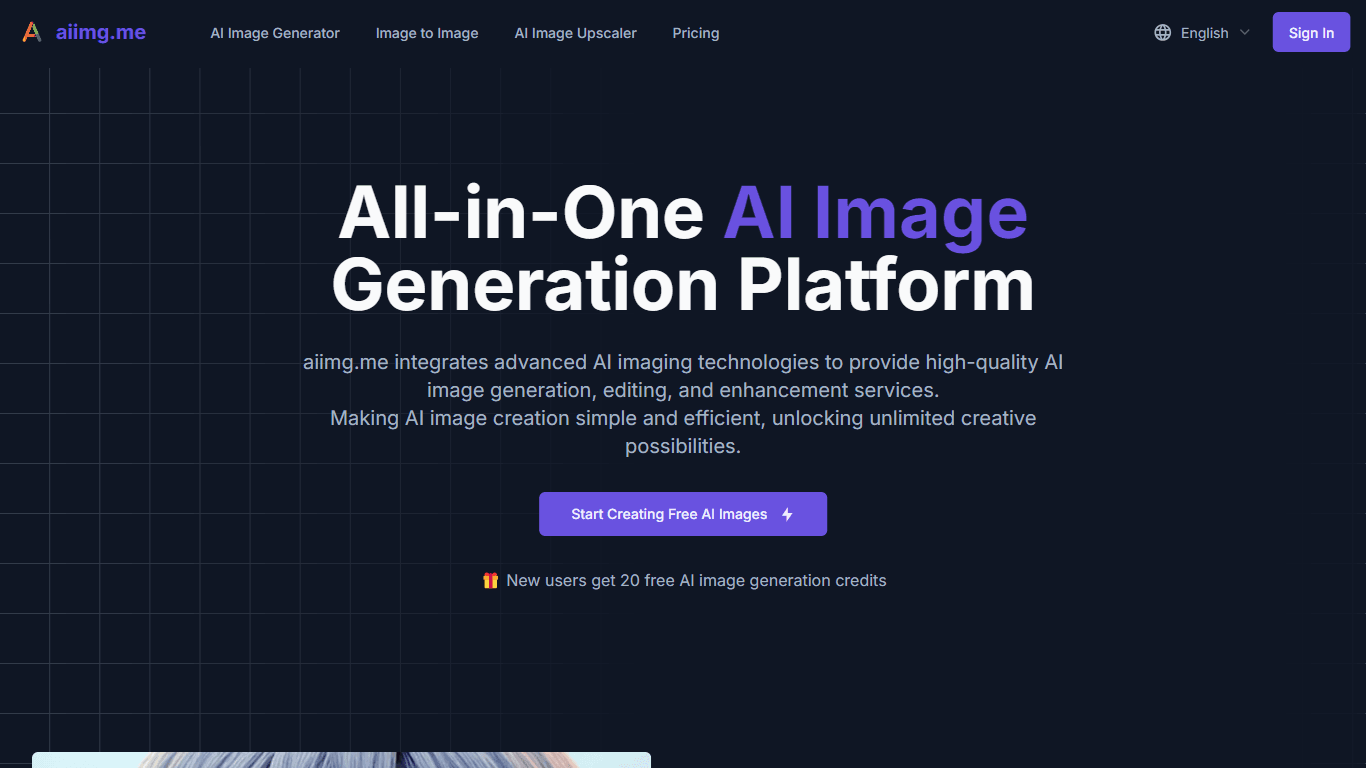
AI Img
aiimg.me is a comprehensive platform that integrates advanced AI imaging technologies to provide high-quality image generation, editing, and enhancement services. It allows users to create images from

Yepp AI
Yepp AI is an innovative platform that brings the power of artificial intelligence to marketing. With this platform, businesses can tap into the wealth of data they already have and leverage it throug
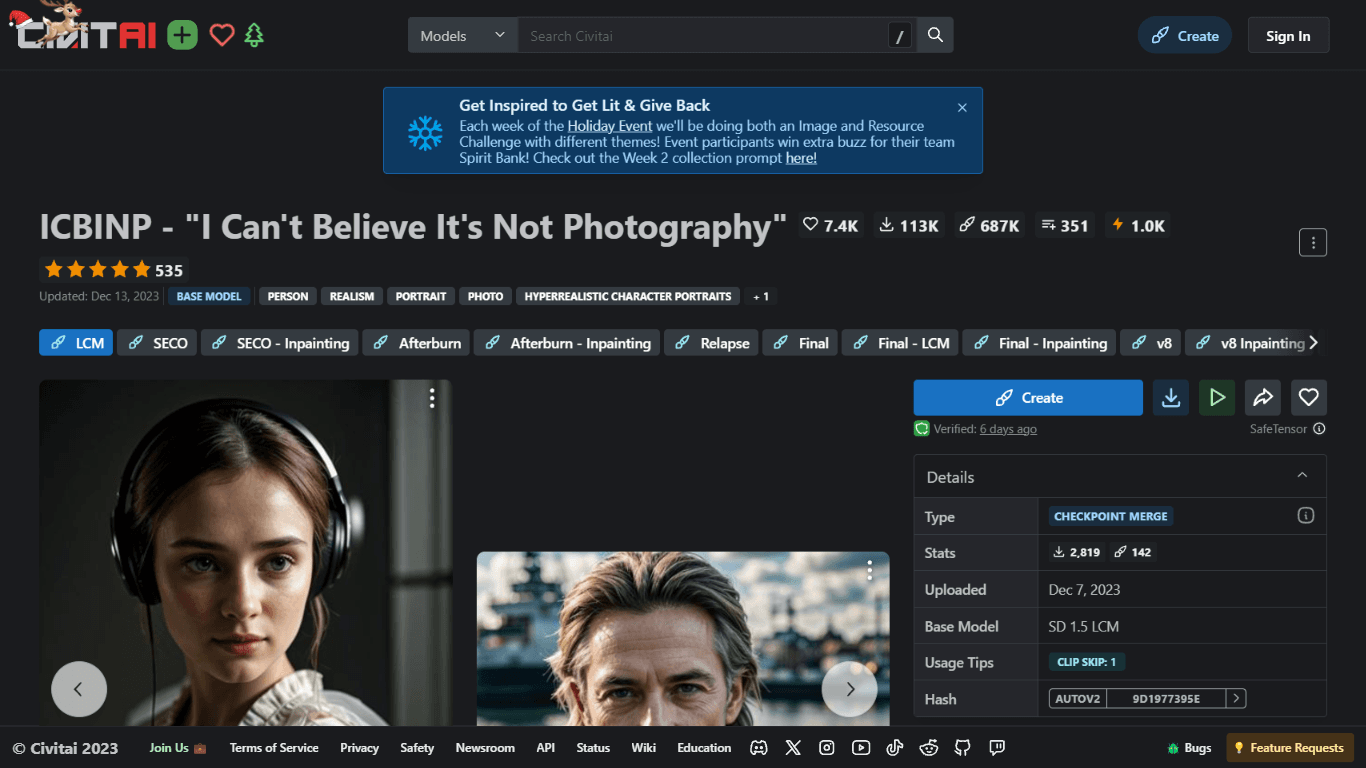
ICBINP | Civitai
Experience hyperrealistic image generation with ICBINP - "I Can't Believe It's Not Photography" - a powerful checkpoint for the Stable Diffusion model available on Civitai. The ICBINP LCM checkpoint i

MuseNet
MuseNet is a groundbreaking deep neural network that revolutionizes the way music is composed. With MuseNet, you have access to a powerful tool that can generate beautiful and intricate 4-minute music
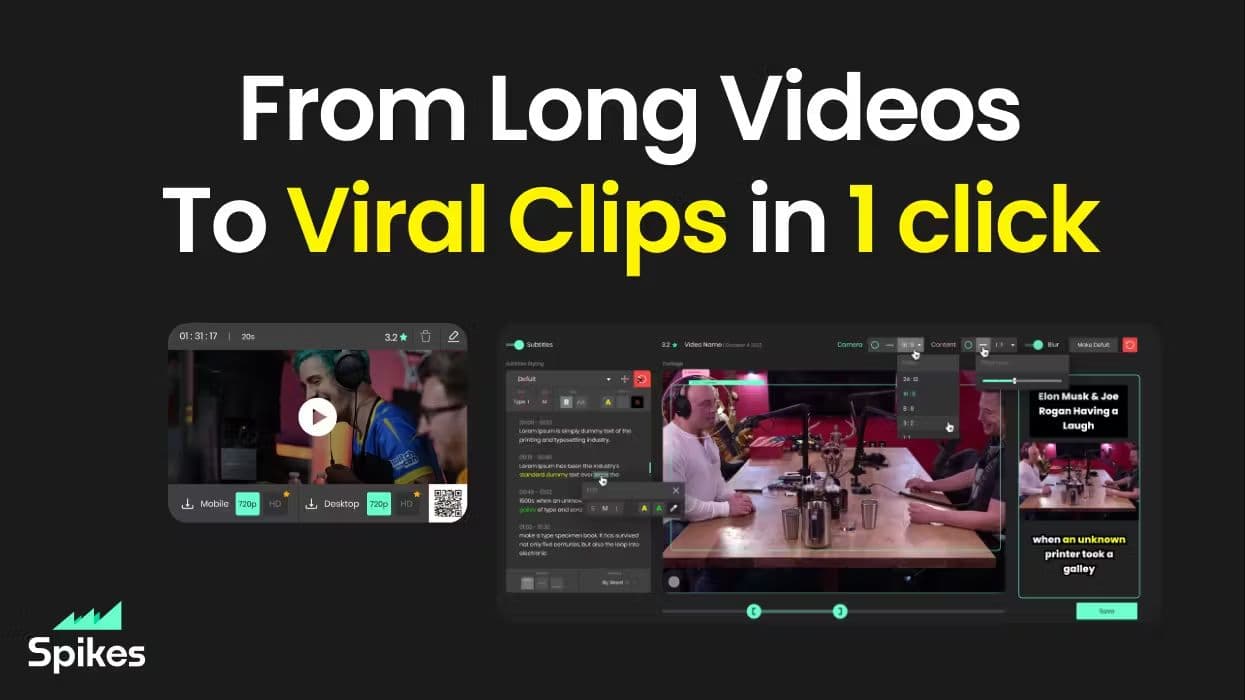
Spikes Studio
Spikes helps creators extract captivating shorts from any video. Automatically get a title, description, hashtag recommendations, auto-captions, AI styling and quickly edit. Grow and give your audienc

SuperU AI
A nocode tool to create voice AI agents for customer communications.
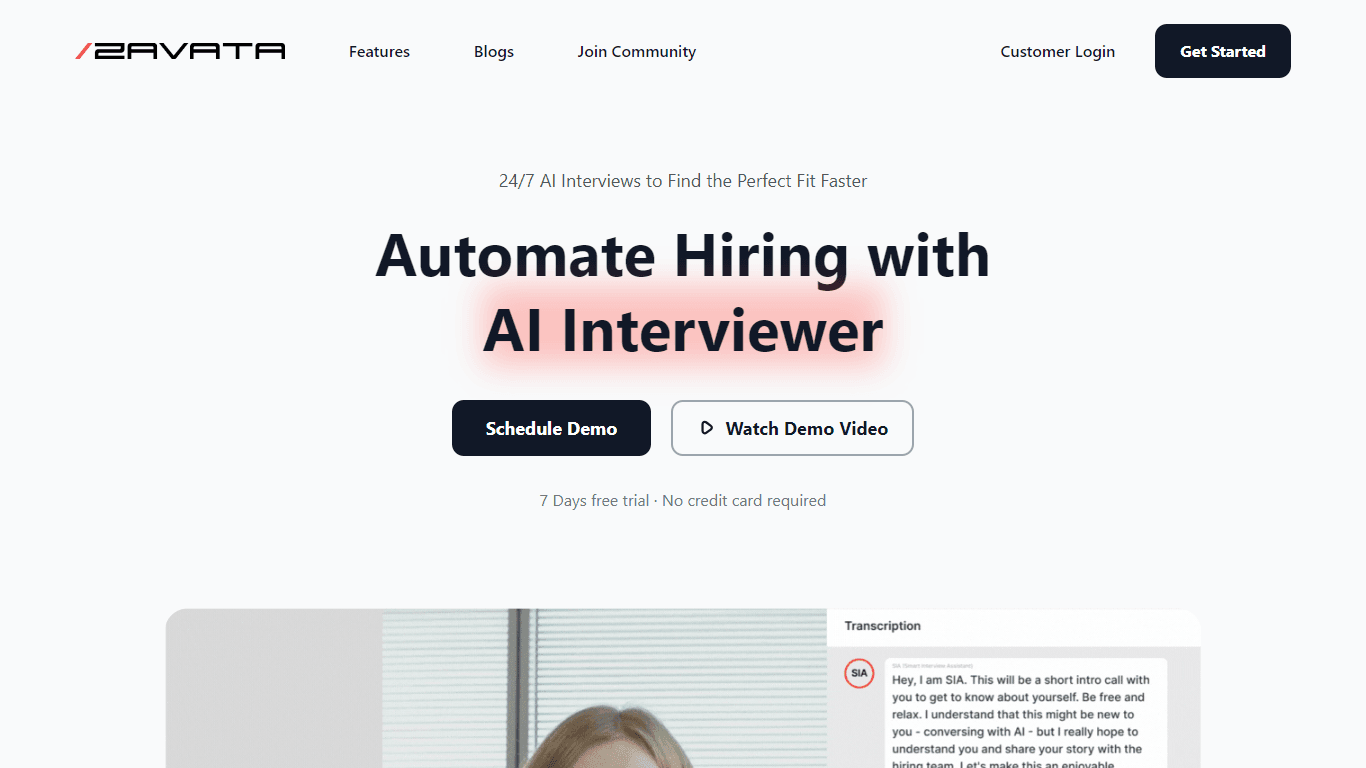
ZAVATA
ZAVATA is revolutionizing the recruitment process with its sophisticated AI interview platform. With the motto "Automate Hiring with AI Interviewer," ZAVATA introduces a seamless hiring automation tha

Verbacall
A platform that automatically answers, qualifies, and follows up on calls 24/7.
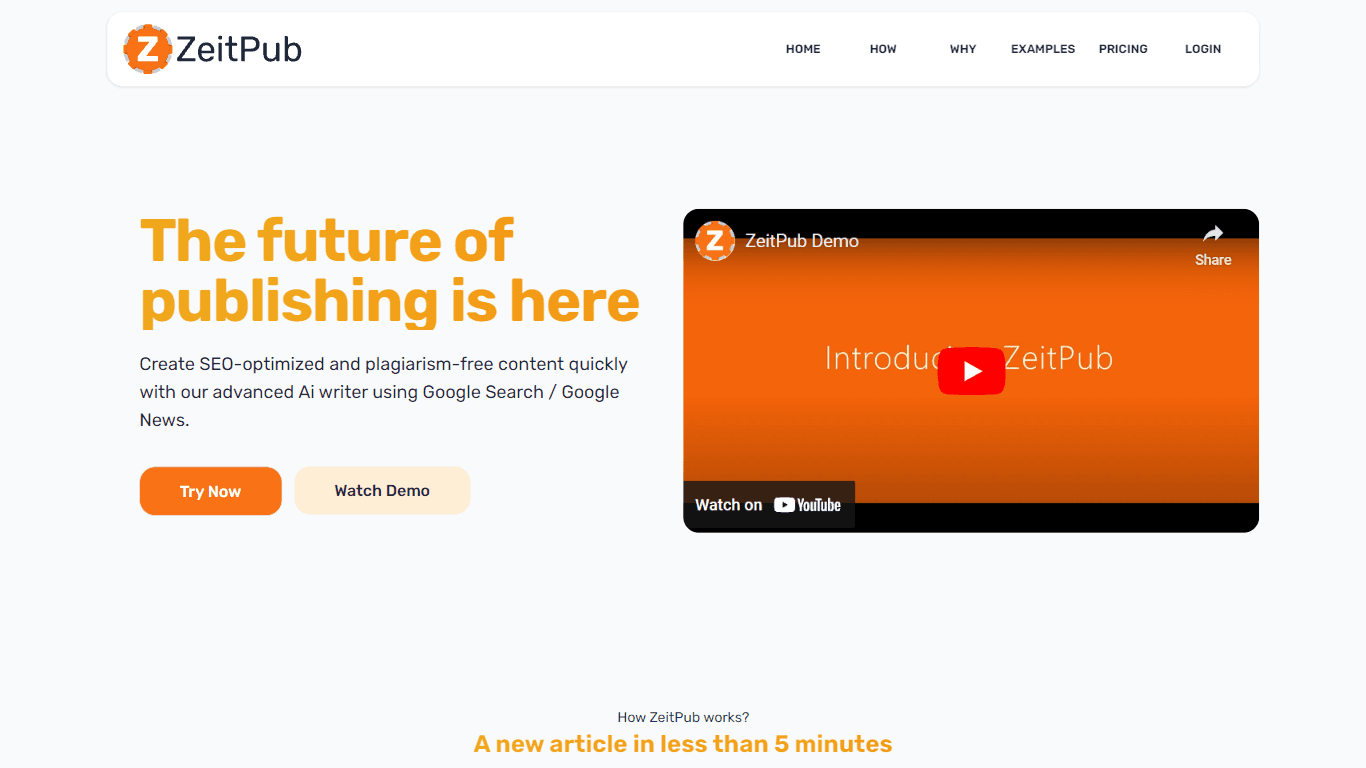
Zeitpub
Zeitpub revolutionizes the publishing industry by offering an advanced AI writer that creates SEO-optimized and plagiarism-free content at an incredible pace. With just the click of a button, users ca

XLM
Discover the power of Cross-lingual Language Modeling with XLM, the original PyTorch implementation designed for pretraining language models that operate across multiple languages. XLM is a repository