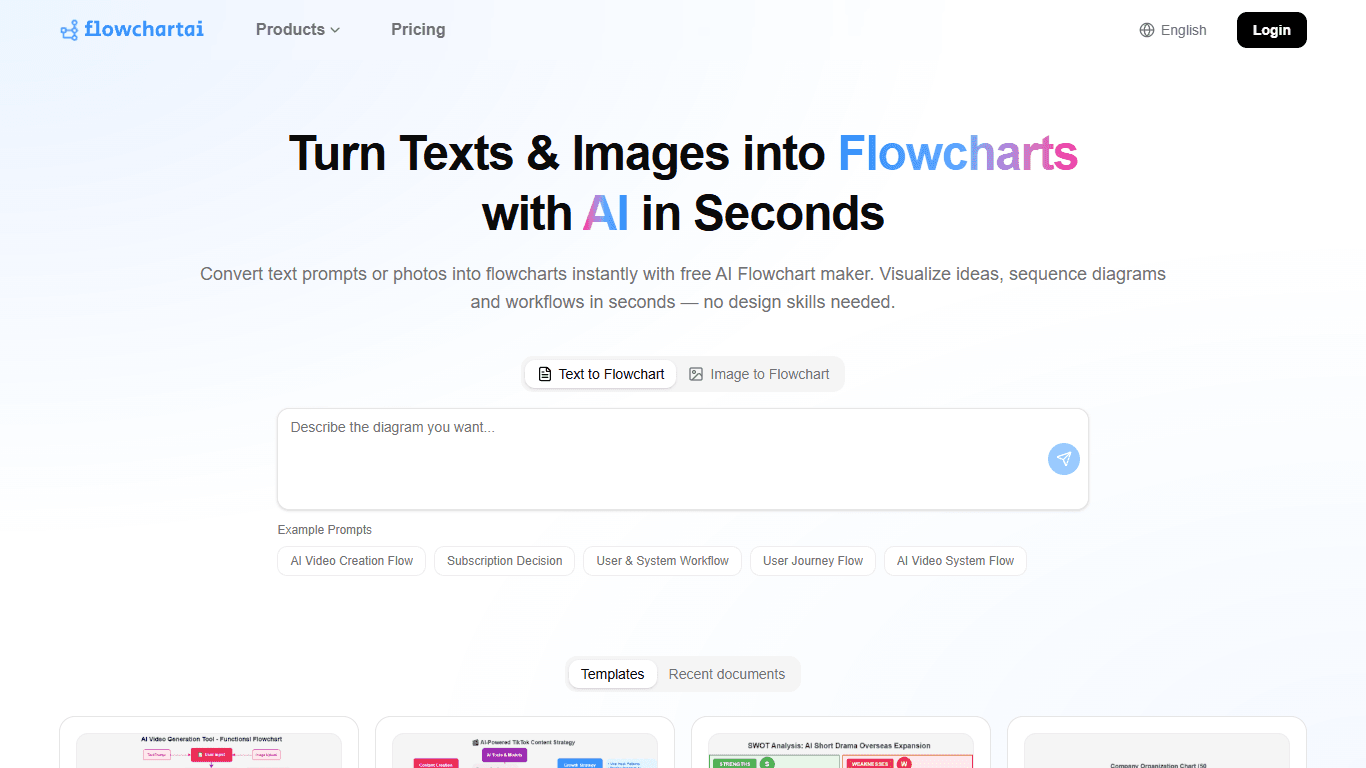
FlowChart AI
FlowChart AI is an online tool that transforms plain text descriptions into professional flowcharts and diagrams automatically. It uses advanced AI to parse natural language inputs and generate struct
12,214
Votes
11,878
Views
4,878
Bookmarks
About
FlowChart AI is an online tool that transforms plain text descriptions into professional flowcharts and diagrams automatically. It uses advanced AI to parse natural language inputs and generate structured diagrams with appropriate symbols, connectors, and layouts within seconds. This eliminates the need for manual drag-and-drop design, making diagram creation fast and accessible. The tool targets a wide audience including software developers, product managers, business teams, students, educators, and researchers. Developers can quickly visualize system architectures and workflows, while business teams can map processes and user journeys. Students and educators benefit from easy academic diagramming without technical barriers. FlowChart AI stands out by supporting multiple diagram types such as flowcharts, mindmaps, SWOT analyses, organizational charts, Gantt charts, UML diagrams, and decision trees. Its AI engine understands complex branching logic, decision points, and loops from text, producing clean, publication-ready visuals with smart auto-layout. Users simply input their process description in natural language, and the AI generates a complete diagram instantly. The intuitive editor allows further customization, including node repositioning, color adjustments, annotations, and resizing. Diagrams can be exported in PNG, SVG, or PDF formats or shared via live links for real-time team collaboration. The platform offers a fully free experience with unlimited diagram creation, no watermarks, and no sign-up required. Its intelligent layout engine ensures diagrams are clear and professional without manual cleanup. FlowChart AI integrates well into developer workflows and supports multi-stakeholder collaboration, making it a versatile tool for diverse diagramming needs. Overall, FlowChart AI provides a fast, easy, and free way to convert text into structured diagrams, helping users visualize processes and ideas efficiently without design skills or complex software.
Key Features
- Instant text-to-flowchart conversion ⚡ - Quickly turn process descriptions into clear diagrams without manual drawing.
- Supports multiple diagram types 📊 - Create flowcharts, mindmaps, SWOT, org charts, Gantt charts, and UML diagrams easily.
- Smart auto-layout and connectors 🎯 - Diagrams are arranged for readability with no overlapping lines or clutter.
- Real-time collaboration and sharing 🤝 - Share live links for teams to view, comment, and edit diagrams together.
- Export in multiple formats 📁 - Save diagrams as PNG, SVG, or PDF for presentations and reports.
Pros
- Transforms natural language text into structured diagrams automatically.
- Supports a wide range of diagram types including UML and decision trees.
- Offers unlimited free usage with no sign-up or credit card required.
- Provides professional auto-layout for clean, publication-ready diagrams.
- Enables real-time collaboration with shared workspaces and commenting.
Cons
- No templates available, requiring users to describe processes fully in text.
- Limited information on integration with other software tools.
- May require clear and structured text input for best results.
FAQ
How do I create a flowchart using FlowChart AI?
Simply type or paste a natural language description of your process into the tool, then click 'Generate' to instantly create a flowchart.
What types of diagrams can FlowChart AI generate?
It supports flowcharts, mindmaps, SWOT analyses, organizational charts, Gantt charts, UML diagrams, decision trees, and workflow charts.
Can I edit the diagrams after AI generates them?
Yes, you can fine-tune diagrams by dragging nodes, changing colors, adding annotations, and resizing elements with the visual editor.
Is FlowChart AI free to use?
Yes, it offers a fully free experience with unlimited diagram creation, no watermarks, and no sign-up required.
Can I collaborate with my team on diagrams?
Yes, you can share live links for real-time collaboration, including commenting and editing by multiple users.
What export formats does FlowChart AI support?
You can export your diagrams as PNG, SVG, or PDF files for use in presentations and reports.
You may also like
More tools in Productivity

Supametas.AI
A tool to transform unstructured data into structured formats for AI models and knowledge bases.
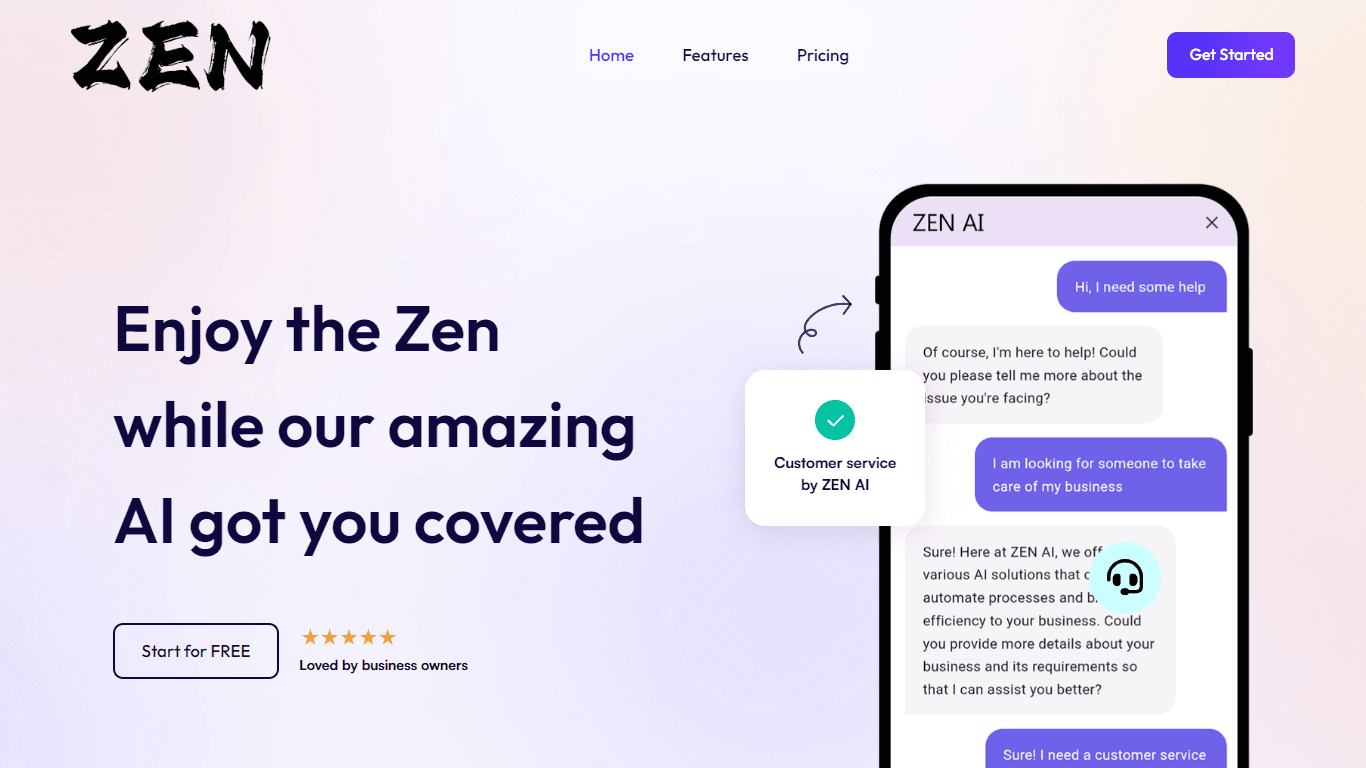
ZEN AI
Discover unparalleled customer service with ZEN AI, an intelligent customer support assistant designed for businesses of all sizes. ZEN AI operates around the clock, ensuring that your customers alway
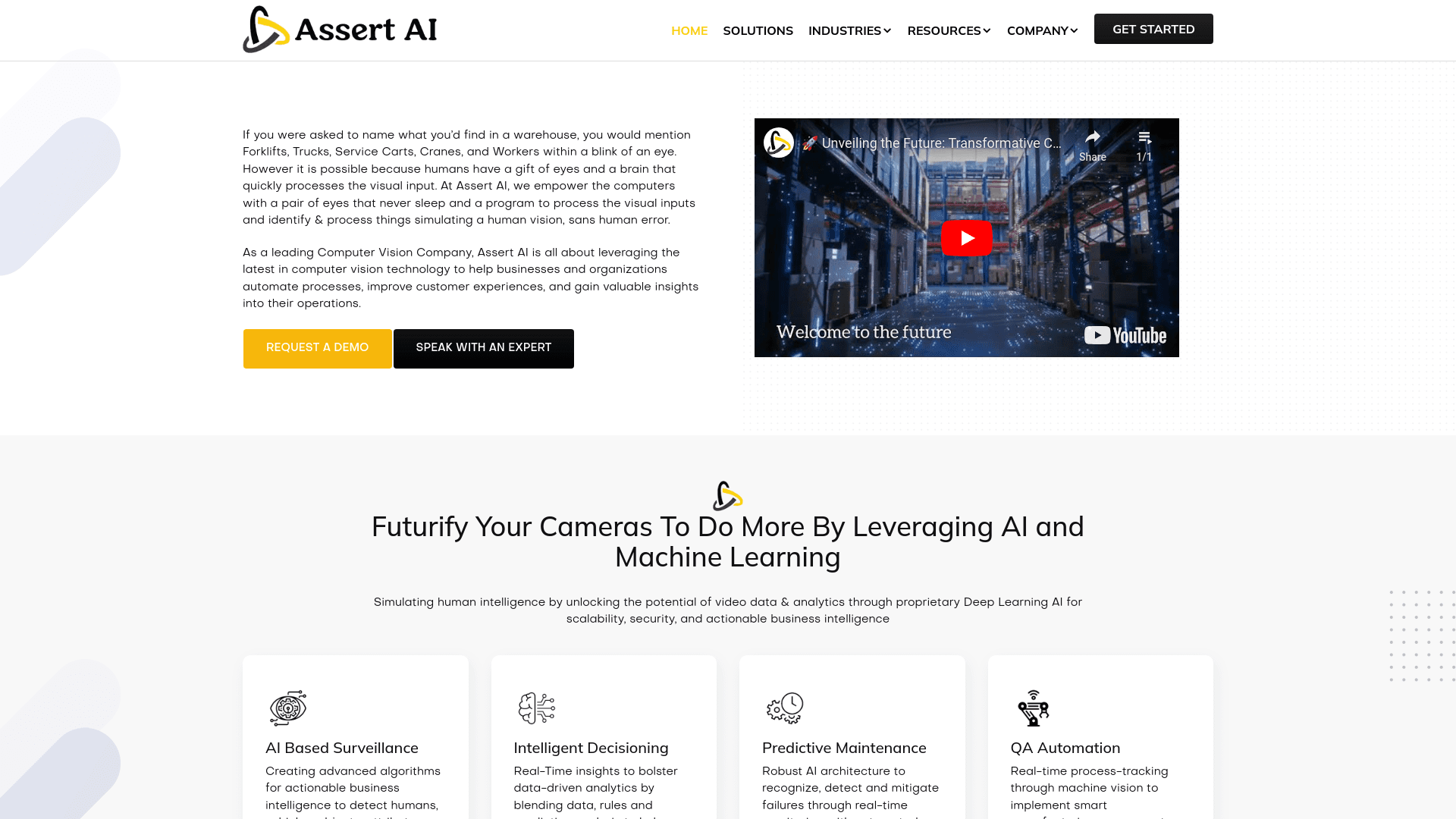
Assert AI
Automatically generates test cases, identifies bugs, and provides insights.
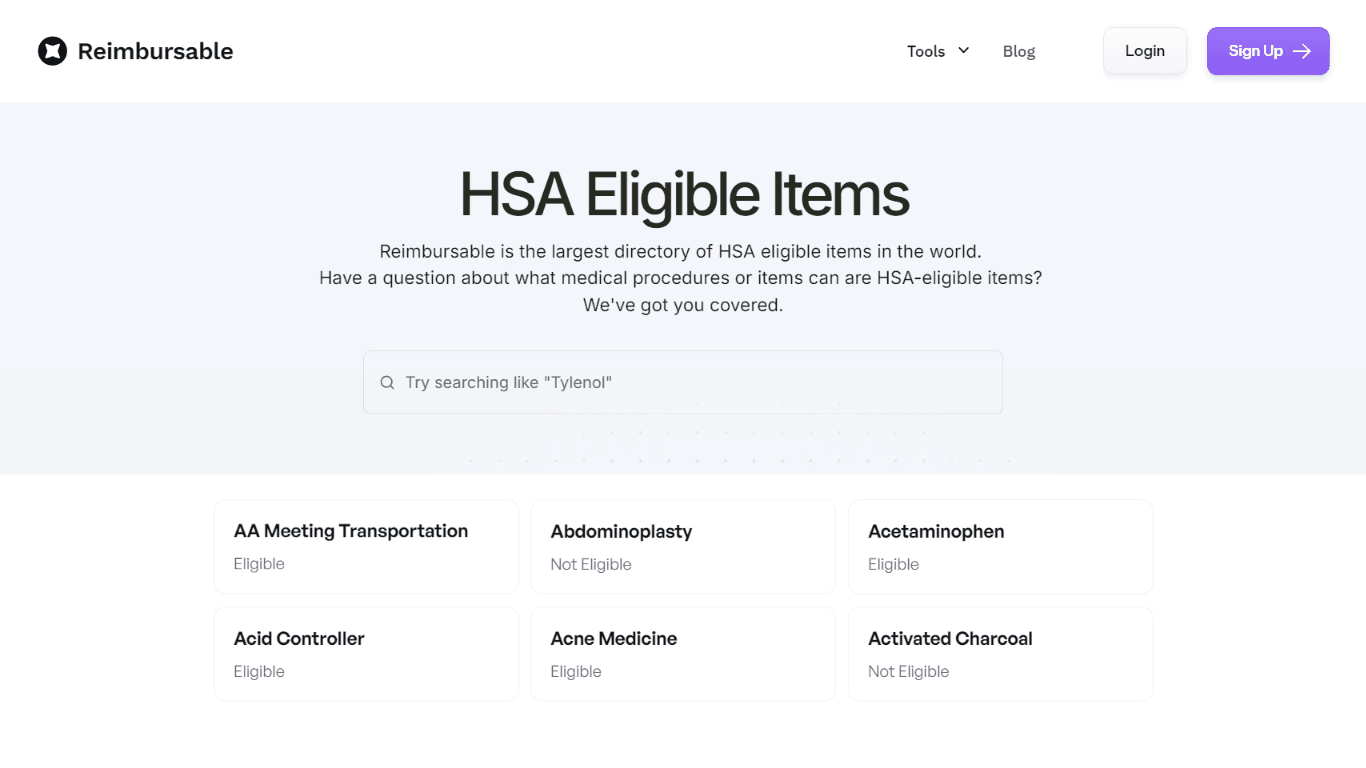
HSA Eligible
The Complete Directory of HSA Eligible Items for Easy Expense Tracking serves as a comprehensive resource for individuals looking to manage their Health Savings Account (HSA) expenses effectively. Thi
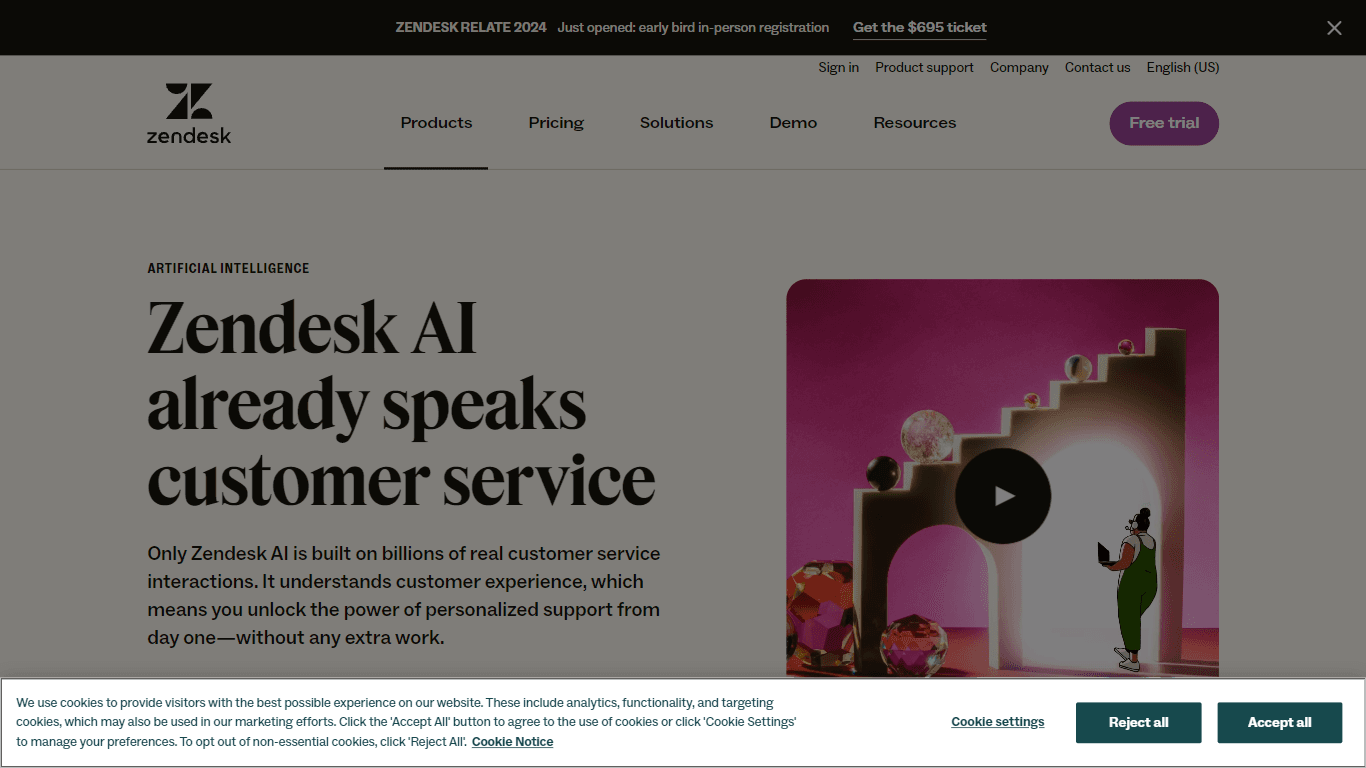
Zendesk AI
Explore the transformative power of AI-driven customer support with Zendesk AI. With a suite of intelligent tools, including sophisticated bots, enhanced self-service options, and a wealth of producti
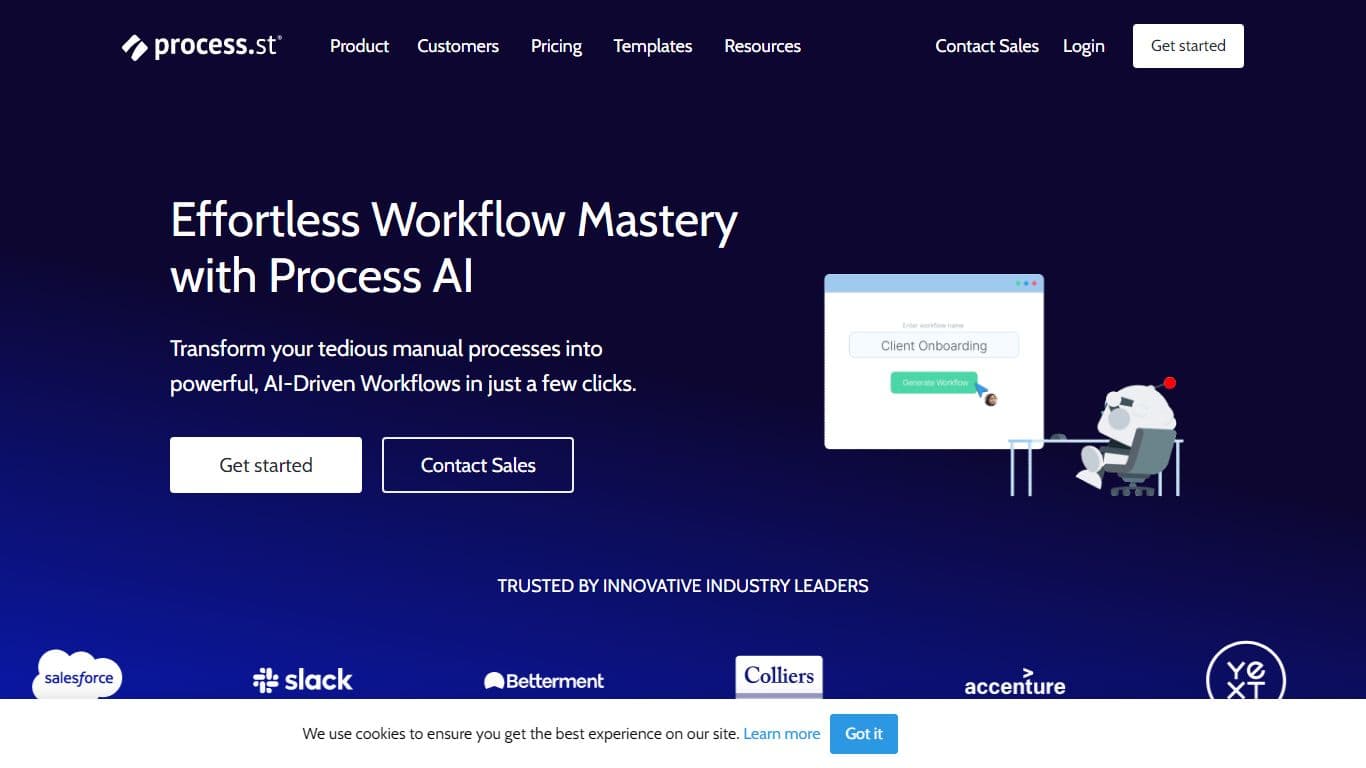
Process AI
Process Street’s AI-powered process platform serves as a single source for teams to manage all recurring work, including workflows, knowledge, data, forms, and surveys. Additionally, customers can gen
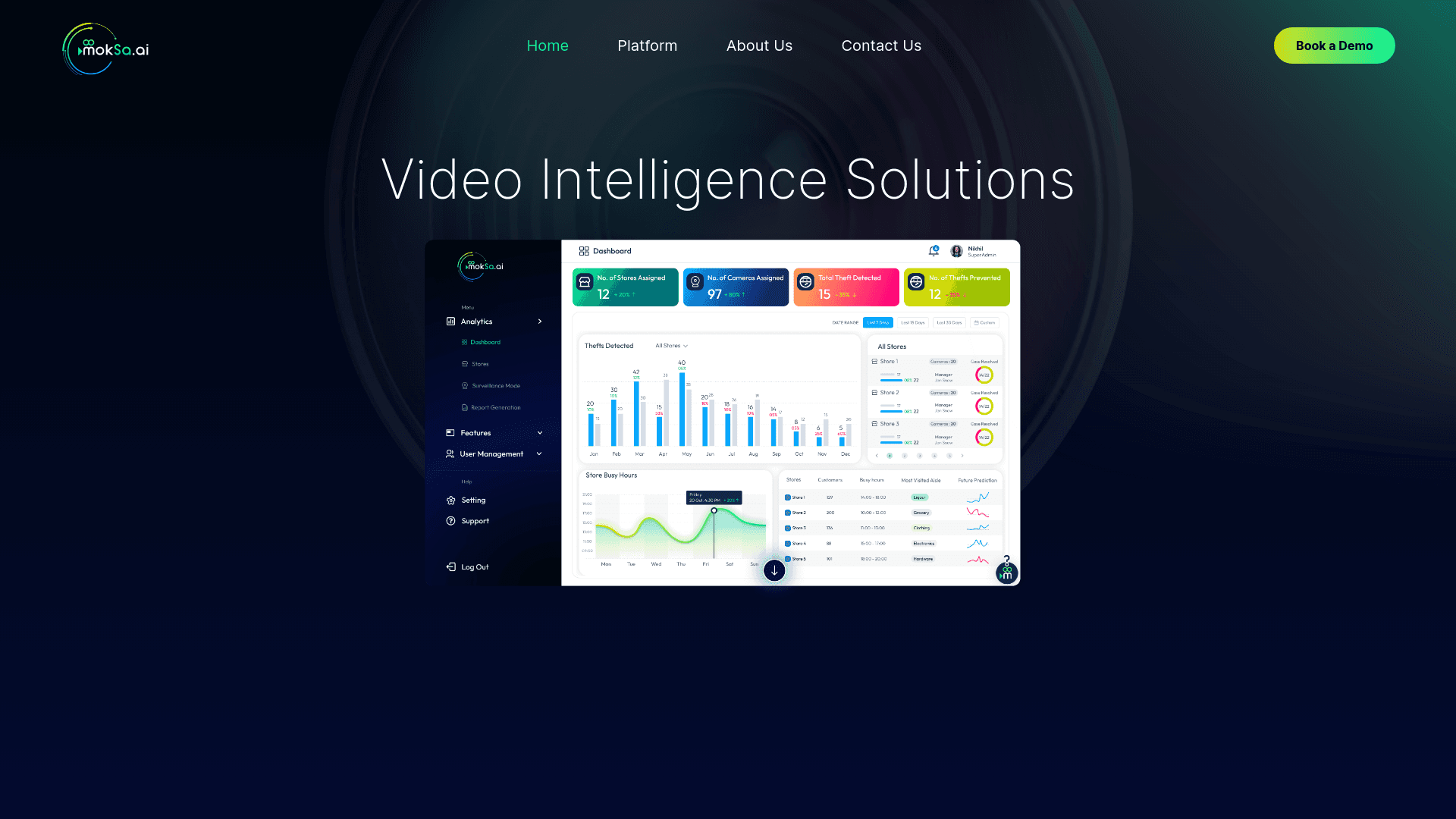
MokSa.AI
Enhances retail operations with AI-driven video intelligence.

Enjo.ai
A tool that handles support requests by integrating with workplace tools and knowledge bases for context-aware responses.
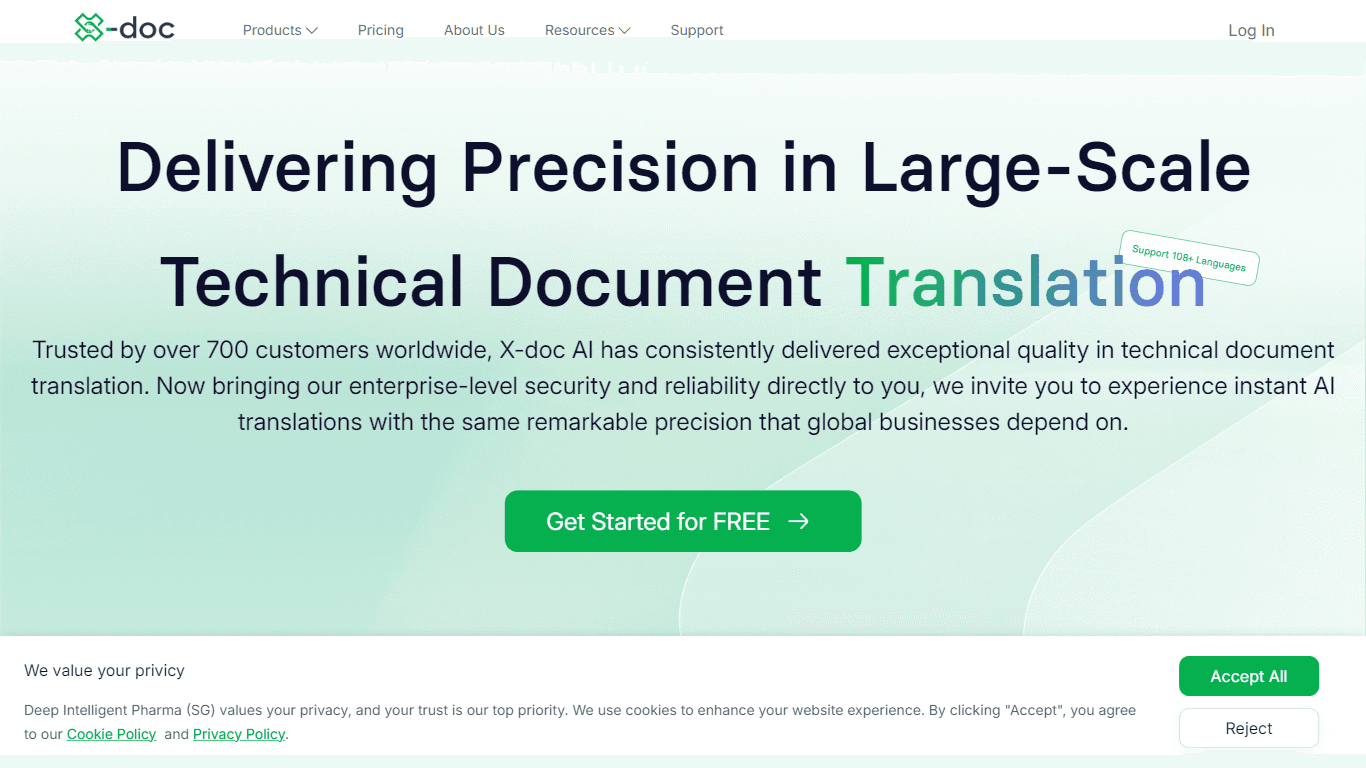
X-doc
X-doc is a cutting-edge AI-driven platform specializing in large-scale technical document translation. Its core functionality revolves around providing instant translations across 108 languages, ensur

Outreach
Optimize sales, enhance workflows, boost efficiency with AI-powered tools.

Tektonic AI
Streamline sales and revenue operations with advanced AI-driven automation.

Align AI
Streamlines AI strategy alignment with business objectives.