
Flexberry AI Assistant
Flexberry AI Assistant helps business analysts and UI/UX designers speed up their daily tasks by automating text analysis and generating mockup forms, SQL scripts, and UML diagrams. It processes input
15,525
Votes
25,733
Views
11,762
Bookmarks
About
Flexberry AI Assistant helps business analysts and UI/UX designers speed up their daily tasks by automating text analysis and generating mockup forms, SQL scripts, and UML diagrams. It processes input text to quickly create design prototypes and database scripts, reducing manual effort. The tool is designed to assist professionals, not replace them, by handling repetitive parts of their workflow. It supports multiple text inputs and delivers results either instantly or via email. The assistant adapts to various project needs, making it easier to prepare documentation and design drafts. Development is ongoing to expand its text understanding capabilities and improve output accuracy. This tool offers a practical way to accelerate project preparation and prototype creation without sacrificing quality.
Key Features
- 📄 Generate mockup forms quickly from text inputs to visualize designs
- 💾 Create SQL scripts automatically to speed up database setup
- 📊 Produce UML diagrams for clear system modeling and documentation
- ⚡ Process multiple texts at once to save time on analysis tasks
- 📧 Option to receive results by email for flexible workflow integration
Pros
- Automates repetitive analysis tasks to save time
- Generates multiple output types from a single text input
- Supports batch processing for efficiency
- Offers flexible result delivery including email
- Continually improving with ongoing development
Cons
- Currently limited to specific text analysis scenarios
- Some results may require manual review for accuracy
FAQ
Can the AI Assistant handle multiple text inputs at once?
Yes, it can analyze several texts simultaneously to generate mockups, SQL scripts, and UML diagrams, saving you time.
How are the results delivered after processing?
Results may appear immediately on the screen or be sent to your specified email address for convenience.
Is the AI Assistant meant to replace human analysts and designers?
No, it is designed to assist by automating repetitive tasks, allowing professionals to focus on higher-level work.
What types of outputs can I expect from the AI Assistant?
You can get mockup forms, SQL scripts, and UML diagrams generated from your input text.
Does the AI Assistant support customization for generated mockups?
The Pro plan offers advanced customization options to tailor mockups and scripts to your project needs.
Is there a limit to how much text I can process with the free plan?
Yes, the free plan includes a limited number of text inputs per month to help you get started.
You may also like
More tools in Code Tools

CodeGate
A local proxy that enhances security for AI-assisted coding.

Ovren
Turn GitHub tickets into reviewable production-ready code.

Symphony
Symphony is an innovative platform designed for users who want to streamline their interaction with programs through conversational interfaces. By enabling you to "write programs you can talk to," Sym

SQLFlash
SQLFlash is an AI-powered tool that automatically rewrites and optimizes SQL queries to improve database performance. It targets developers, database administrators, and enterprises seeking to reduce
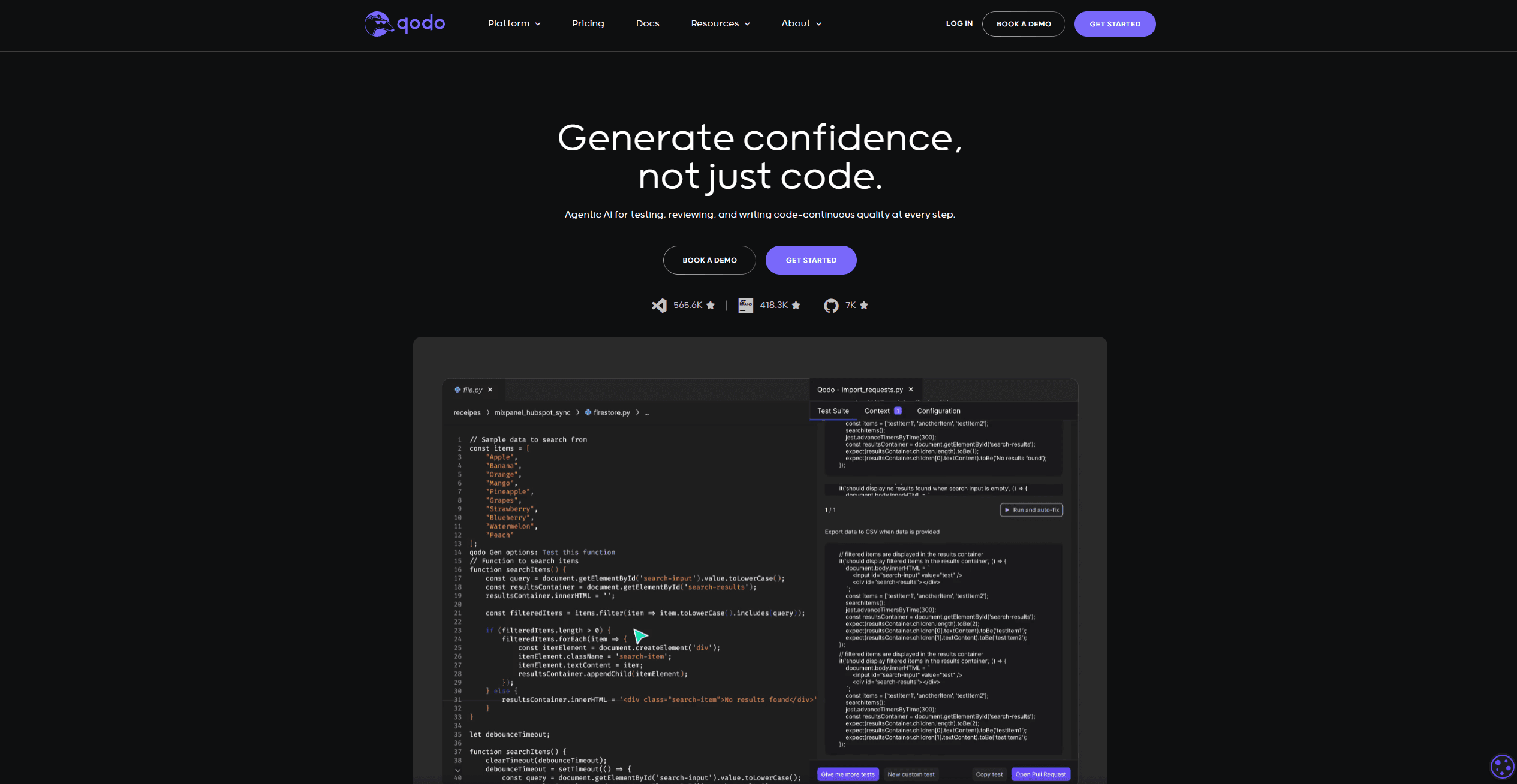
Qodo
Automates code reviews, test generation, and quality assurance.

Panto AI
A tool to review code and detect errors and vulnerabilities.
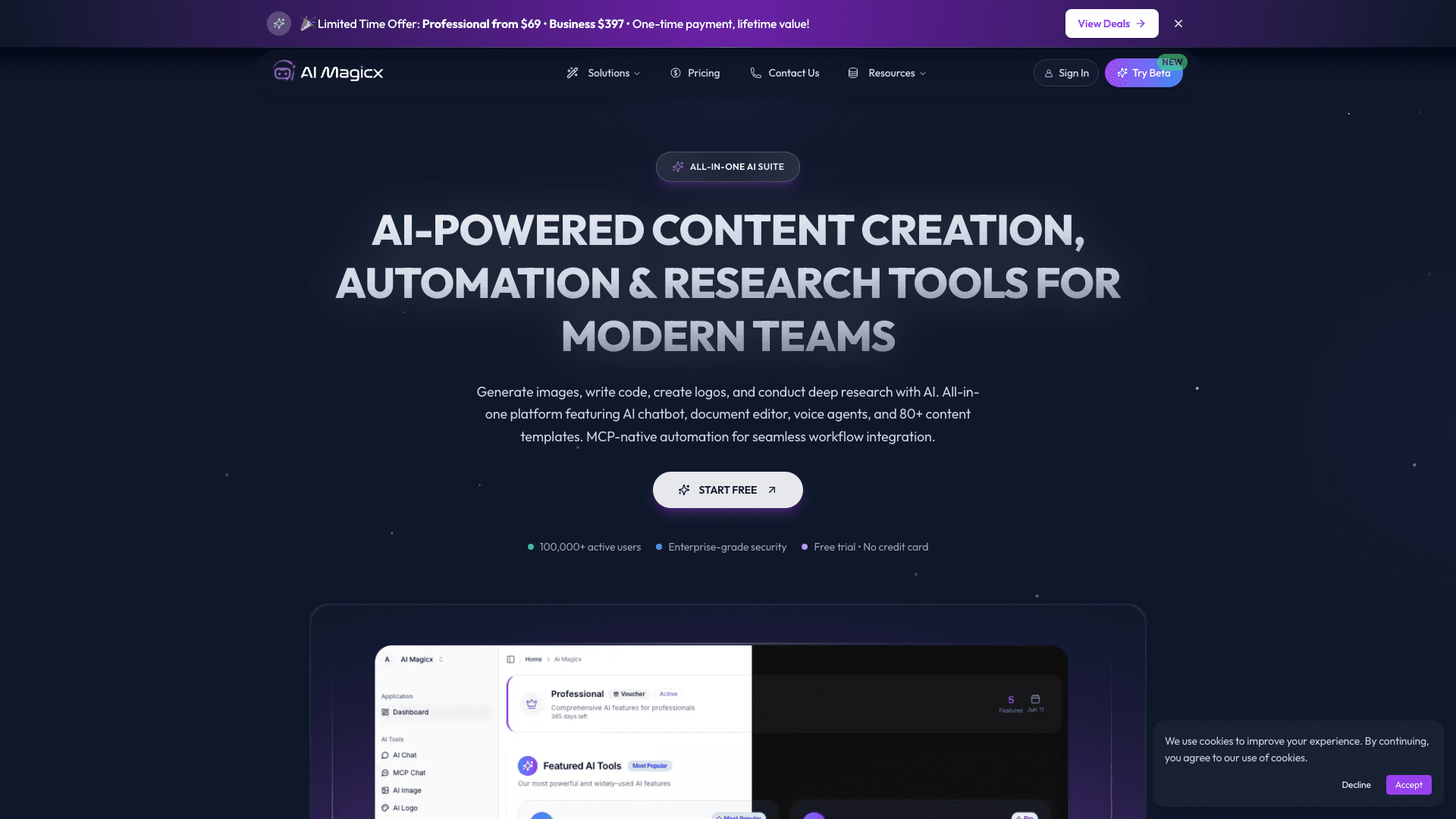
AI Magicx
AI Magicx enhances creativity with AI-driven design and coding.

BLACKBOX.AI
Revolutionize coding: AI generation, conversational code help, intuitive search.

10Web AI Website Builder
10Web AI Website Builder is a platform designed to help businesses and individuals create fully functional, production-ready WordPress websites quickly and without coding skills. Users simply describe
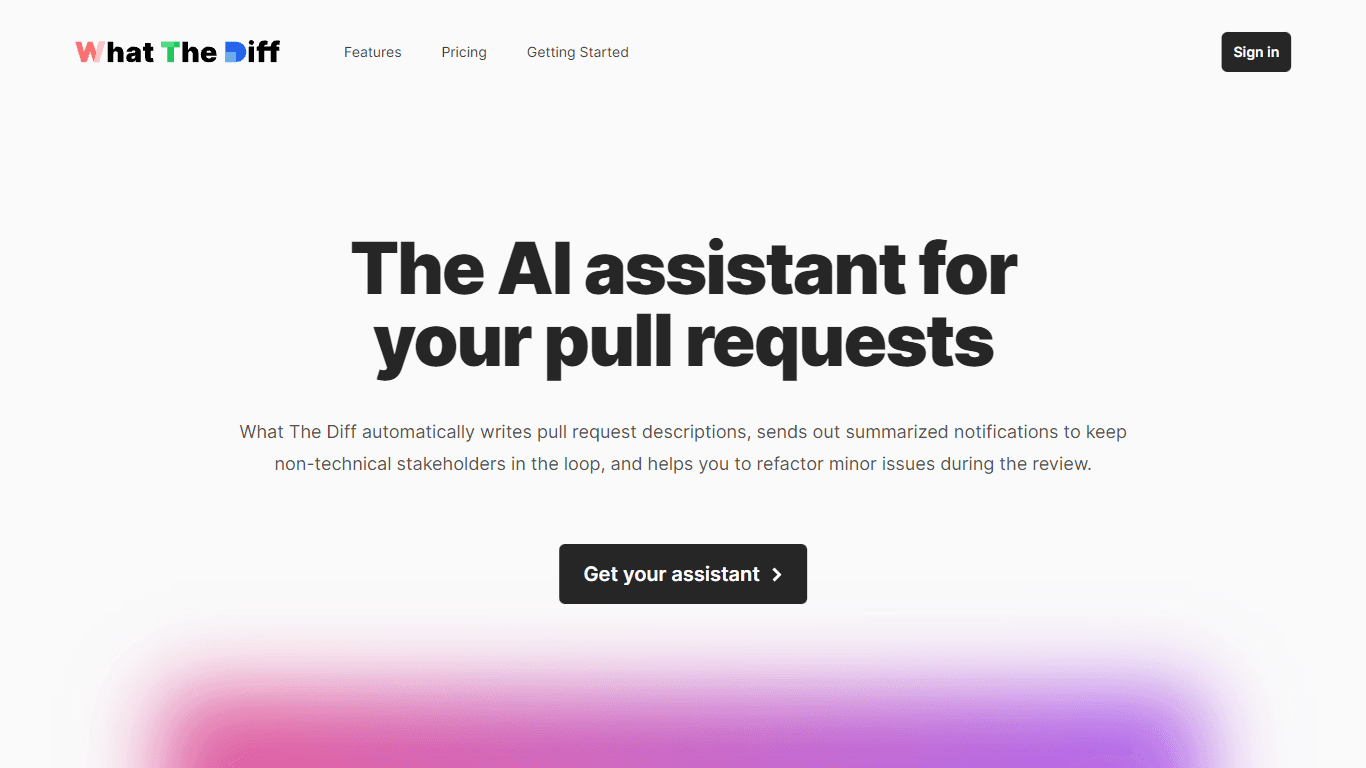
What The Diff
"What The Diff is an AI-powered code review assistant that helps streamline the pull request process. It automatically generates pull request descriptions, sends summarized notifications to non-techni
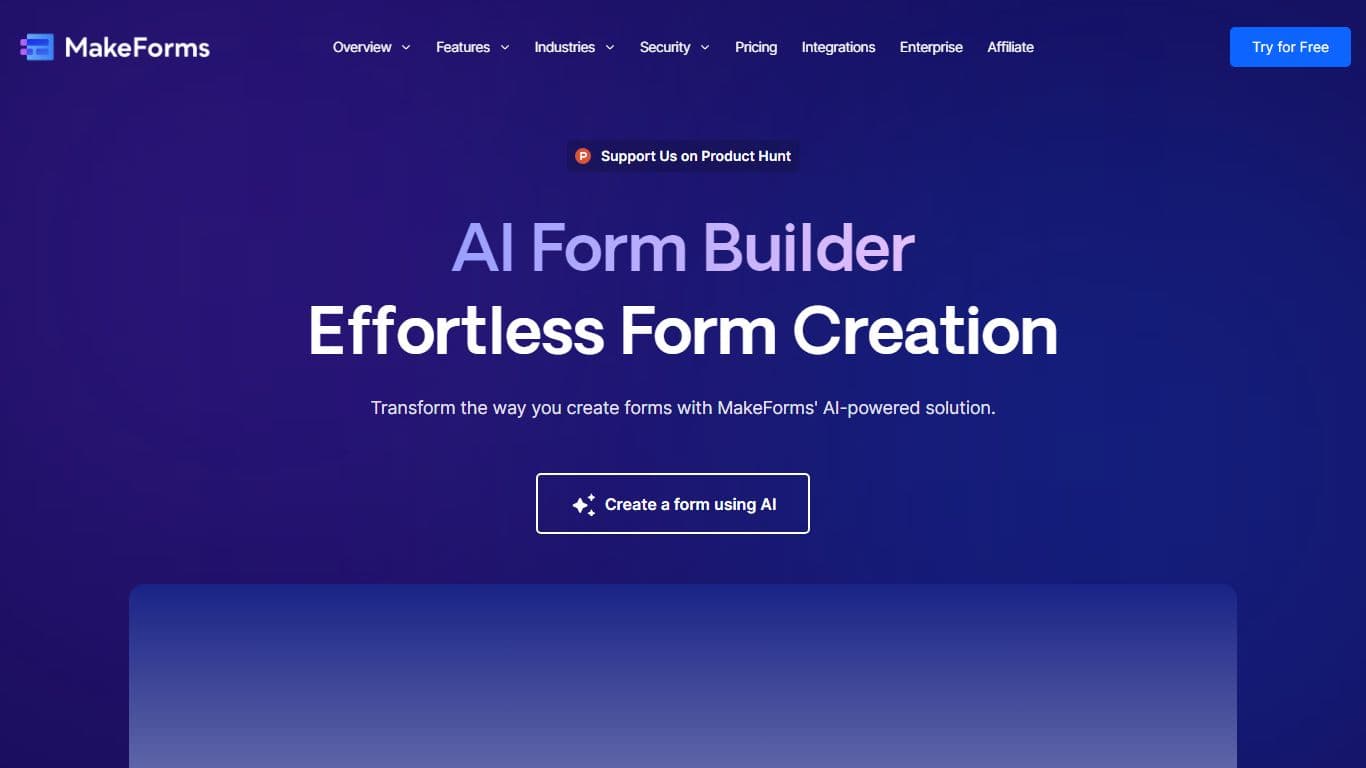
MakeForms
MakeForms’ AI Form Builder helps create responsive and customizable forms in just a few minutes by leveraging AI-powered suggestions for question types and form fields. Just provide the Form Name and

Orchids
Your fullstack AI engineer.