
Dragonfly
Dragonfly is a desktop and iPad application designed specifically for Bluesky, developed by the father-daughter team of Sébastien and Inès Gruhier. This application aims to enhance the user experience
15,689
Votes
21,730
Views
11,365
Bookmarks
About
Dragonfly is a desktop and iPad application designed specifically for Bluesky, developed by the father-daughter team of Sébastien and Inès Gruhier. This application aims to enhance the user experience by providing a more intuitive and seamless interface for accessing Bluesky's features on larger screens. The core functionality of Dragonfly includes real-time notifications, easy content interaction, and a user-friendly interface that simplifies posting and managing social connections. Targeting users of Bluesky who prefer a desktop or iPad experience, Dragonfly caters to both casual users and those who actively engage with social media content. Its unique value proposition lies in its ability to bring the mobile experience of Bluesky to larger devices without compromising on usability. Key differentiators include the ability to switch between light and dark modes, real-time notifications, and a clean interface that allows for effortless content management. In addition to its current features, Dragonfly is set to expand its functionality with upcoming updates that will include syncing bookmarks across devices, creating and modifying user lists, and direct messaging capabilities. This forward-thinking approach ensures that Dragonfly remains relevant and continues to meet the evolving needs of its user base, making it a compelling choice for those looking to enhance their Bluesky experience on desktop and iPad.
Key Features
- Real-Time Notifications: Receive instant alerts when someone interacts with your content, ensuring you stay engaged with your network.
- Light and Dark Mode: Easily switch between light and dark themes to suit your visual preferences and enhance usability in different lighting conditions.
- User-Friendly Interface: Designed for ease of use, the interface allows for effortless posting and management of social connections.
- Content Interaction: Like, repost, and quote your favorite content with simple actions, making engagement straightforward and efficient.
- Cross-Device Syncing: Upcoming features will allow users to sync bookmarks and last-read posts across devices, enhancing continuity in user experience.
FAQ
What platforms does Dragonfly support?
Dragonfly is currently available for desktop and iPad, with plans to expand to iPhone, Android, Windows, and Linux in the near future.
How do I switch between light and dark mode?
Users can easily toggle between light and dark modes through the settings menu, allowing for a personalized viewing experience based on their preferences.
Will my data sync across devices?
Yes, upcoming features will enable syncing of bookmarks and last-read posts across all devices, ensuring a seamless experience.
Can I manage my social connections through Dragonfly?
Absolutely! Dragonfly allows users to follow, unfollow, block, and unblock other users with simple and clear actions.
Is there a mobile version of Dragonfly?
While Dragonfly is currently focused on desktop and iPad, mobile versions for iPhone and Android are in development.
What kind of notifications can I expect?
Users will receive real-time notifications for interactions such as likes, reposts, and comments, keeping them informed about their social engagement.
You may also like
More tools in Other

WriteSmart
WriteSmart is an AI-powered tool that generates personalized and thoughtful comments to add value to conversations and build relationships on LinkedIn. With WriteSmart, you can boost engagement, warm

Postfluencer
Postfluencer is a cutting-edge online platform designed to empower individuals in enhancing their personal branding on Linkedin. With the capability to generate over 60,000 posts for users, Postfluenc
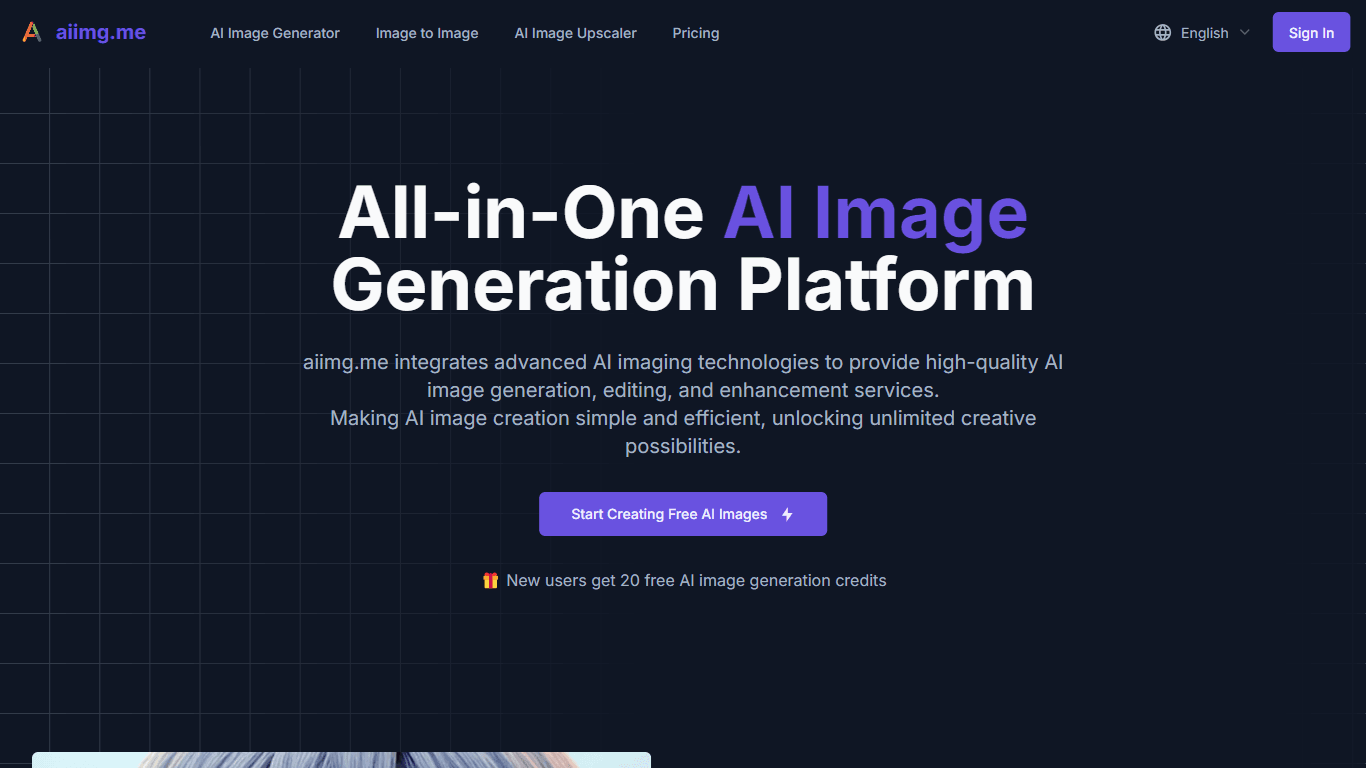
AI Img
aiimg.me is a comprehensive platform that integrates advanced AI imaging technologies to provide high-quality image generation, editing, and enhancement services. It allows users to create images from

ICBINP | Civitai
Experience hyperrealistic image generation with ICBINP - "I Can't Believe It's Not Photography" - a powerful checkpoint for the Stable Diffusion model available on Civitai. The ICBINP LCM checkpoint i

Yepp AI
Yepp AI is an innovative platform that brings the power of artificial intelligence to marketing. With this platform, businesses can tap into the wealth of data they already have and leverage it throug

Spikes Studio
Spikes helps creators extract captivating shorts from any video. Automatically get a title, description, hashtag recommendations, auto-captions, AI styling and quickly edit. Grow and give your audienc
MuseNet
MuseNet is a groundbreaking deep neural network that revolutionizes the way music is composed. With MuseNet, you have access to a powerful tool that can generate beautiful and intricate 4-minute music
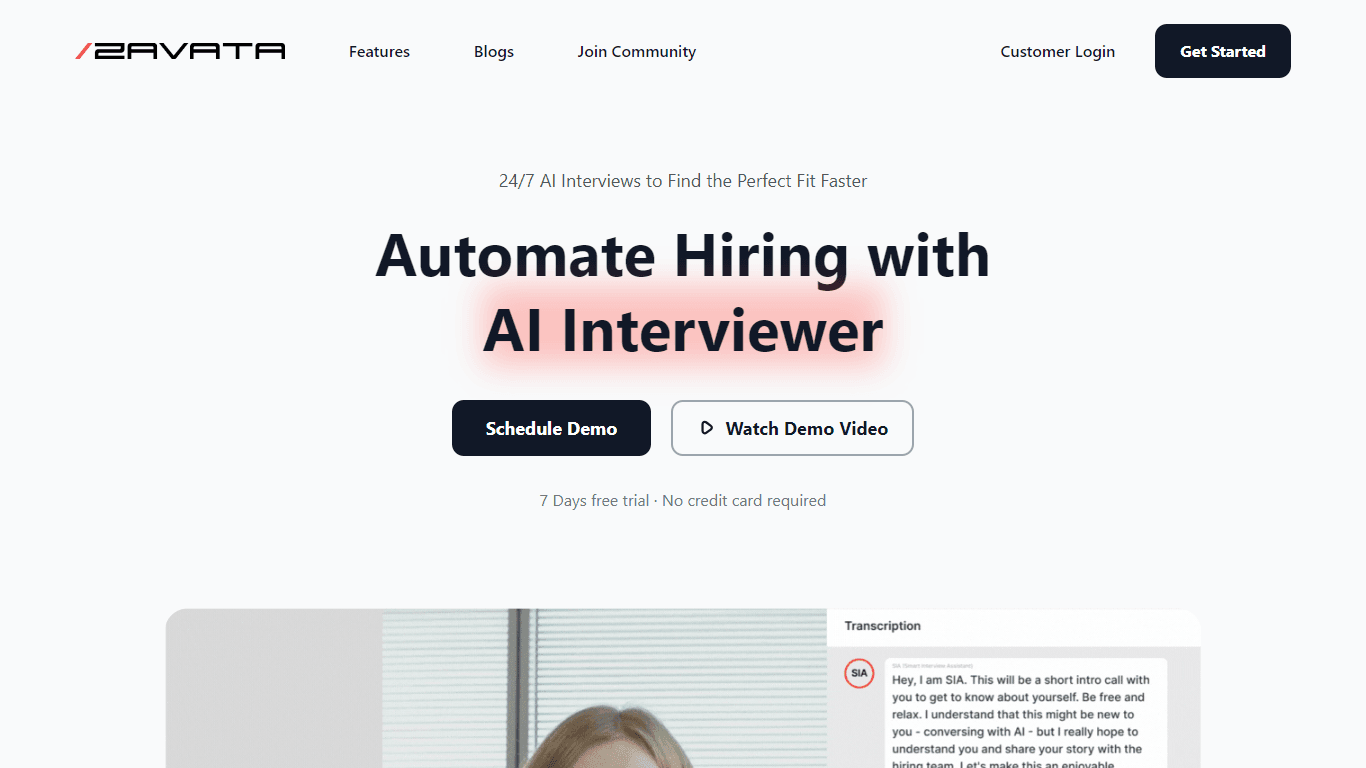
ZAVATA
ZAVATA is revolutionizing the recruitment process with its sophisticated AI interview platform. With the motto "Automate Hiring with AI Interviewer," ZAVATA introduces a seamless hiring automation tha
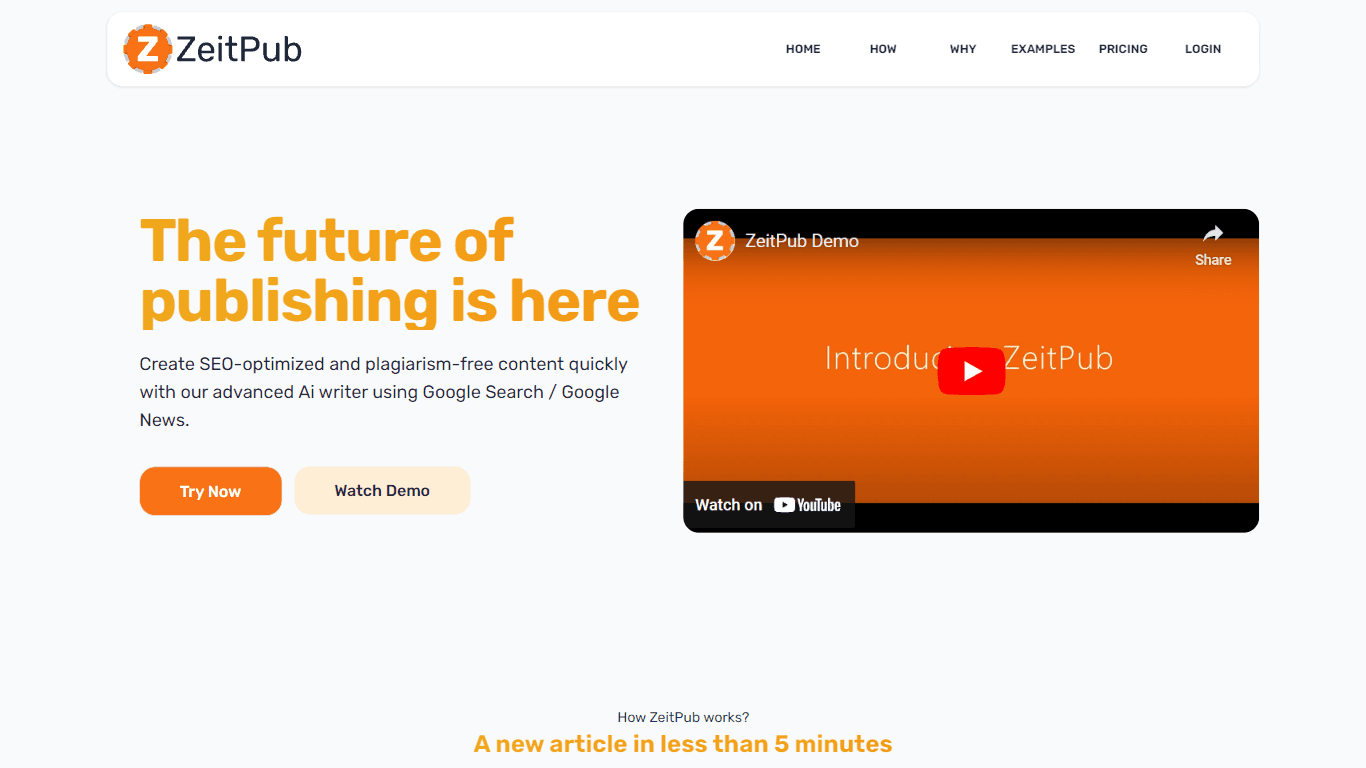
Zeitpub
Zeitpub revolutionizes the publishing industry by offering an advanced AI writer that creates SEO-optimized and plagiarism-free content at an incredible pace. With just the click of a button, users ca

SuperU AI
A nocode tool to create voice AI agents for customer communications.

Verbacall
A platform that automatically answers, qualifies, and follows up on calls 24/7.

Tortus
Transform healthcare with AI-driven EHR efficiency and support.