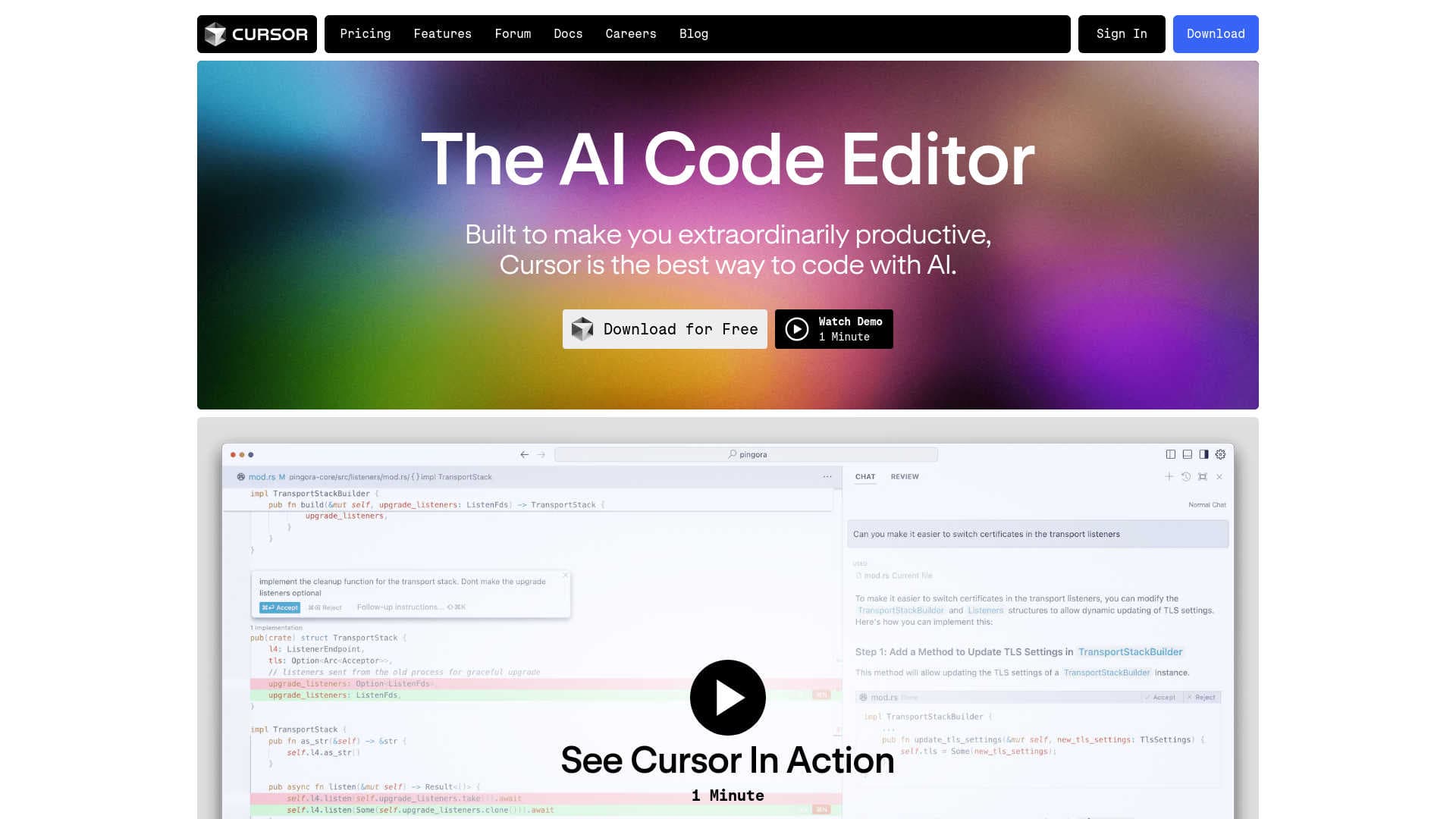
Cursor
AI-enhanced code editor with predictive edits and natural language commands.
15,660
Votes
19,044
Views
12,191
Bookmarks
About
Cursor is an innovative AI-powered code editor designed to enhance developer productivity and streamline the coding process. By integrating advanced AI capabilities directly into the development environment, Cursor offers features like AI-driven code completion and natural language coding commands. It aims to transform how developers interact with their codebase, making coding faster and more intuitive.
Online Course - Learn to build and deploy full-stack Al-powered apps without any prior coding experience
Key Features
- AI-Powered Code Completion: Cursor’s Copilot++ predicts your next code edit, facilitating smooth and uninterrupted coding.
- Natural Language Coding: Update entire classes or functions using simple prompts with Cursor’s Cmd-K feature, simplifying complex coding tasks.
- Privacy and Security: Ensures your code remains confidential with SOC 2 certification and a privacy mode that prevents code from being stored on servers.
- Customization: Import your preferred extensions, themes, and keybindings, providing a familiar yet innovative coding environment.
- Integration with Existing Tools: Supports integration with your own API key and various tools, enhancing your coding workflow.
Pros
- Enhanced Productivity: Developers experience reduced coding time and increased efficiency.
- User-Friendly Interface: Intuitive design minimizes the learning curve and helps developers get started quickly.
- Advanced Security Features: SOC 2 certification and privacy mode ensure robust security and privacy.
- High Customizability: Adapts to personal coding preferences by allowing the importation of existing tools and settings.
Cons
- Dependency on Internet: Requires an internet connection to fully utilize AI features.
- Platform Compatibility: Limited to its own editor, which might require transitioning from other popular code editors like VSCode.
- Learning Curve for Advanced Features: While basic features are user-friendly, mastering advanced functionalities may take time.
Who Uses It
- Software Development Companies: Leveraging AI-powered tools to enhance the development process.
- Freelance Developers: Seeking efficient solutions for managing multiple projects.
- Educational Institutions: Teaching advanced coding techniques using state-of-the-art AI technology.
- Tech Startups: Utilizing innovative tools to accelerate development and reduce time to market.
- Uncommon Use Cases: Non-profit organizations using Cursor to develop and maintain software with limited resources.
Pricing
- Free Version: Explore Cursor’s basic features at no cost.
- Pro Version: Access advanced features and enhanced support with the Pro version. Contact Cursor for detailed pricing information.
You may also like
More tools in Code Tools

CodeGate
A local proxy that enhances security for AI-assisted coding.

Ovren
Turn GitHub tickets into reviewable production-ready code.

Symphony
Symphony is an innovative platform designed for users who want to streamline their interaction with programs through conversational interfaces. By enabling you to "write programs you can talk to," Sym

SQLFlash
SQLFlash is an AI-powered tool that automatically rewrites and optimizes SQL queries to improve database performance. It targets developers, database administrators, and enterprises seeking to reduce

Panto AI
A tool to review code and detect errors and vulnerabilities.
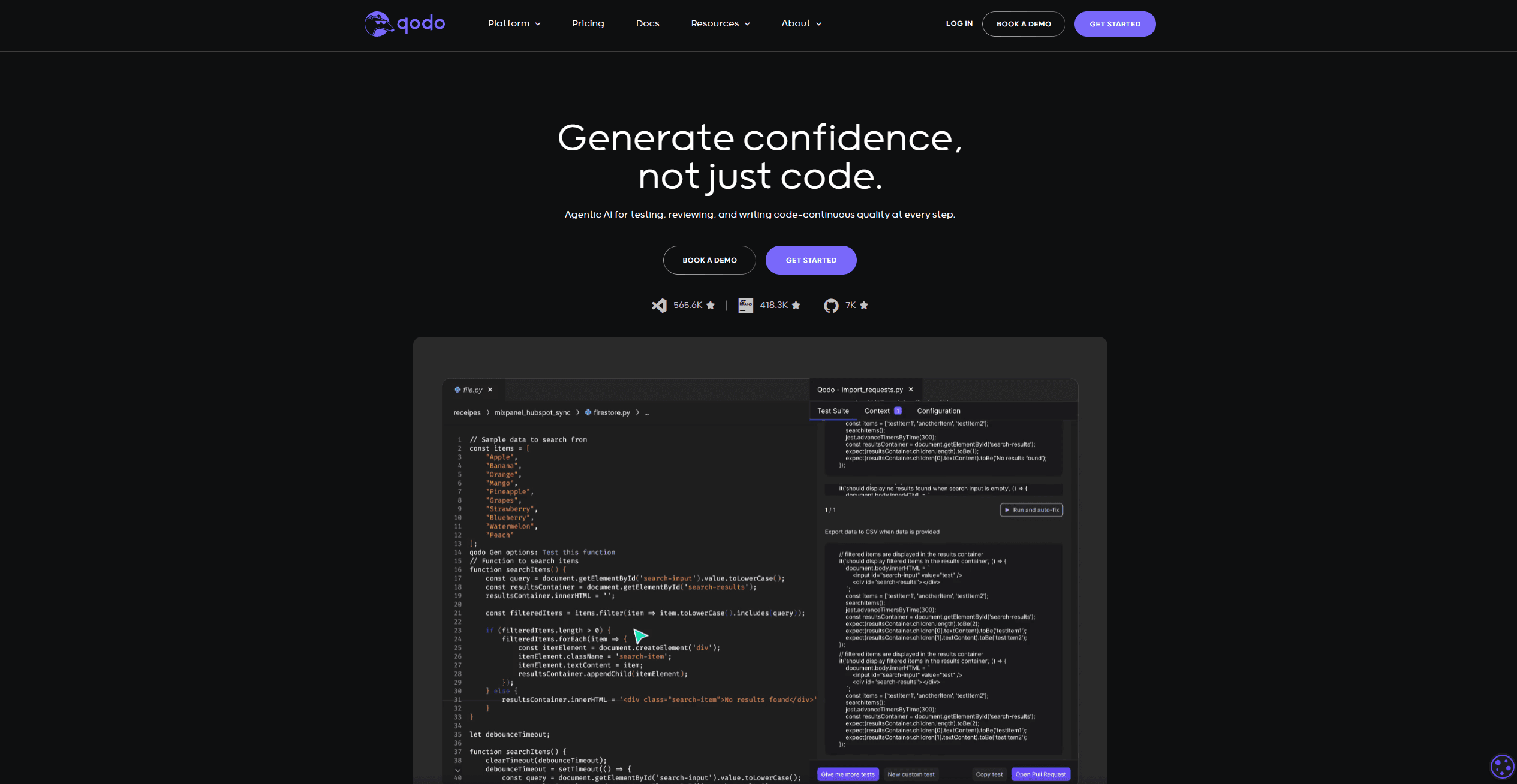
Qodo
Automates code reviews, test generation, and quality assurance.

AI Magicx
AI Magicx enhances creativity with AI-driven design and coding.

BLACKBOX.AI
Revolutionize coding: AI generation, conversational code help, intuitive search.

10Web AI Website Builder
10Web AI Website Builder is a platform designed to help businesses and individuals create fully functional, production-ready WordPress websites quickly and without coding skills. Users simply describe
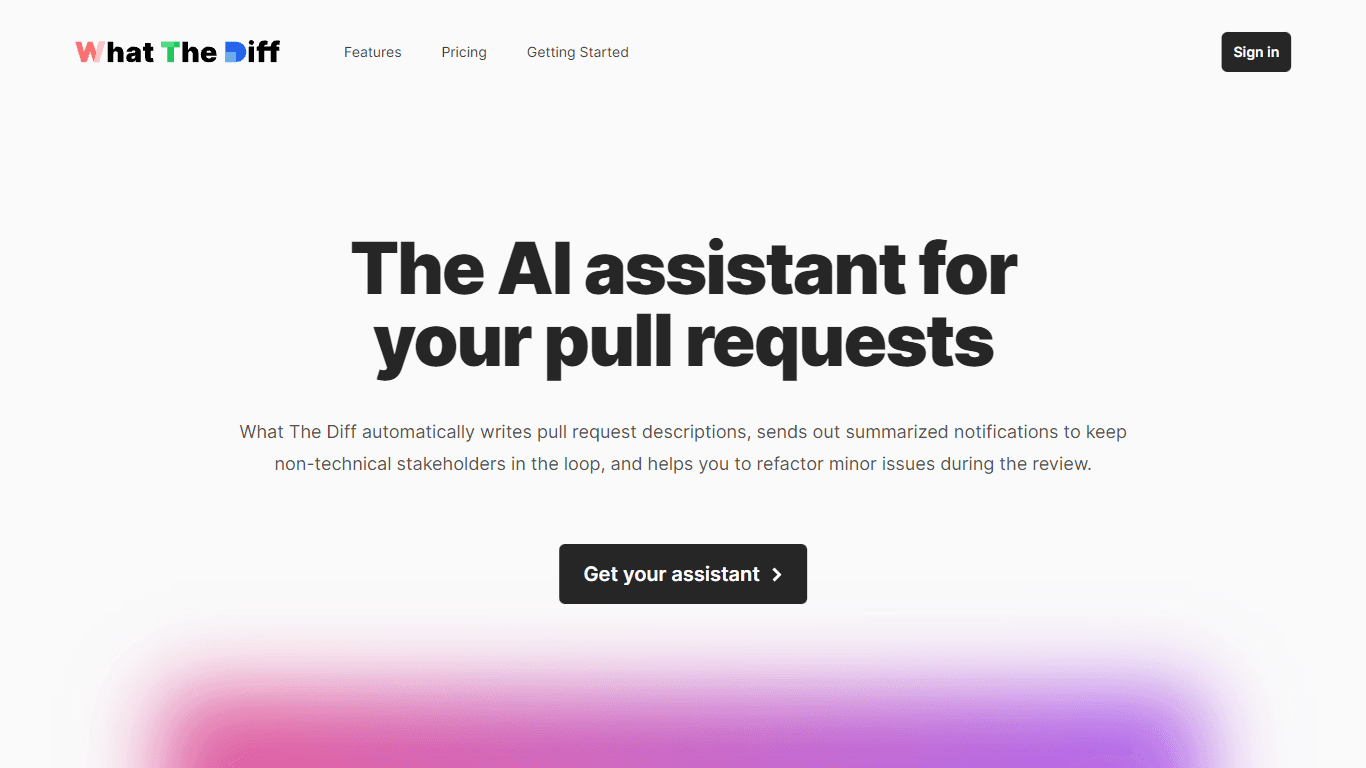
What The Diff
"What The Diff is an AI-powered code review assistant that helps streamline the pull request process. It automatically generates pull request descriptions, sends summarized notifications to non-techni
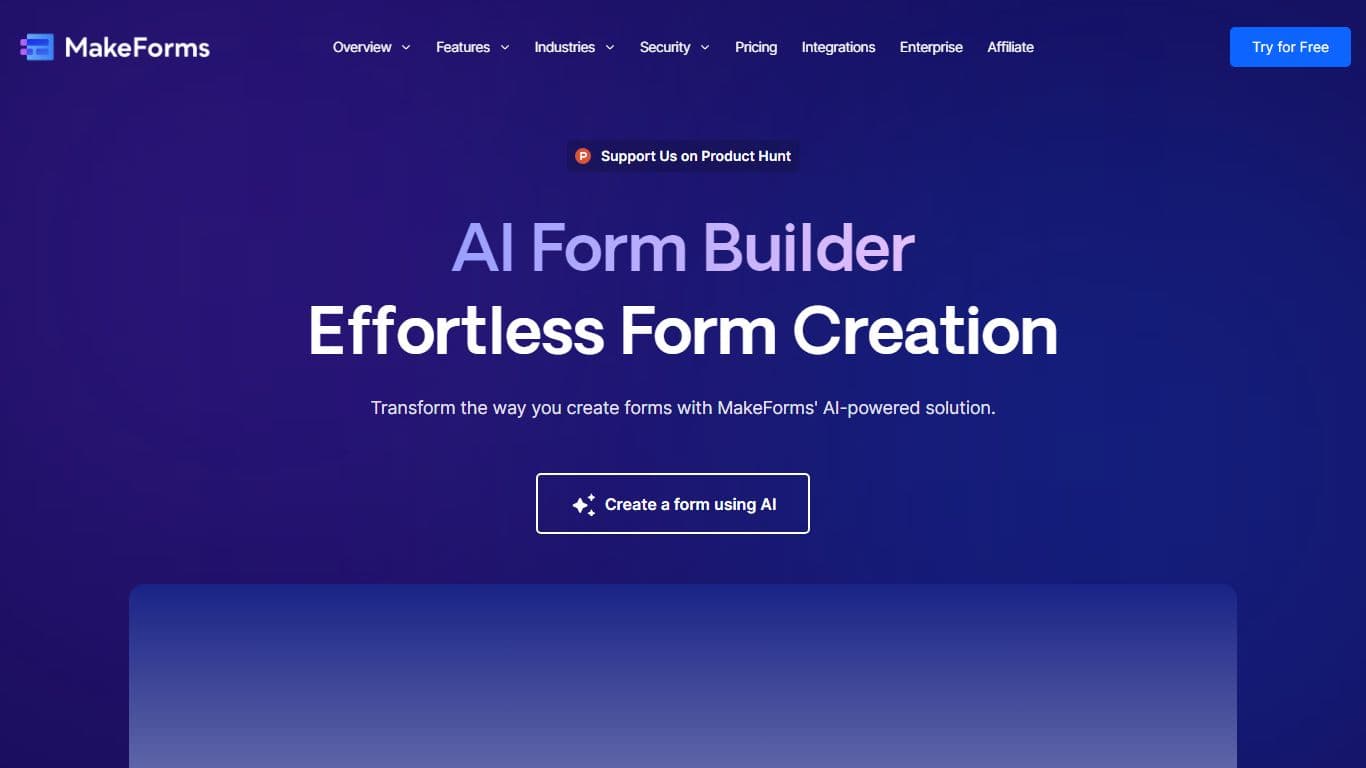
MakeForms
MakeForms’ AI Form Builder helps create responsive and customizable forms in just a few minutes by leveraging AI-powered suggestions for question types and form fields. Just provide the Form Name and

Orchids
Your fullstack AI engineer.