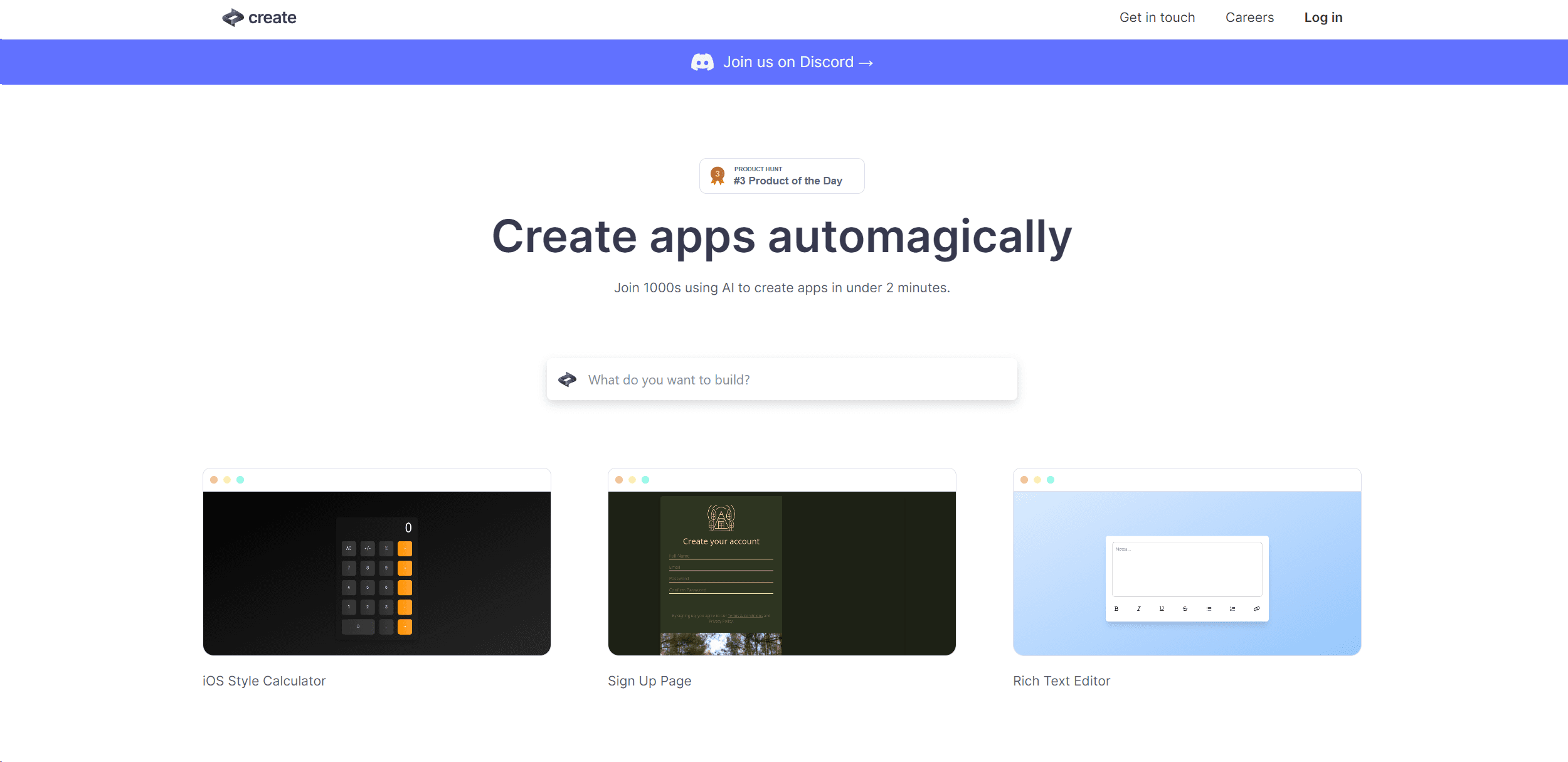
Create
Transform ideas into apps: AI-driven development, intuitive design, cross-platform compatibility, community support.
15,649
Votes
27,545
Views
11,684
Bookmarks
About
In the ever-evolving landscape of technology, where artificial intelligence (AI) is making significant strides, Create emerges as a cutting-edge tool that simplifies the app development process. It's a platform that empowers both seasoned developers and novices alike to design and build applications with unprecedented ease. By harnessing the power of AI, Create enables you to generate functional apps using just plain text and images. It's like having a digital magician at your fingertips, turning your ideas into reality with a few keystrokes and clicks.
Key Features
- AI-Powered Code Generation: Create uses AI to translate plain text instructions into functioning code, making app development accessible to a wider audience.
- Intuitive Design Interface: The platform offers a user-friendly interface that caters to professionals and beginners, streamlining the app creation process.
- Diverse Template Selection: With a variety of templates, Create helps jumpstart your project, whether it's a simple to-do list or a complex organizational chart.
- Interactive Tutorials: For those looking to learn, Create provides interactive tutorials that guide users through the app-building journey.
Pros
- Time Efficiency: Dramatically reduces the time required to go from concept to a working app, boosting productivity.
- Cost-Effective: Provides a cost-saving solution for individuals and businesses by minimizing the need for extensive coding resources.
- Flexibility: Offers the flexibility to create a wide range of apps, from games like Rock, Paper, Scissors to business tools like an AI Brand Name Generator.
- Community Support: Access to a vibrant community on Discord, where users can share insights, get help, and collaborate.
Cons
- Learning Curve: While designed to be user-friendly, there's still a learning curve involved in mastering the nuances of AI-assisted development.
- Feature Limitations: Advanced developers might find certain limitations in customization when compared to traditional coding environments.
- Dependency on AI Interpretation: The quality of the output is contingent on the AI's interpretation of user input, which may not always align with the user's intent.
Who Uses It
- Entrepreneurs: Utilizing the tool to rapidly prototype and validate business ideas.
- Educators and Students: Employing Create to introduce app development concepts in a more accessible manner.
- Hobbyists: Leveraging the tool to bring personal projects to life without the need for extensive coding knowledge.
- Designers: Using Create to quickly transform visual concepts into interactive applications.
- Uncommon Use Cases: Being adopted by content creators for interactive digital experiences; Used by non-profits to create engagement tools for campaigns.
Pricing
- Free Tier: Experience Create with a free version that offers basic functionalities.
- Subscription Plans: While specific pricing details are not provided, Create likely offers upgraded plans with additional features and capabilities.
You may also like
More tools in Code Tools

CodeGate
A local proxy that enhances security for AI-assisted coding.

Ovren
Turn GitHub tickets into reviewable production-ready code.

Symphony
Symphony is an innovative platform designed for users who want to streamline their interaction with programs through conversational interfaces. By enabling you to "write programs you can talk to," Sym

SQLFlash
SQLFlash is an AI-powered tool that automatically rewrites and optimizes SQL queries to improve database performance. It targets developers, database administrators, and enterprises seeking to reduce
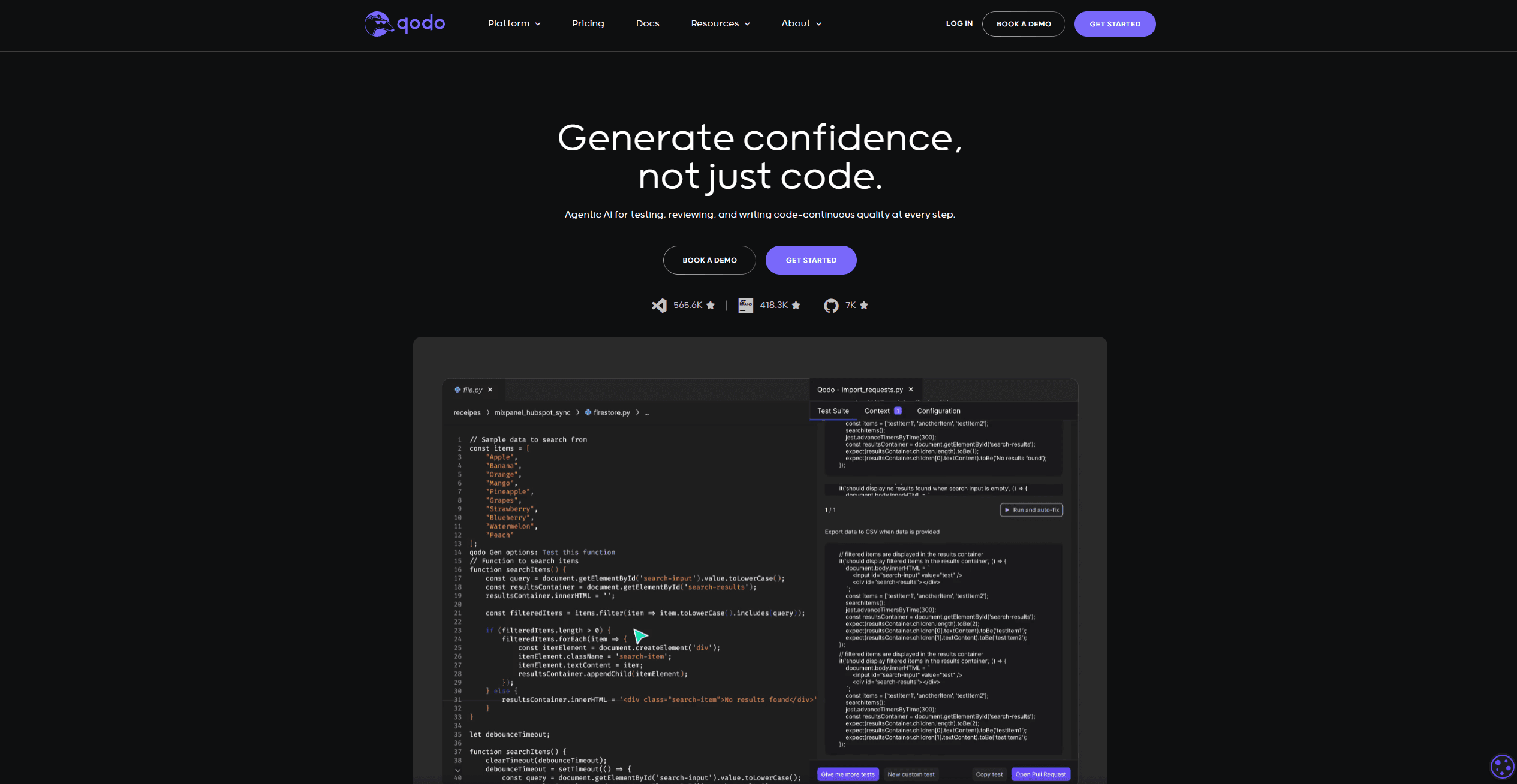
Qodo
Automates code reviews, test generation, and quality assurance.

Panto AI
A tool to review code and detect errors and vulnerabilities.

10Web AI Website Builder
10Web AI Website Builder is a platform designed to help businesses and individuals create fully functional, production-ready WordPress websites quickly and without coding skills. Users simply describe

BLACKBOX.AI
Revolutionize coding: AI generation, conversational code help, intuitive search.
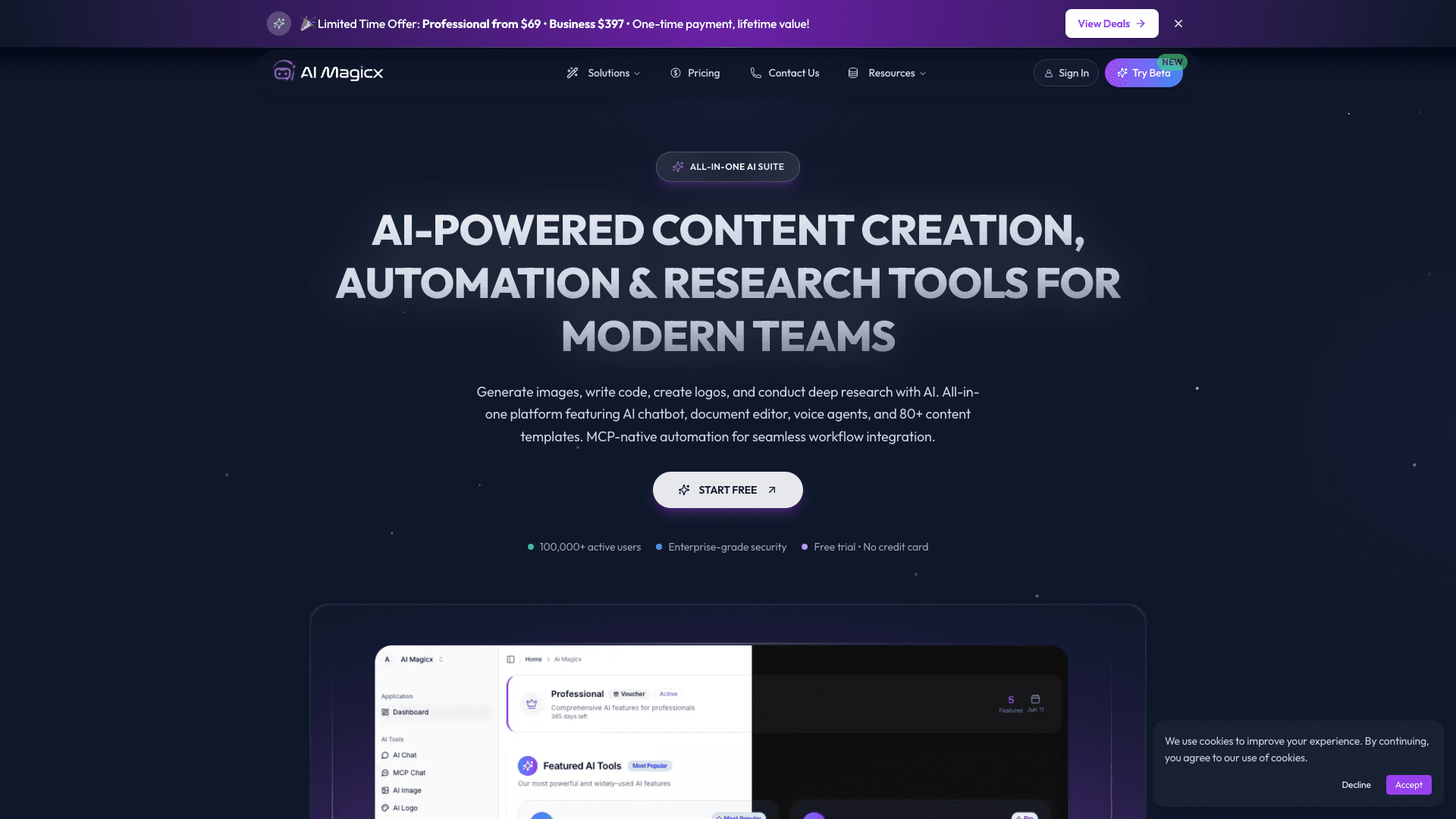
AI Magicx
AI Magicx enhances creativity with AI-driven design and coding.
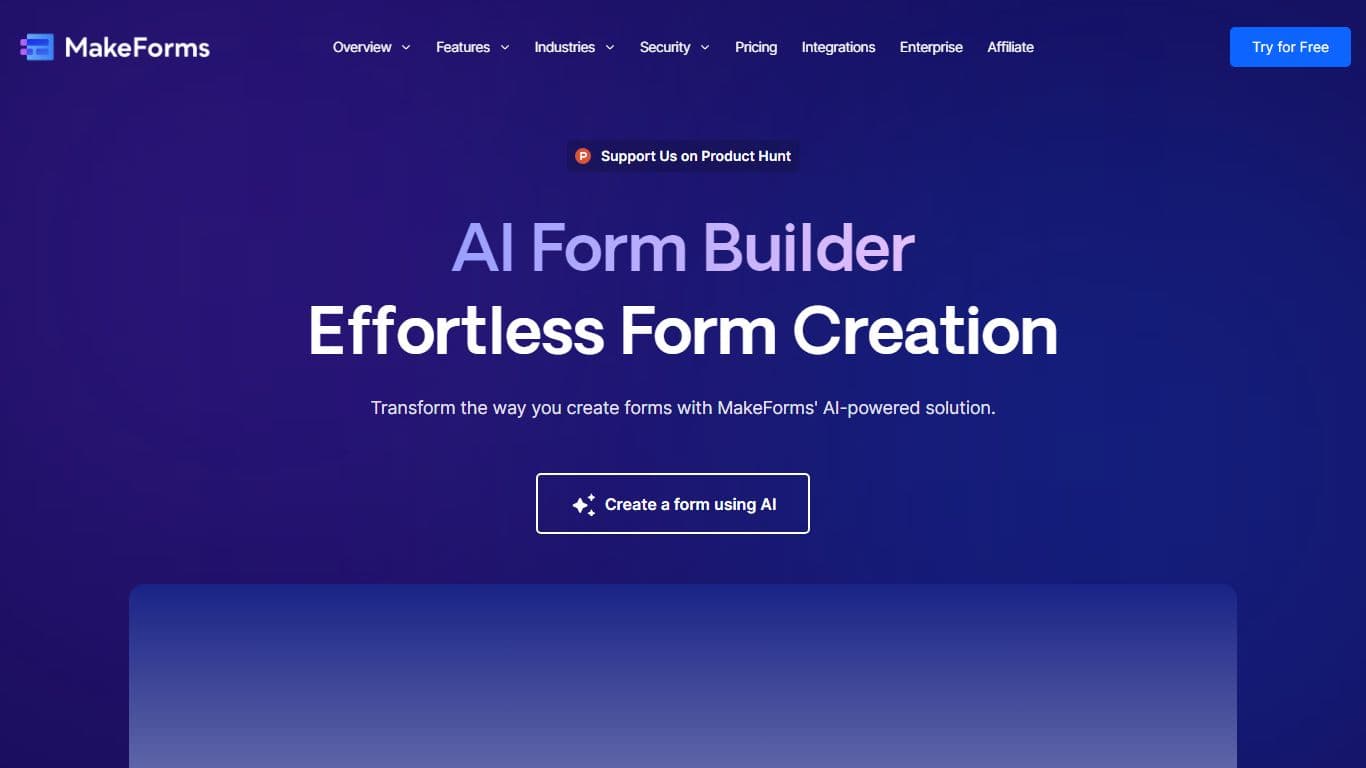
MakeForms
MakeForms’ AI Form Builder helps create responsive and customizable forms in just a few minutes by leveraging AI-powered suggestions for question types and form fields. Just provide the Form Name and
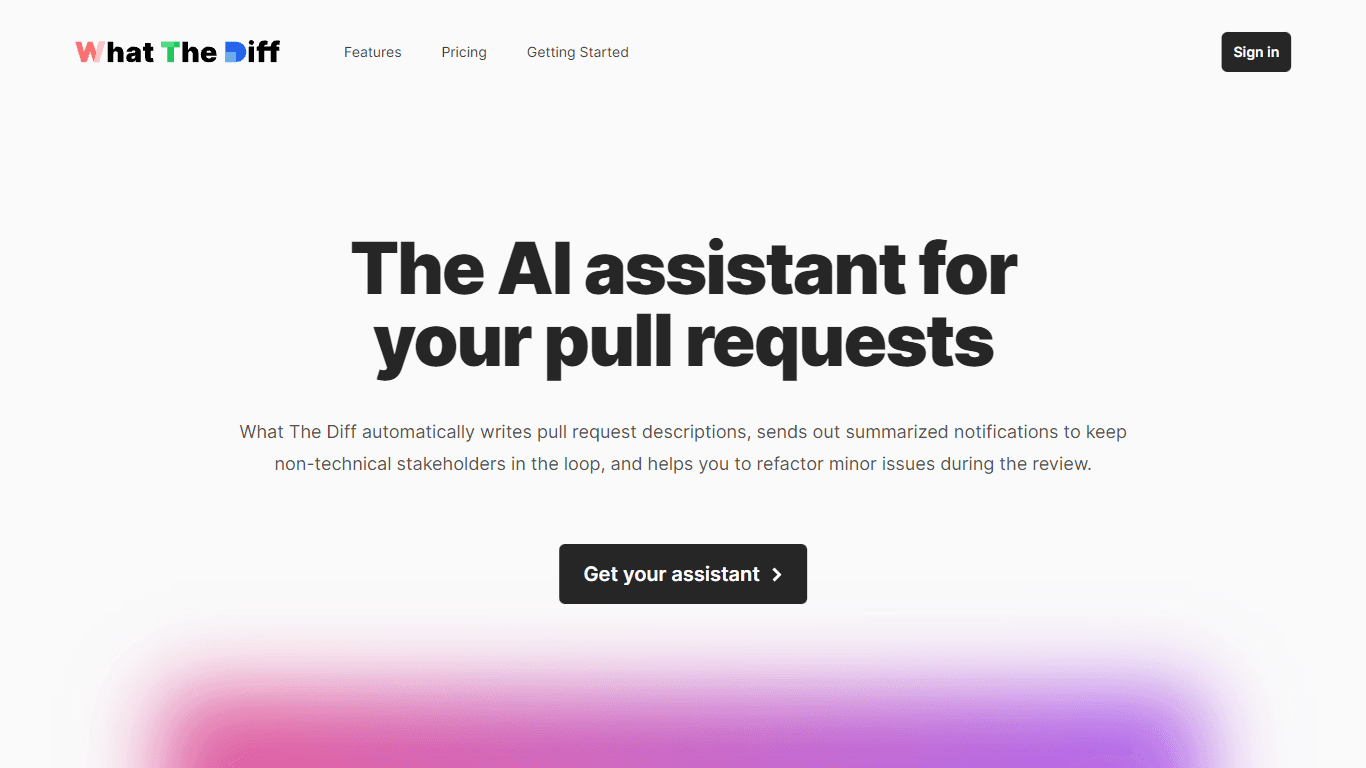
What The Diff
"What The Diff is an AI-powered code review assistant that helps streamline the pull request process. It automatically generates pull request descriptions, sends summarized notifications to non-techni

Orchids
Your fullstack AI engineer.