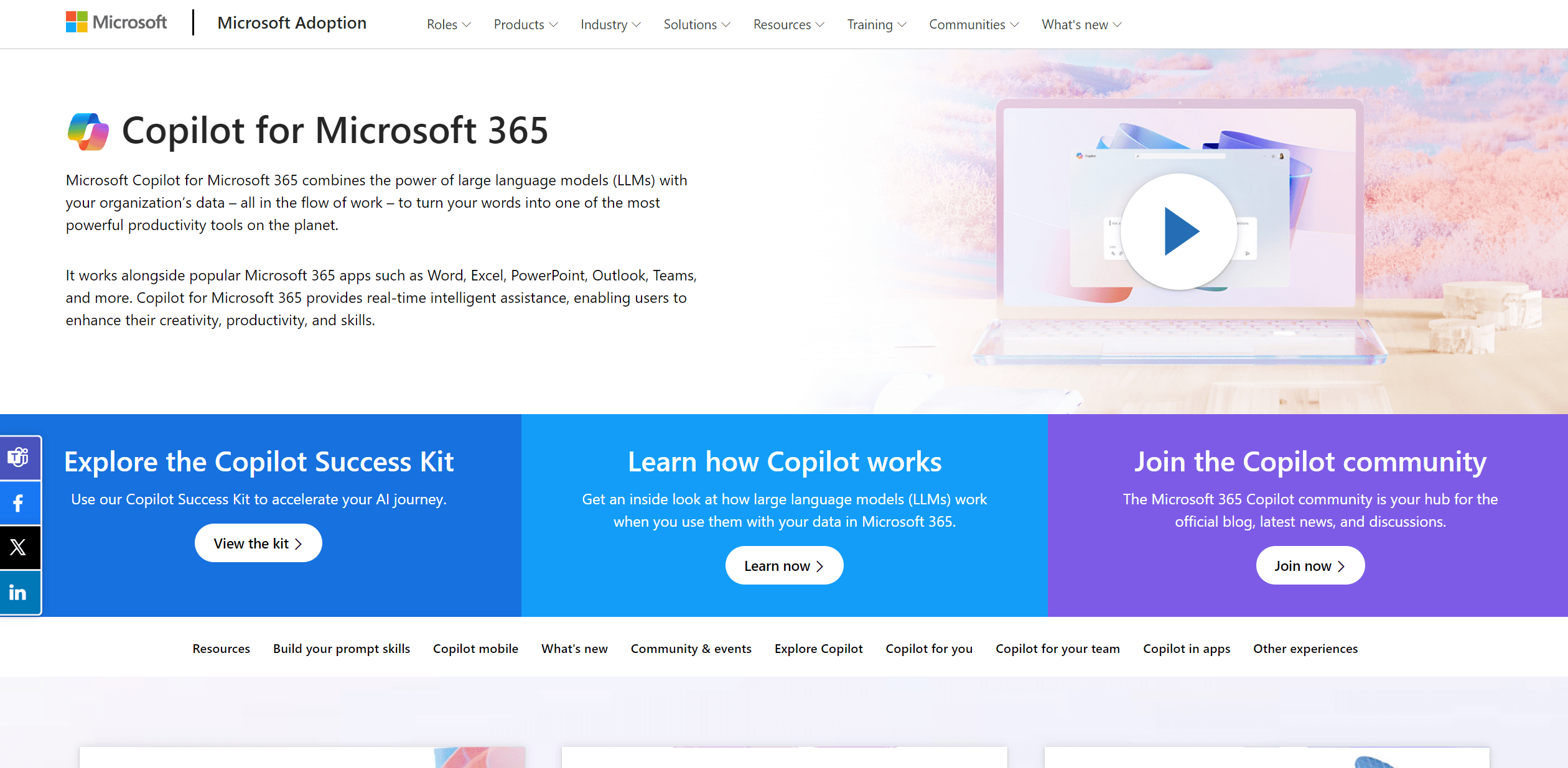
Copilot for Microsoft 365
Transforms Microsoft 365 into an AI-driven productivity powerhouse.
10,314
Votes
19,934
Views
5,365
Bookmarks
About
Copilot for Microsoft 365 is a transformative AI tool designed to integrate seamlessly with the Microsoft 365 suite, including applications like Word, Excel, PowerPoint, Outlook, and Teams. Its core functionality revolves around utilizing large language models (LLMs) to enhance productivity, creativity, and efficiency within an organizational setting. By analyzing and leveraging your organization's data, Copilot for Microsoft 365 turns everyday words into powerful actions, streamlining workflows and automating tasks directly within the familiar Microsoft environment.
Transform Your Office Apps with Al
Online Course - Learn how to use Microsoft 365 Copilot Pro in Word, Excel, PowerPoint, and more, step by step
Key Features
- Real-Time Assistance: Provides instant suggestions and content generation, enhancing workflow efficiency.
- Integration with Microsoft 365 Apps: Works cohesively with Word, Excel, PowerPoint, Outlook, and Teams.
- Intelligent Automation: Automates repetitive tasks and processes, saving valuable time.
- Customizability: Offers adaptable features and plugins to meet specific organizational needs.
Pros
- Enhanced Productivity: Significantly reduces the time required for document creation and data analysis.
- Seamless Integration: Smoothly functions within the Microsoft 365 ecosystem, ensuring a unified user experience.
- User-Friendly Interface: Intuitive design that is easy to navigate for users at all tech levels.
- Scalability: Suitable for various organizational sizes, from small businesses to large enterprises.
Cons
- Learning Curve: New users may require time to fully utilize its advanced features.
- Dependency on Microsoft Ecosystem: Primarily designed for users deeply integrated into Microsoft's software.
- Potential Privacy Concerns: Handling sensitive data within AI tools could raise security questions.
Who Uses It
- Corporate Executives: Utilizing AI to streamline decision-making processes.
- IT Professionals: Employing AI to manage data and automate tasks efficiently.
- Project Managers: Leveraging AI for better project tracking and management.
- Content Creators: Using AI to generate and refine content swiftly.
- Uncommon Use Cases: Academics using it for research data analysis; Legal professionals for document automation.
Pricing
- Standard Tier: Starts at $20.00 per user per month.
- Enterprise Tier: Custom pricing based on the organization's size and needs.
You may also like
More tools in AI Chatbots

Tektonic AI
Streamline sales and revenue operations with advanced AI-driven automation.

One AI
Boost website engagement and sales with adaptive AI-driven interactions.
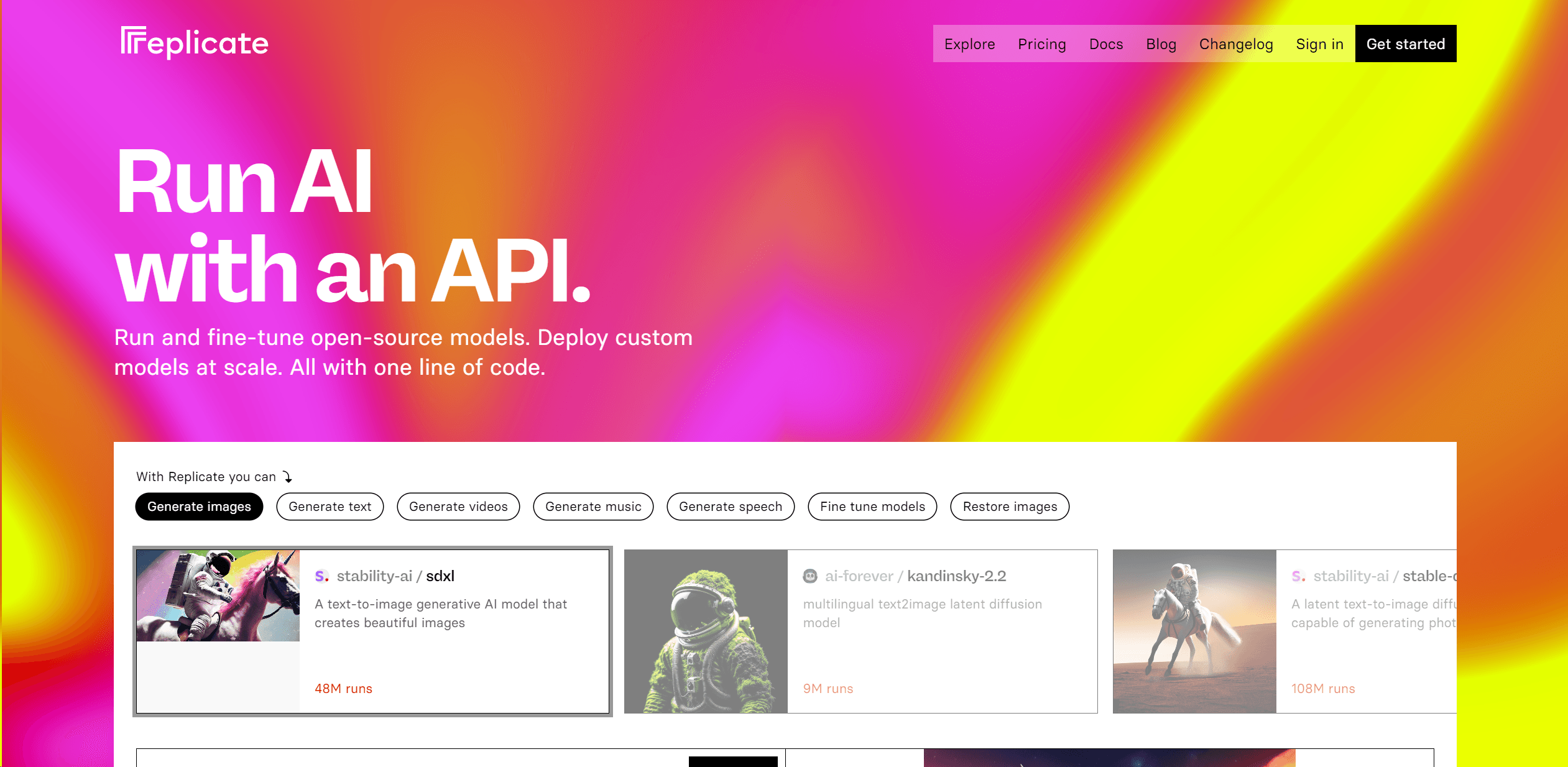
Replicate
Unlock AI's potential: run, fine-tune, deploy models easily and cost-effectively.

Ada
Revolutionize customer service with AI across all digital platforms.

Retell AI
Create lifelike AI voice agents, deploy anywhere, analyze real-time.
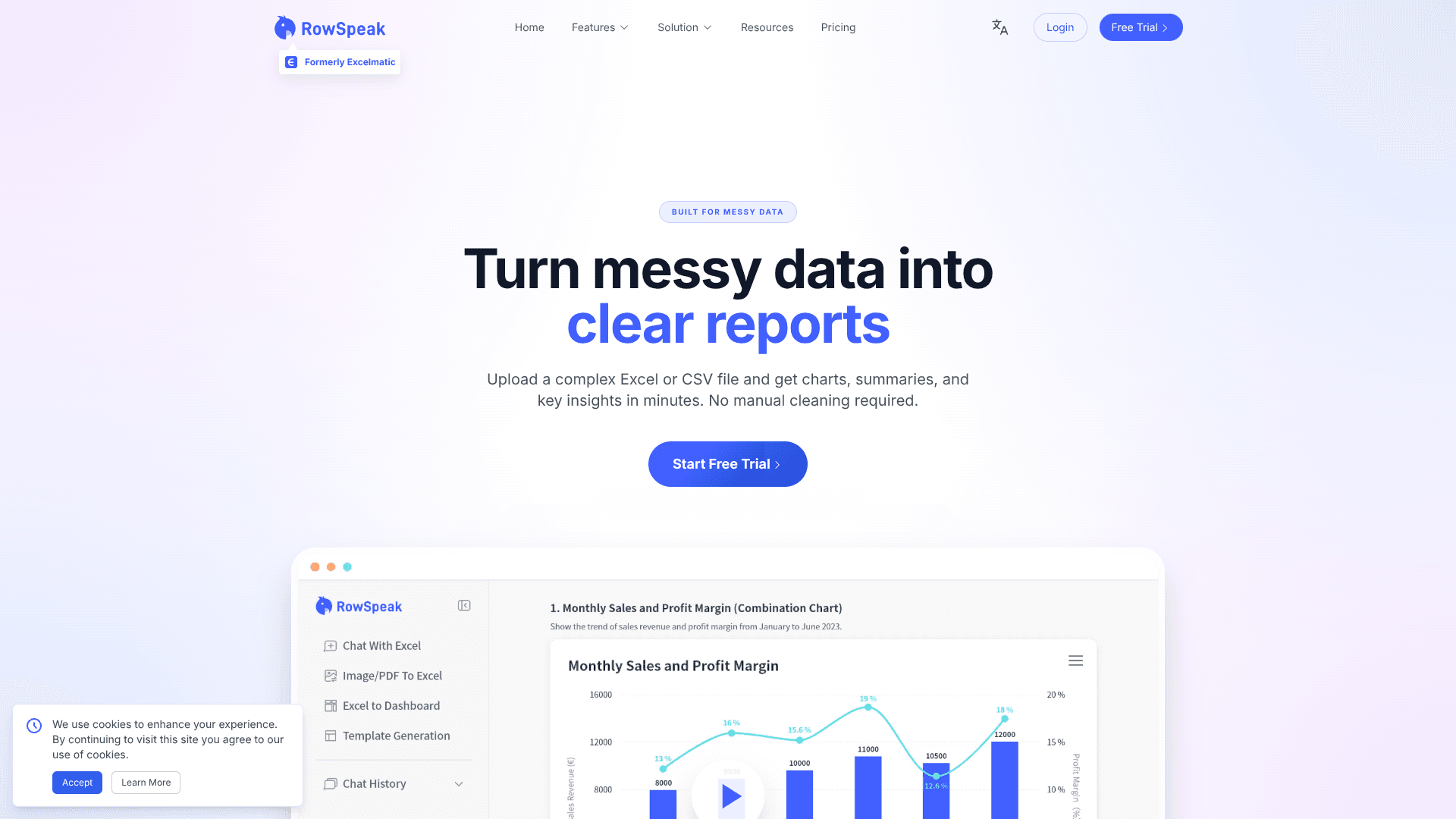
RowSpeak
Turn messy spreadsheets into clear, ready reports.

Heidi
Streamline healthcare admin tasks, and enhance patient focus.

Lutra AI
Automate complex workflows seamlessly with AI-driven efficiency.

Spotter Studio
Streamlines YouTube content ideation with data-driven insights.

Option Alpha
Empower your options trading with automated bots, backtesting, and robust education.

Inworld
Elevate game development with dynamic NPCs, immersive worlds, and AI-driven content creation.

MCP Showcase
Test endpoints live and showcase AI-based integrations.