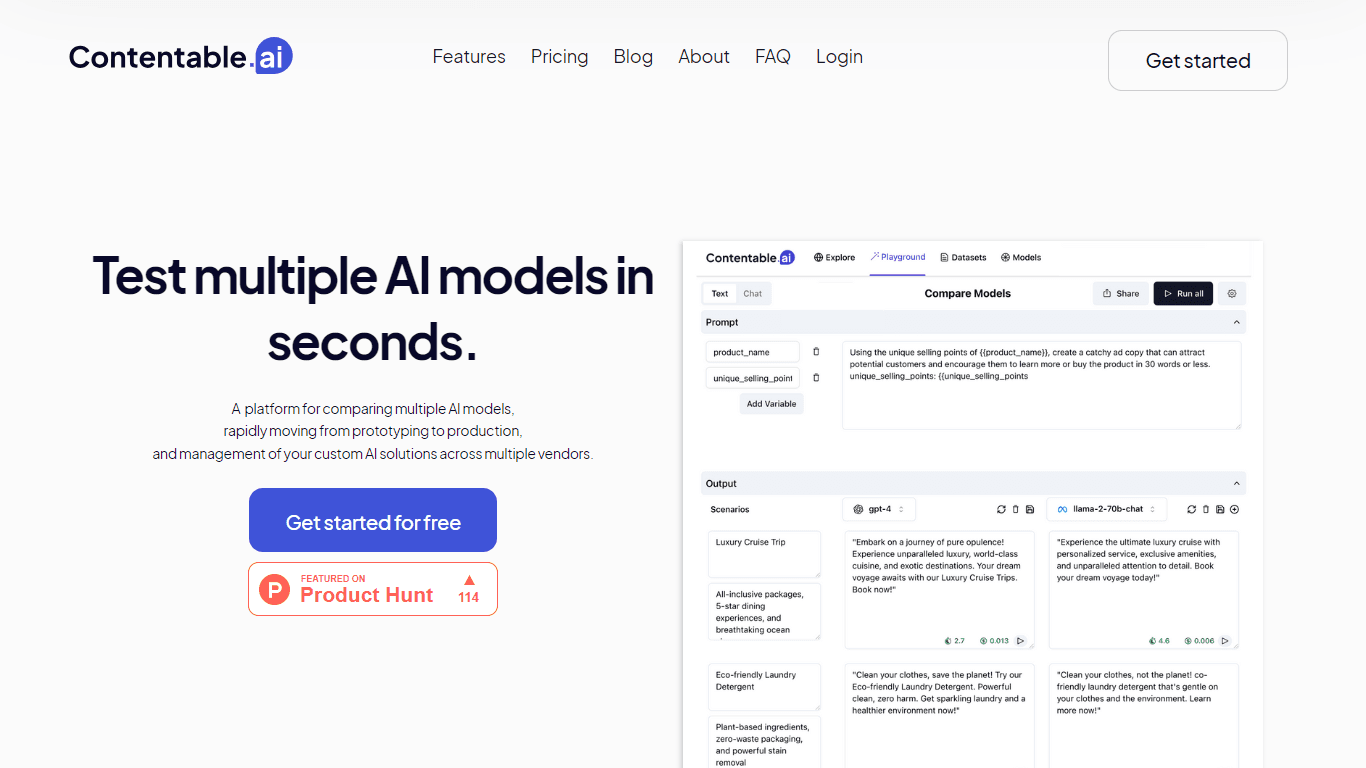
Contentable.ai
Contentable.ai offers a streamlined and intuitive platform for the rapid comparison, testing, building, and deployment of AI models with a low-code approach. Its end-to-end testing platform allows u
9,220
Votes
12,894
Views
4,847
Bookmarks
About
Contentable.ai offers a streamlined and intuitive platform for the rapid comparison, testing, building, and deployment of AI models with a low-code approach. Its end-to-end testing platform allows users to easily prototype and share AI solutions, making it simpler to choose the best fitting AI model from top providers like OpenAI and Google. Not only does it let you visually design workflows without coding, but Contentable.ai also provides a collaborative space for teams to refine AI models efficiently. With the pay-as-you-go pricing model, users start with a complimentary credit and later pay only for the services they use. The platform is designed to support rapid prototyping, ensuring swift application in real-world scenarios with tools to compare models side by side and a shared workspace for team collaboration.
Key Features
- Rapid Prototyping: Create and iterate AI models quickly in a collaborative environment.
- Multi Provider Comparison: Compare AI models from major providers like Open AI, Google, and Llama to find the best fit.
- Visual Workflows: Easily design AI workflows without the need for coding.
- Pay As You Go: Start with free credit, then pay for what you use, offering flexibility.
- Shareable Results: Save AI models and share with stakeholders or users instantly with shareable links.
FAQ
How many LLM providers are supported by Contentable?
Contentable supports Open AI, Google, and Llama models at the moment. They are working to add more models for users.
How can I test different prompts in the playground?
You can test different prompts by turning off the synch prompt button, allowing you to test two different prompts and their output across various scenarios.
Can I finetune my model?
The platform is currently working on the fine tune feature and will make it available soon.
How many models can I compare side by side in the playground?
You can compare up to 3 models side by side and up to 3 scenarios in one run.
How can I save a model and share it with my users?
Once you have finalized your prompt in the playground, click on the save icon, provide a name and description, and your model will be in the models tab. Use the 'View shareable Link' to get a link that you can share with users.
You may also like
More tools in Other

LLM Council
A tool to compare and synthesize multiple LLM responses.

PureCode.ai
A tool to automate coding tasks through codebase-aware code generation.

@kuki_ai
Welcome to the world of Kuki, an award-winning artificial intelligence designed to bring entertainment to the digital age. Dive into engaging conversations with AI that's crafted to provide not just r

SuperU AI
A nocode tool to create voice AI agents for customer communications.

Integral Calculator - Wolfram|Alpha
The Integral Calculator provided by Wolfram|Alpha is a comprehensive tool designed for professionals, educators, students, and anyone with a need to solve complex mathematical integrals. By leveraging

AptlyStar.AI
A tool to create and manage AI bots for businesses.

Verbacall
A platform that automatically answers, qualifies, and follows up on calls 24/7.
G3D.AI {Jedi}
G3D.AI {Jedi} is a generative AI tool for game creation that enables game creators to build beautiful and novel games in a fraction of the time. With a suite of tools designed to supercharge creativit

PrompTessor
A tool that optimizes text for clarity, tone, and grammar without requiring prompt engineering skills.
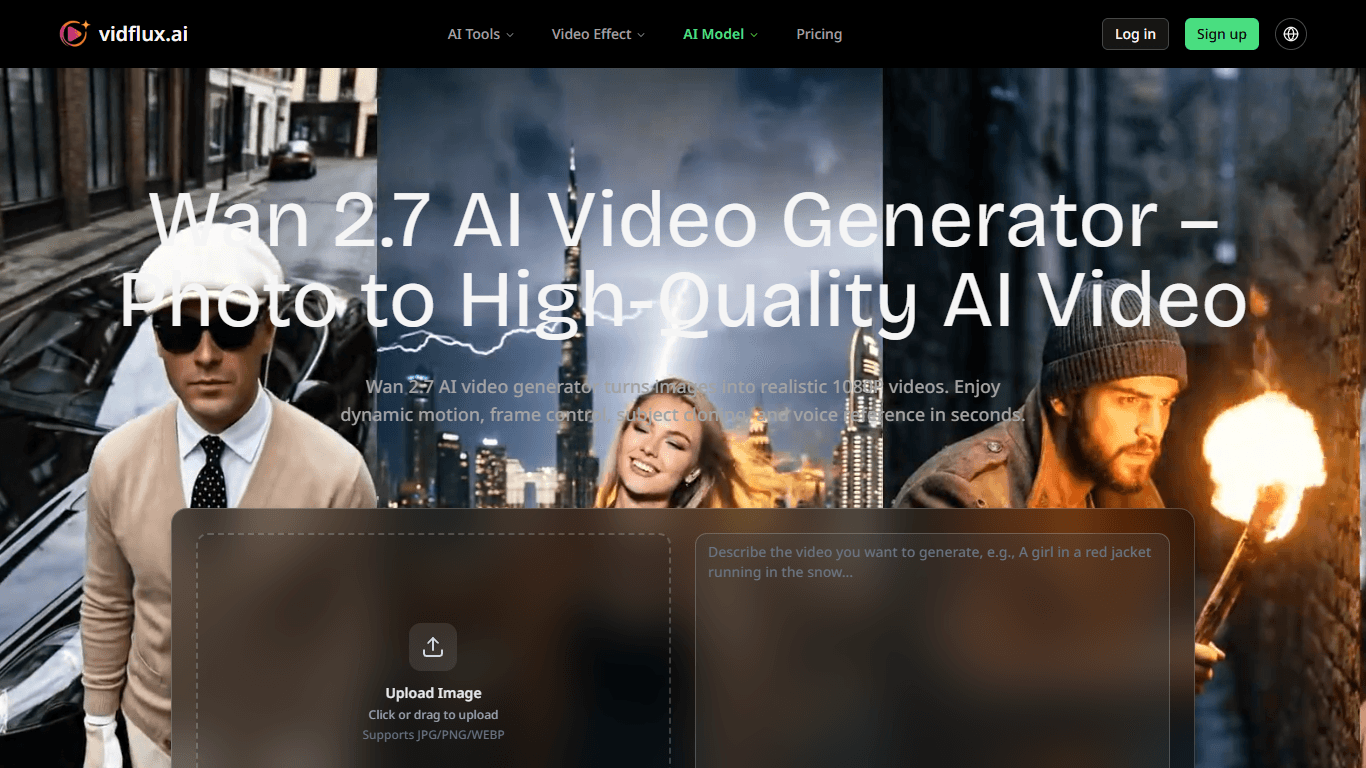
Wan 2.7 AI Video Generator
Wan 2.7 AI Video Generator transforms still images into high-quality, realistic 1080P videos with dynamic motion and advanced controls. It targets creators, marketers, e-commerce professionals, and di
AI Dungeon
AI Dungeon is a text-based adventure game where you lead the story and the AI creates the world around you. It offers endless possibilities by generating unique characters, settings, and scenarios bas

Guide.AI
Guide.AI is revolutionizing the way audio guides are created and distributed. This innovative platform empowers both individuals and organizations to effortlessly design and offer their own audio guid