Clipboard History IO
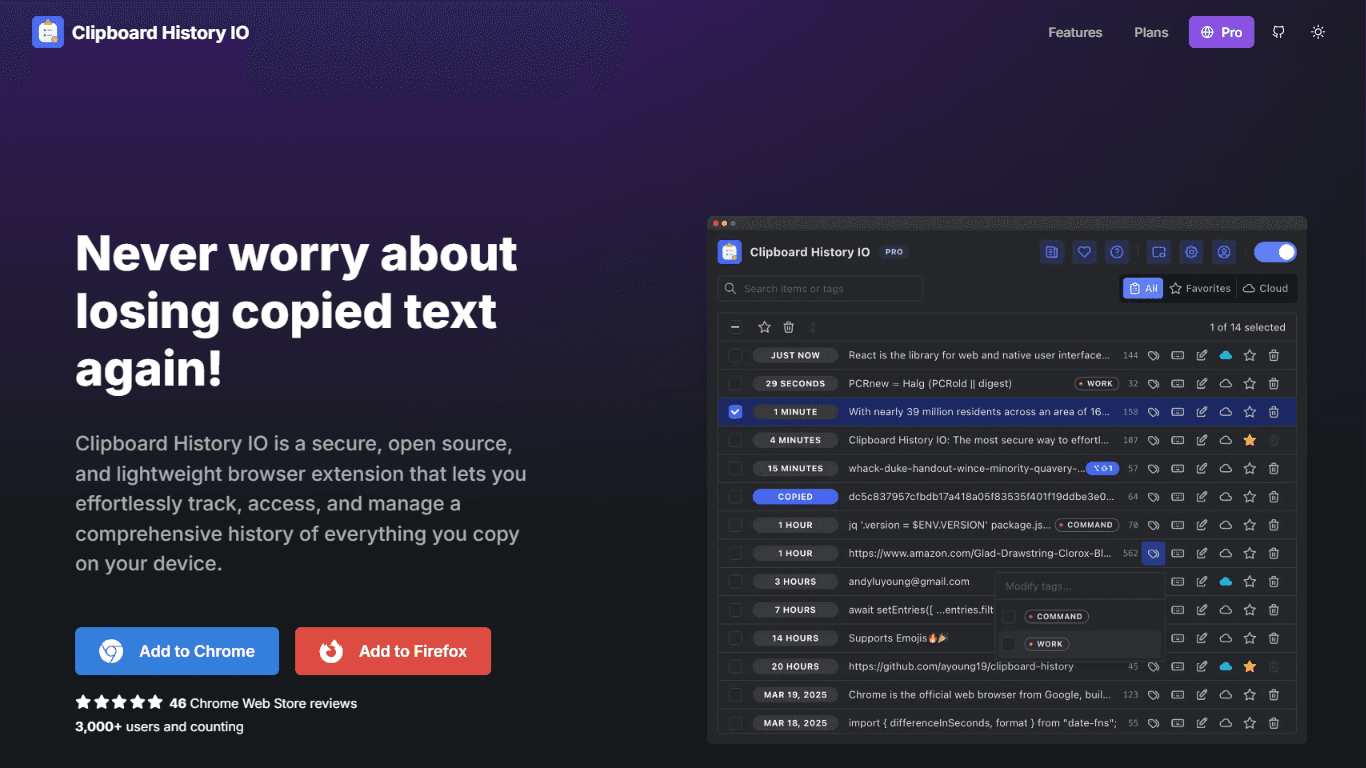
Clipboard History IO is a secure, fast, and elegant clipboard manager designed for users who want to effortlessly access, track, and manage their clipboard history. The core functionality of this tool
16,206
Votes
20,538
Views
11,638
Bookmarks
About
Clipboard History IO is a secure, fast, and elegant clipboard manager designed for users who want to effortlessly access, track, and manage their clipboard history. The core functionality of this tool revolves around providing a comprehensive clipboard history management system that allows users to access and modify everything they have copied. This is particularly beneficial for individuals who frequently copy and paste text, as it greatly reduces the time spent searching for previously copied items. The tool is available as a browser extension for Google Chrome and Firefox, making it accessible to a wide range of users. The target audience for Clipboard History IO includes anyone who regularly uses copy and paste functionality, from students and professionals to content creators and developers. With over 3,000 users and positive reviews, it is clear that the tool has found a niche among those who value efficiency and organization in their digital workflows. The unique value proposition of Clipboard History IO lies in its commitment to security and user control, as all data is stored locally by default, ensuring that users' clipboard history remains private and secure. One of the key differentiators of Clipboard History IO is its open-source nature, which allows users to inspect the code and understand how their clipboard data is handled. This transparency builds trust and confidence among users, as they can be assured that their information is not being misused. Additionally, the tool offers a highly optimized user interface that provides a snappy and responsive experience, making it easy for users to manage their clipboard history without any lag or delays. Technical implementation details are not explicitly mentioned, but the tool's features suggest a robust architecture that supports various functionalities such as favoriting, tagging, and merging clipboard items. Users can customize the behavior and interface of the extension to fit their personal preferences, further enhancing the overall user experience. With features like cloud sync and keyboard shortcuts, Clipboard History IO is designed to cater to the needs of modern users who require quick and efficient access to their clipboard history.
Key Features
- Comprehensive Clipboard History Management: Access and modify a complete history of everything copied to your clipboard, making it easy to find and reuse text.
- Favoriting and Tagging: Mark items as favorites or add tags for faster access through search or filters, helping you organize your clipboard items better.
- Customization: Adjust extension settings and themes to suit your preferences, allowing for a personalized user experience.
- Import and Export: Easily import or export items, including those created by this extension or others like Clipboard History Pro, making it versatile for different users.
- Floating Mode: Open the clipboard history in a separate persistent and resizable window, providing easy access while working on other tasks.
FAQ
Is Clipboard History IO free to use?
Yes, Clipboard History IO offers a free plan that includes comprehensive clipboard history management and unlimited local storage.
How does Clipboard History IO keep my data secure?
Your data is stored entirely on your device by default, ensuring that your clipboard history remains private and secure.
Can I customize the Clipboard History IO interface?
Yes, you can adjust the extension settings and themes to fit your personal preferences.
What browsers support Clipboard History IO?
Clipboard History IO is available as a browser extension for Google Chrome and Firefox.
Is Clipboard History IO open source?
Yes, Clipboard History IO is open source, allowing users to see exactly how their clipboard is handled.
Can I access my clipboard history from multiple devices?
Yes, you can manually or automatically store items in the cloud and access them from any of your devices.
You may also like
More tools in Productivity

Dify
A platform to develop and operate AI applications.
ZEN AI
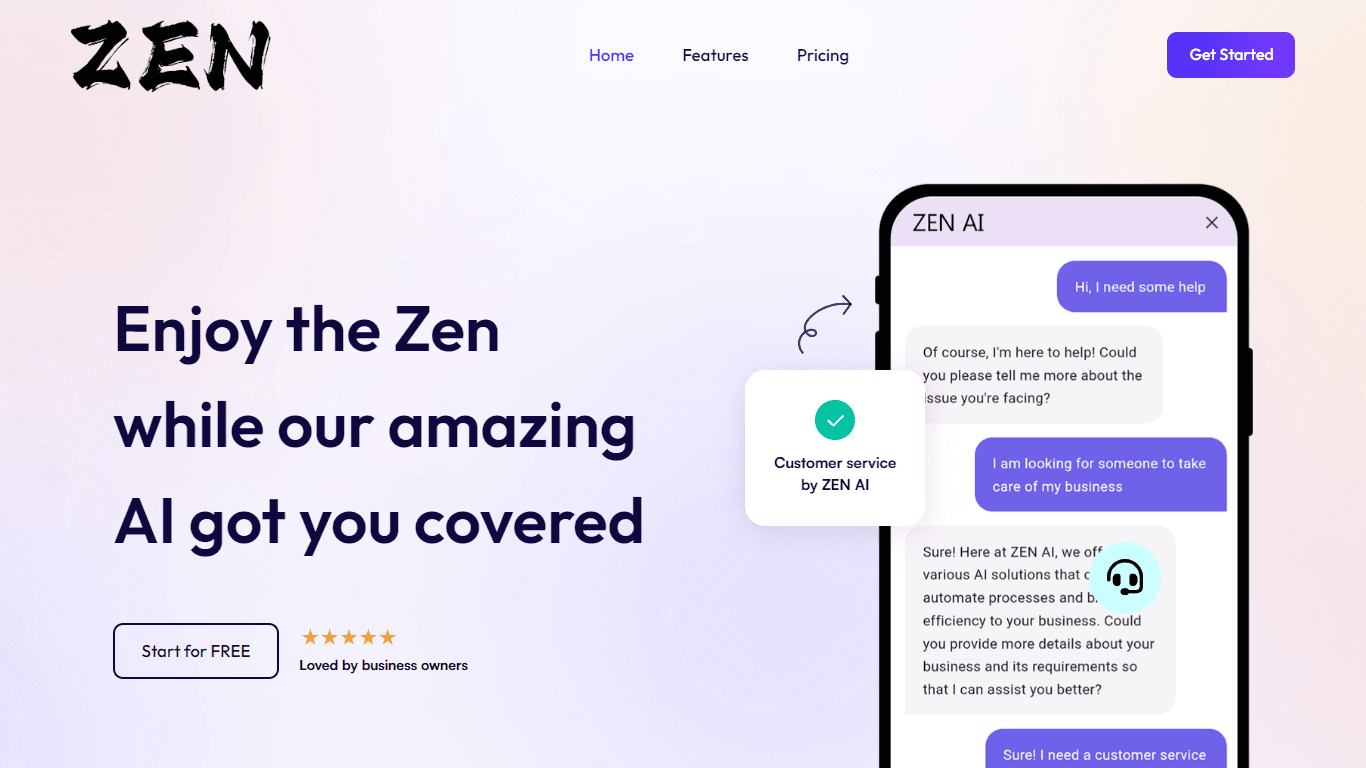
Discover unparalleled customer service with ZEN AI, an intelligent customer support assistant designed for businesses of all sizes. ZEN AI operates around the clock, ensuring that your customers alway

Assert AI
Automatically generates test cases, identifies bugs, and provides insights.

Outreach
Optimize sales, enhance workflows, boost efficiency with AI-powered tools.
Zendesk AI
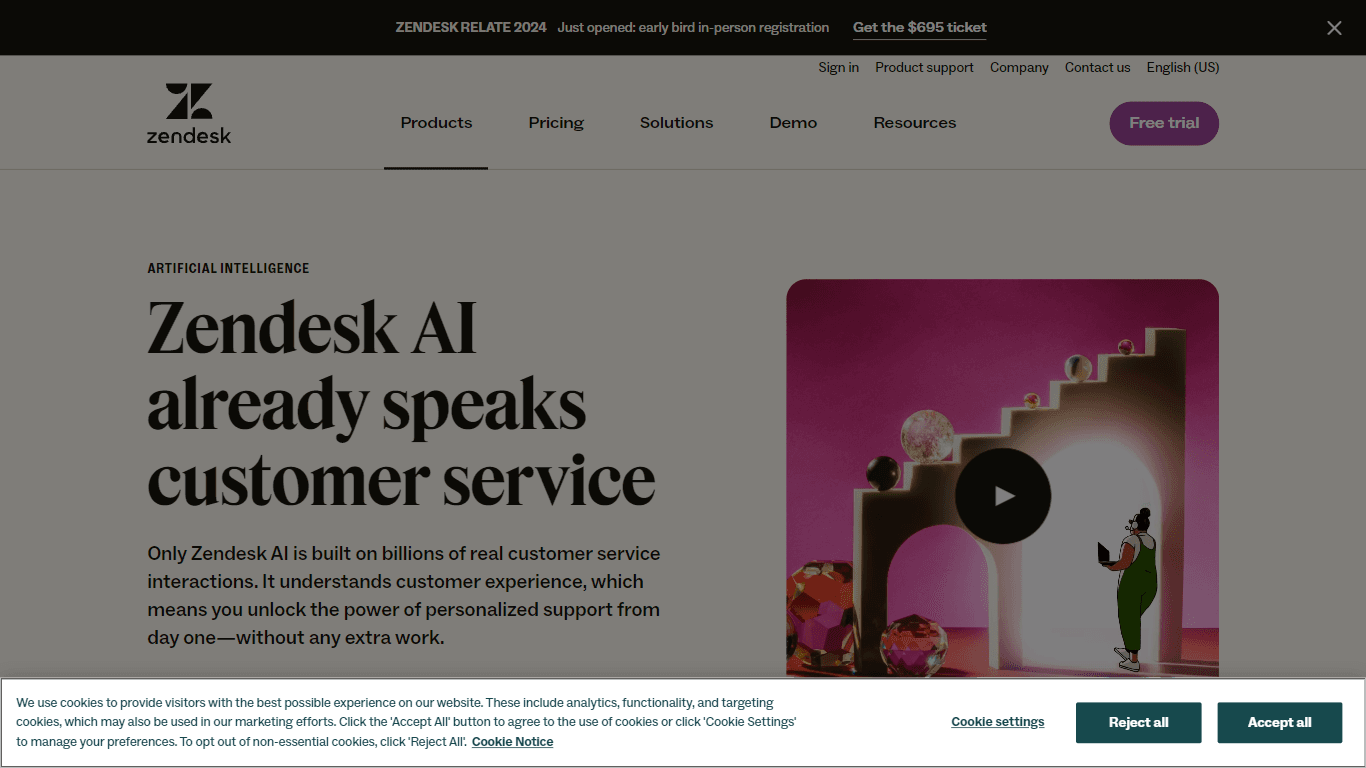
Explore the transformative power of AI-driven customer support with Zendesk AI. With a suite of intelligent tools, including sophisticated bots, enhanced self-service options, and a wealth of producti

Convoso
A call center platform with dialing and omnichannel communication tools.
X-doc
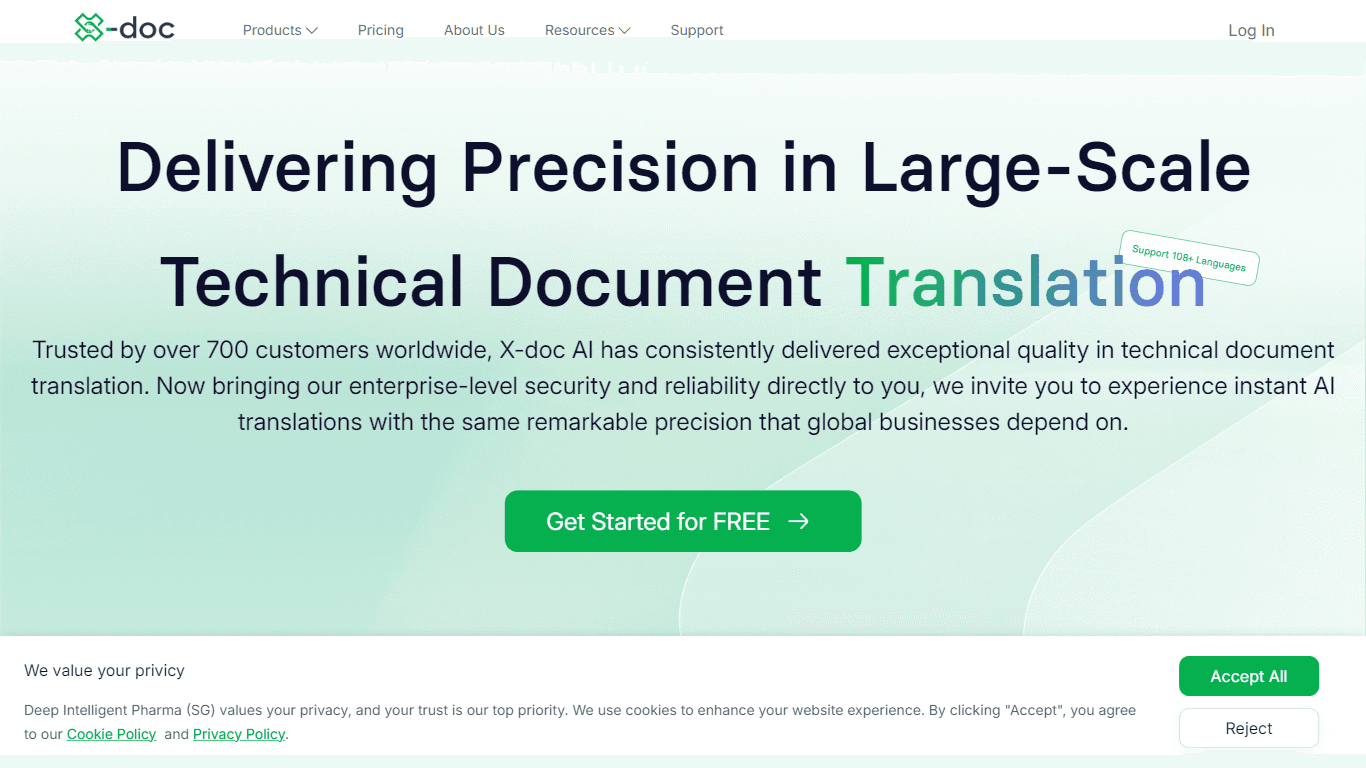
X-doc is a cutting-edge AI-driven platform specializing in large-scale technical document translation. Its core functionality revolves around providing instant translations across 108 languages, ensur

Tektonic AI
Streamline sales and revenue operations with advanced AI-driven automation.

Ada
Revolutionize customer service with AI across all digital platforms.

Align AI
Streamlines AI strategy alignment with business objectives.

Retell AI
Create lifelike AI voice agents, deploy anywhere, analyze real-time.

ChatGPT for Google
ChatGPT response alongside search engine results