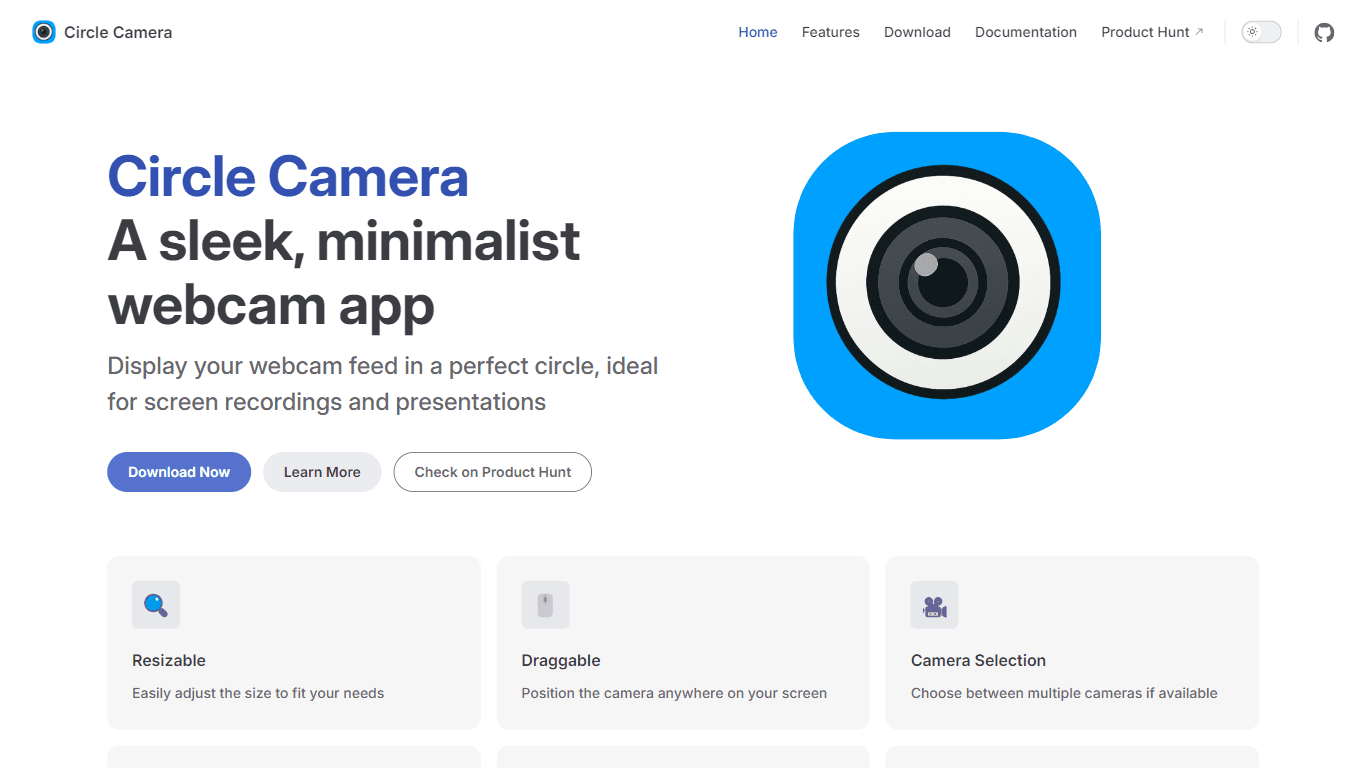
Circle Camera
Circle Camera is a sleek and minimalist webcam application that allows users to display their camera feed in a perfect circle. This unique design is particularly beneficial for content creators, prese
8,137
Votes
15,298
Views
4,656
Bookmarks
About
Circle Camera is a sleek and minimalist webcam application that allows users to display their camera feed in a perfect circle. This unique design is particularly beneficial for content creators, presenters, and professionals who want to incorporate their webcam feed into screen recordings or presentations without occupying excessive screen space. The circular format not only enhances the visual appeal but also ensures that the focus remains on the content being presented, making it an ideal choice for those who prioritize aesthetics in their work. The target audience for Circle Camera includes individuals who frequently engage in video presentations, such as educators, business professionals, and streamers. By providing a clean and professional look, Circle Camera helps users maintain a polished appearance during their virtual interactions. The app's design is tailored to meet the needs of users who value simplicity and functionality, allowing them to concentrate on their message rather than the tools they are using. One of the unique value propositions of Circle Camera is its ability to blend seamlessly with any desktop environment. The transparent background feature allows the webcam feed to integrate smoothly with various applications, ensuring that it does not distract from the main content. This is particularly advantageous for users who want to maintain a professional image while delivering their presentations or recordings. Key differentiators of Circle Camera include its resizable and draggable interface, which provides users with the flexibility to position the camera feed anywhere on their screen. Additionally, the app offers the option to select between multiple cameras if available, enhancing its usability for users with different hardware setups. The 'Always on Top' feature ensures that the webcam feed remains visible over other applications, making it easier for users to engage with their audience without interruptions. In terms of technical implementation, Circle Camera is released under the EUPL License, which allows for open-source distribution and collaboration. This commitment to transparency and community involvement reflects the developers' dedication to creating a tool that meets the needs of its users while fostering innovation in the webcam application space.
Key Features
- Resizable: Users can easily adjust the size of the webcam feed to fit their needs, ensuring it does not obstruct important content.
- Draggable: The camera feed can be positioned anywhere on the screen, allowing for maximum flexibility during presentations.
- Camera Selection: Users can choose between multiple cameras if available, making it adaptable to different hardware setups.
- Always on Top: The webcam feed remains visible over other applications, ensuring users can engage with their audience without interruptions.
- Transparent Background: The camera feed blends seamlessly with any desktop, providing a clean and professional look.
FAQ
What is Circle Camera?
Circle Camera is a webcam app that displays your camera feed in a perfect circle, designed for presentations and screen recordings.
Who can use Circle Camera?
Circle Camera is ideal for content creators, presenters, and professionals who want to include their webcam feed in their work.
Can I adjust the size of the camera feed?
Yes, you can easily resize the camera feed to fit your needs.
Is it possible to move the camera feed around the screen?
Yes, the camera feed is draggable, so you can position it anywhere on your screen.
Can I use multiple cameras with Circle Camera?
Yes, Circle Camera allows you to choose between multiple cameras if they are available.
Does Circle Camera have a transparent background?
Yes, the camera feed has a transparent background, allowing it to blend seamlessly with your desktop.
You may also like
More tools in Productivity

Supametas.AI
A tool to transform unstructured data into structured formats for AI models and knowledge bases.
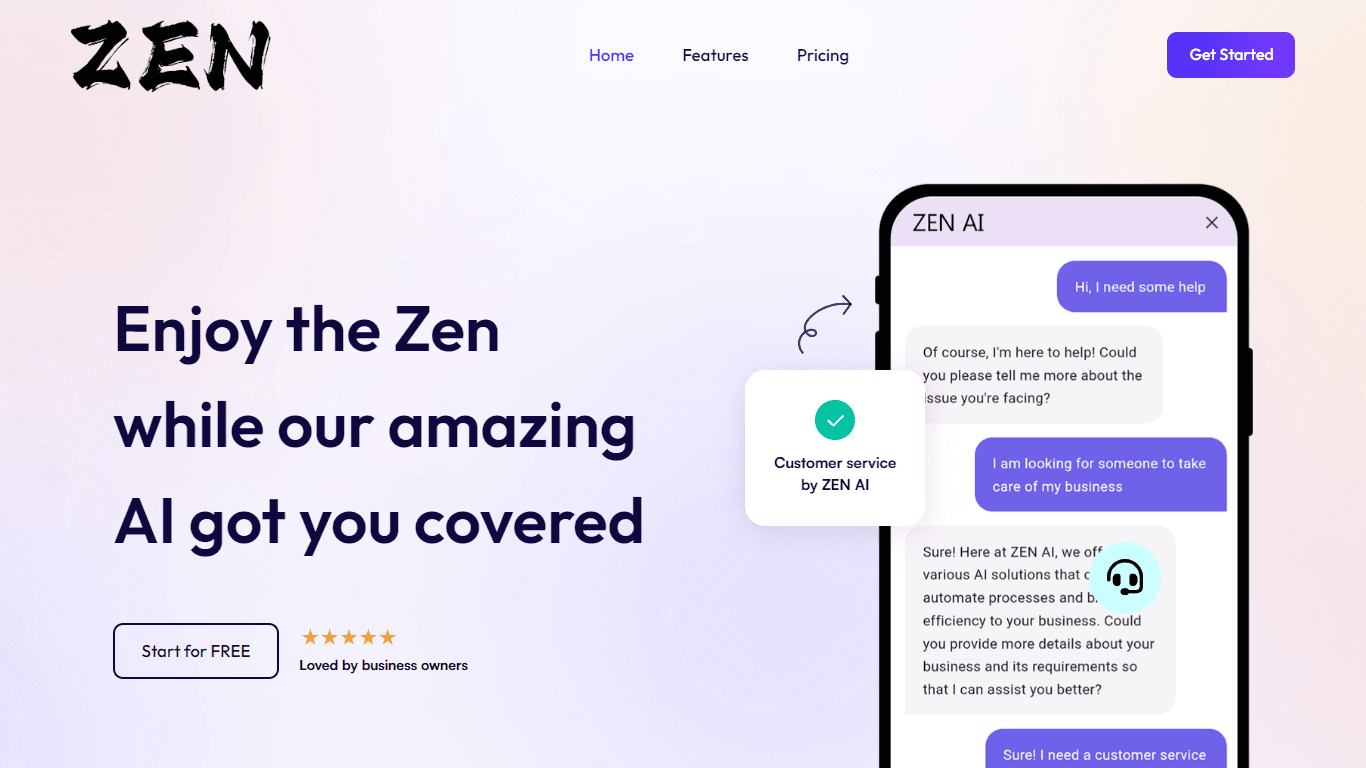
ZEN AI
Discover unparalleled customer service with ZEN AI, an intelligent customer support assistant designed for businesses of all sizes. ZEN AI operates around the clock, ensuring that your customers alway

Assert AI
Automatically generates test cases, identifies bugs, and provides insights.
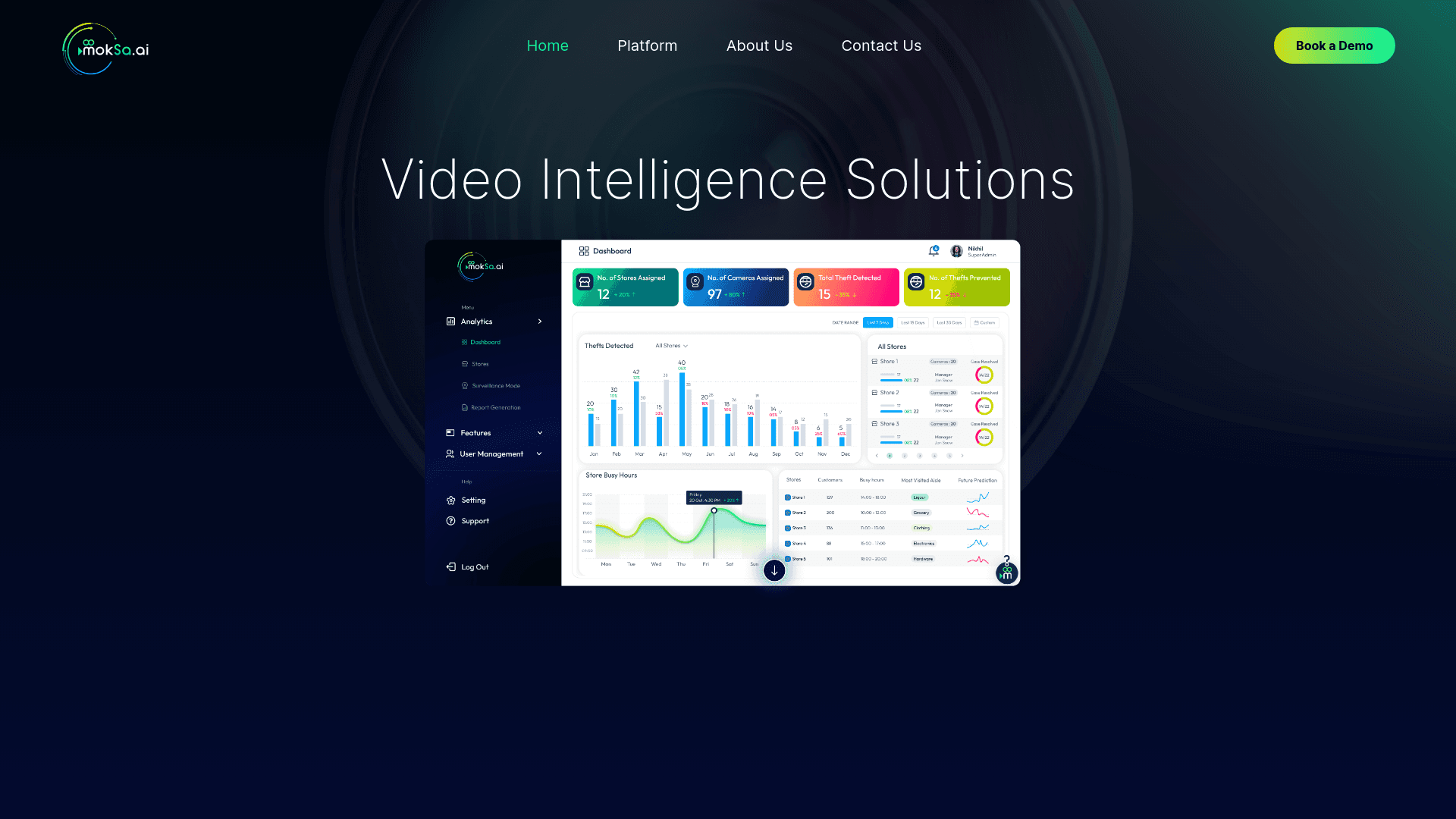
MokSa.AI
Enhances retail operations with AI-driven video intelligence.

Enjo.ai
A tool that handles support requests by integrating with workplace tools and knowledge bases for context-aware responses.

X-doc
X-doc is a cutting-edge AI-driven platform specializing in large-scale technical document translation. Its core functionality revolves around providing instant translations across 108 languages, ensur
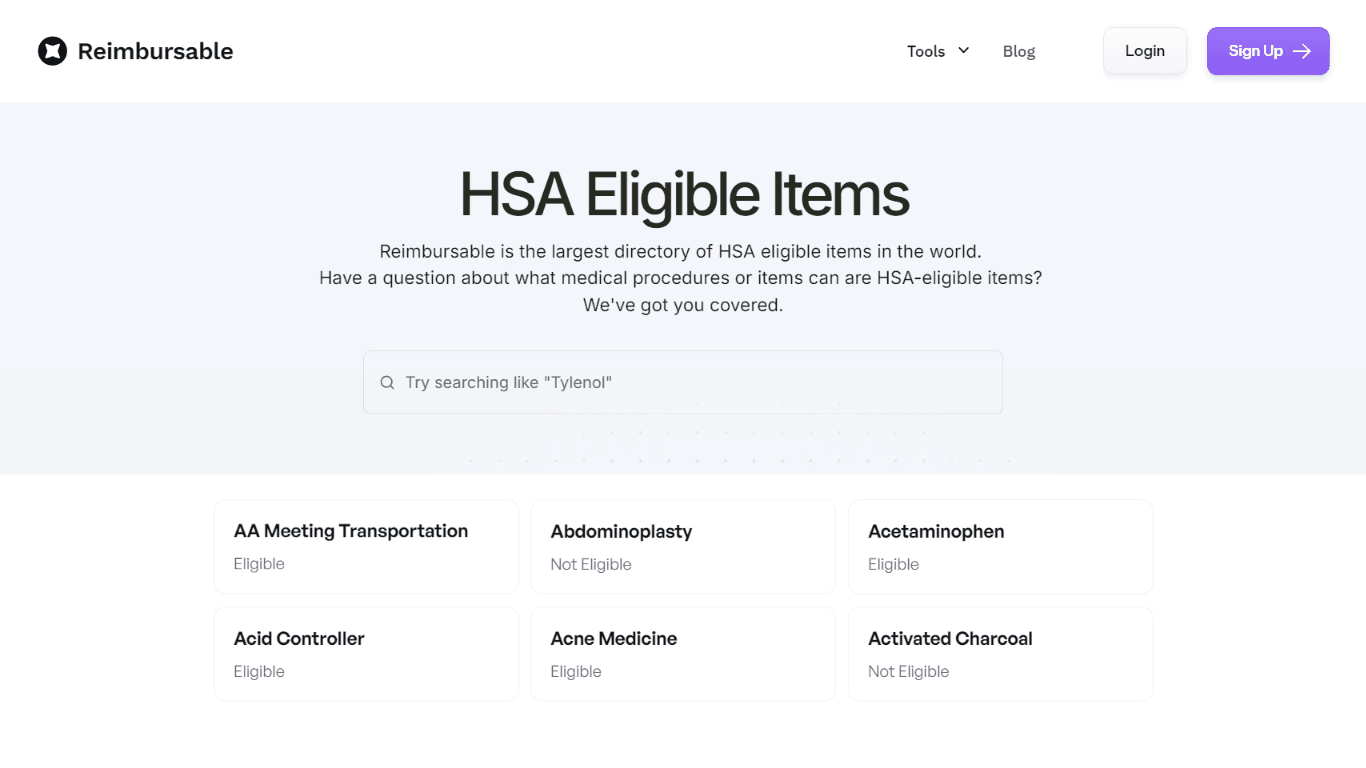
HSA Eligible
The Complete Directory of HSA Eligible Items for Easy Expense Tracking serves as a comprehensive resource for individuals looking to manage their Health Savings Account (HSA) expenses effectively. Thi
Zendesk AI
Explore the transformative power of AI-driven customer support with Zendesk AI. With a suite of intelligent tools, including sophisticated bots, enhanced self-service options, and a wealth of producti

Process AI
Process Street’s AI-powered process platform serves as a single source for teams to manage all recurring work, including workflows, knowledge, data, forms, and surveys. Additionally, customers can gen

Align AI
Streamlines AI strategy alignment with business objectives.

Tektonic AI
Streamline sales and revenue operations with advanced AI-driven automation.

Outreach
Optimize sales, enhance workflows, boost efficiency with AI-powered tools.