Cherry Pick
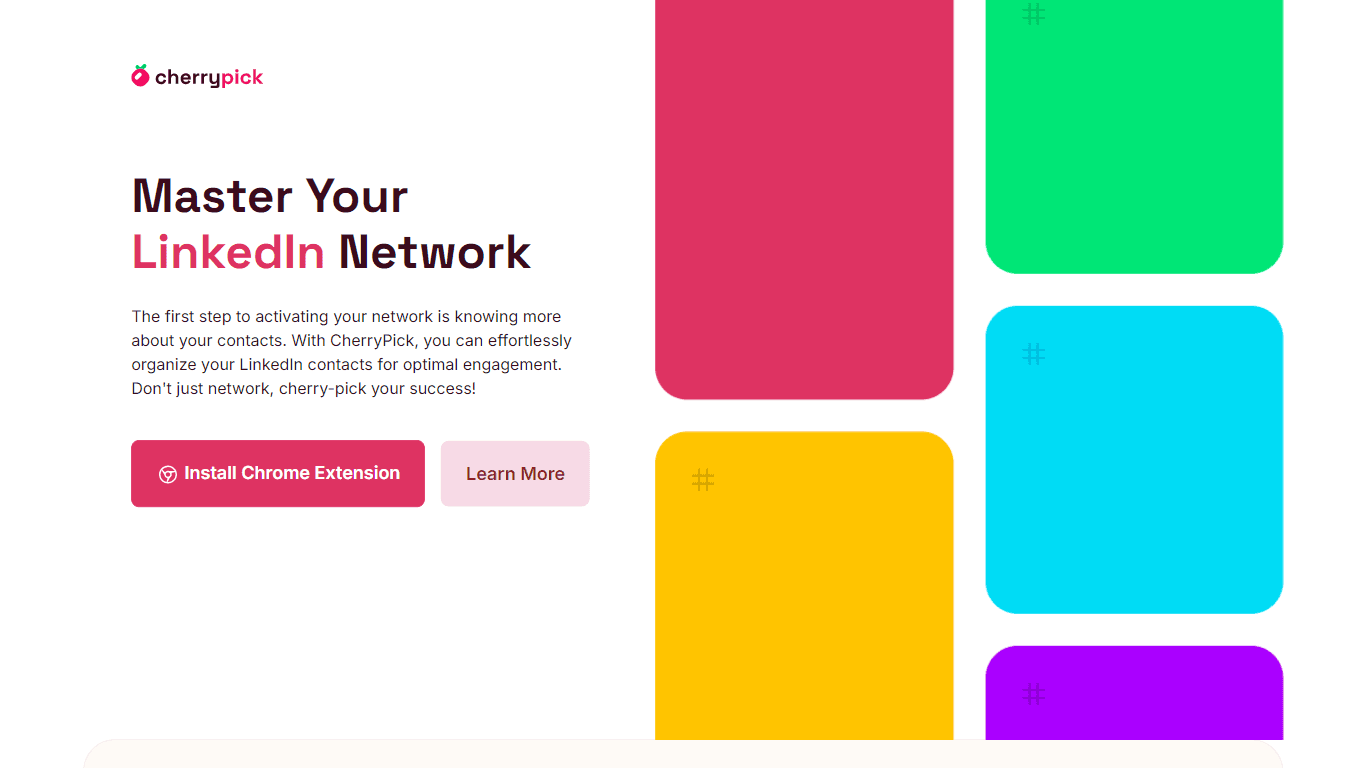
CherryPick is a powerful Chrome extension designed to help users organize and manage their LinkedIn contacts effectively. Its core functionality revolves around tagging contacts, allowing users to cat
17,412
Votes
24,401
Views
11,882
Bookmarks
About
CherryPick is a powerful Chrome extension designed to help users organize and manage their LinkedIn contacts effectively. Its core functionality revolves around tagging contacts, allowing users to categorize and segment their network based on interests and professional needs. This feature is particularly beneficial for professionals who rely on LinkedIn for networking, as it streamlines the process of keeping track of connections and potential leads. By integrating seamlessly with LinkedIn, CherryPick enhances the user experience, making it easier to engage with contacts meaningfully. The target audience for CherryPick includes a diverse range of professionals such as HR personnel, recruiters, sales representatives, entrepreneurs, and students. Each of these groups can leverage the tool to optimize their networking efforts. For instance, HR professionals can map out talents for job openings, while freelancers can identify potential clients. This versatility makes CherryPick an essential tool for anyone looking to enhance their professional relationships and opportunities. CherryPick's unique value proposition lies in its ability to simplify the often cumbersome task of managing LinkedIn contacts. Unlike other networking tools, CherryPick focuses on providing a user-friendly interface that allows for easy tagging, searching, and exporting of contacts. This functionality not only saves time but also maximizes the potential of users' connections, enabling them to engage more effectively with their network. Key differentiators of CherryPick include its direct integration with LinkedIn, which allows users to tag contacts as they browse the platform. This real-time tagging capability sets it apart from other tools that require manual entry or separate platforms. Additionally, the ability to export tagged contacts in various formats, such as CSV or JSON, enhances its utility for professionals who use other CRM systems or networking tools. From a technical implementation perspective, CherryPick operates as a Chrome extension, ensuring compatibility with desktop Chrome browsers on both Mac and Windows operating systems. This focus on a specific platform allows for optimized performance and a seamless user experience. The extension is designed to adhere to LinkedIn’s guidelines, ensuring that user data is handled securely and responsibly, with a commitment to privacy and data protection.
Key Features
- Tagging Contacts: Users can easily create and assign custom tags to their LinkedIn contacts, helping them organize their network based on interests and professional needs.
- Exporting Contacts: CherryPick allows users to export their tagged contacts in CSV or JSON formats, making it easy to integrate with other systems or CRMs.
- User-Friendly Dashboard: The CherryPick dashboard provides a simple interface for managing tags and contacts, ensuring users can navigate their network effortlessly.
- Real-Time Integration: As users browse LinkedIn, CherryPick's tagging features are available in real-time, allowing for immediate organization of contacts without interrupting workflow.
- Cross-Platform Compatibility: CherryPick is designed to work seamlessly on desktop Chrome browsers for both Mac and Windows, ensuring a wide range of users can access its features.
FAQ
What is CherryPick?
CherryPick is a Chrome extension that helps you organize, tag, and manage your LinkedIn contacts for better networking and professional growth.
Who can use CherryPick?
CherryPick is perfect for professionals in HR, sales, recruiting, and anyone looking to organize their LinkedIn network more efficiently.
How do I get started?
After installing the Chrome extension, CherryPick's interface will appear on your LinkedIn page. You can start tagging your LinkedIn contacts as you browse.
How do I export my tagged contacts?
CherryPick allows you to easily export your tagged contacts in CSV or JSON formats, which is ideal for integration with existing CRMs or other professional tools.
Is CherryPick free?
Yes, right now CherryPick is completely free. Advanced features will be available in the future for a Premium subscription.
How secure is my data?
Your data's security is a top priority. CherryPick adheres to LinkedIn’s guidelines and offers a secure, ad-free environment for users.
You may also like
More tools in Data & Analytics
ZEN AI
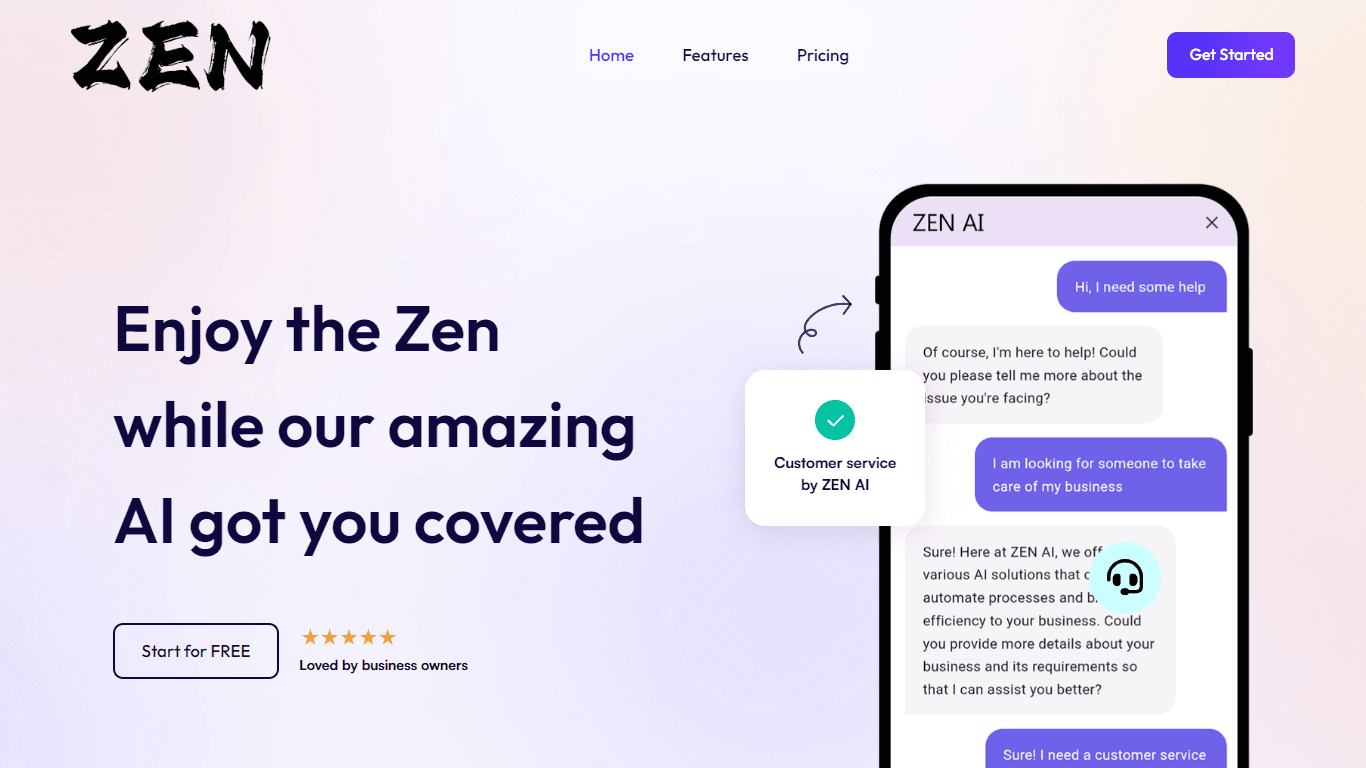
Discover unparalleled customer service with ZEN AI, an intelligent customer support assistant designed for businesses of all sizes. ZEN AI operates around the clock, ensuring that your customers alway
Teamcamp
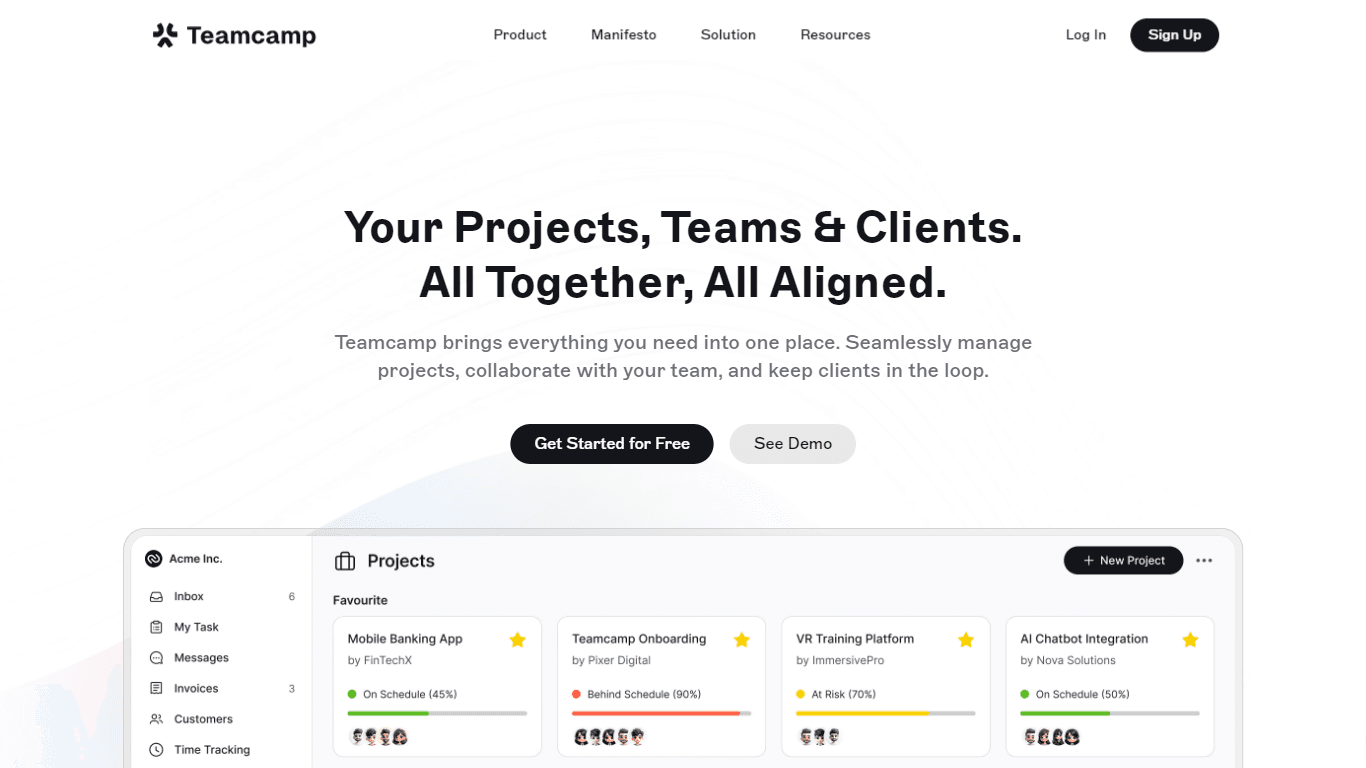
Teamcamp is a comprehensive project management tool designed to streamline the workflow for teams in various sectors, including IT, marketing, freelancers, and agencies. Its core functionality revolve
Align AI
Streamlines AI strategy alignment with business objectives.

Supametas.AI
A tool to transform unstructured data into structured formats for AI models and knowledge bases.

The North
North is an intuitive platform designed to simplify the management of Objectives and Key Results (OKRs), Strategy, and Initiatives for businesses of all sizes. It is a tool that directs teams to trans
Zia
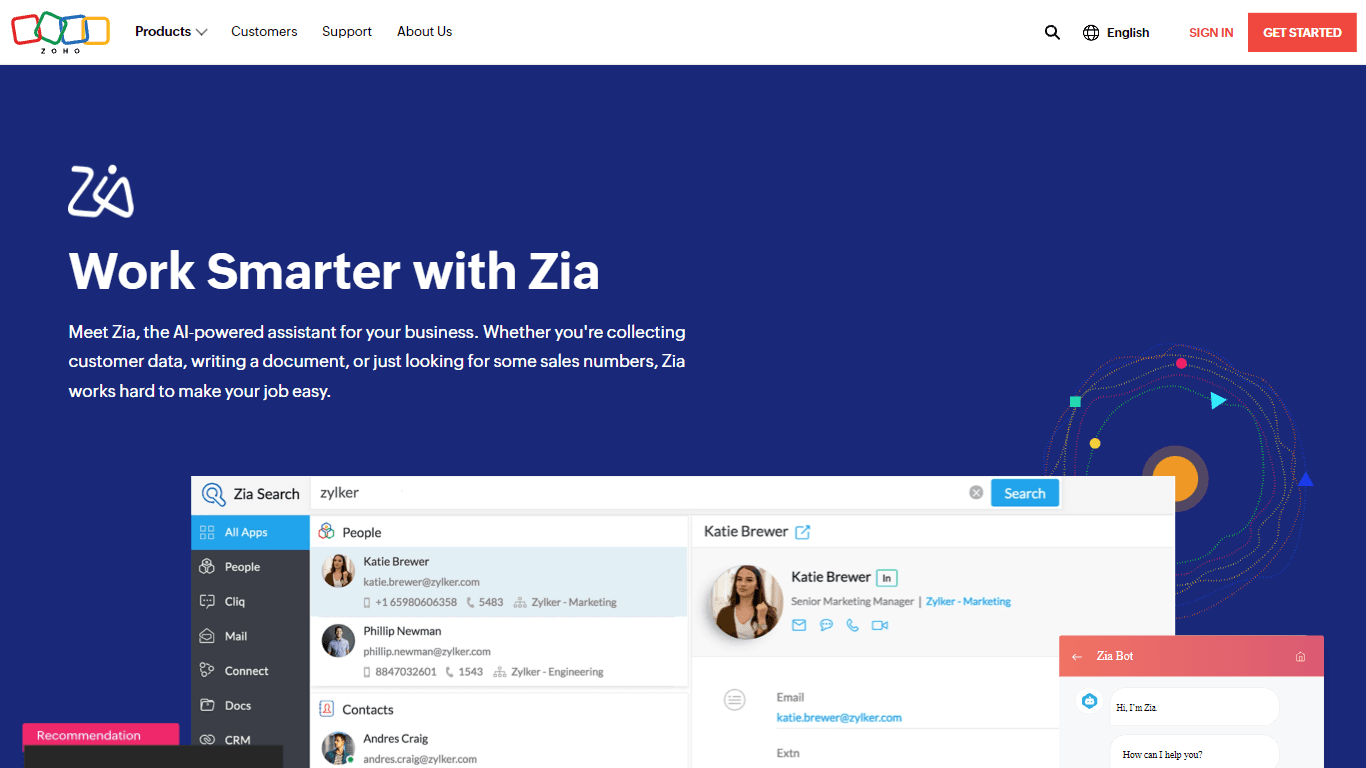
Maximize your business efficiency with Zia, Zoho's advanced AI assistant designed to streamline your business operations across various functions. Zia acts as a dynamic tool, providing tailored recomm

AICosts.ai
A tool to centralize tracking and optimization of spending across multiple AI services.
Notta
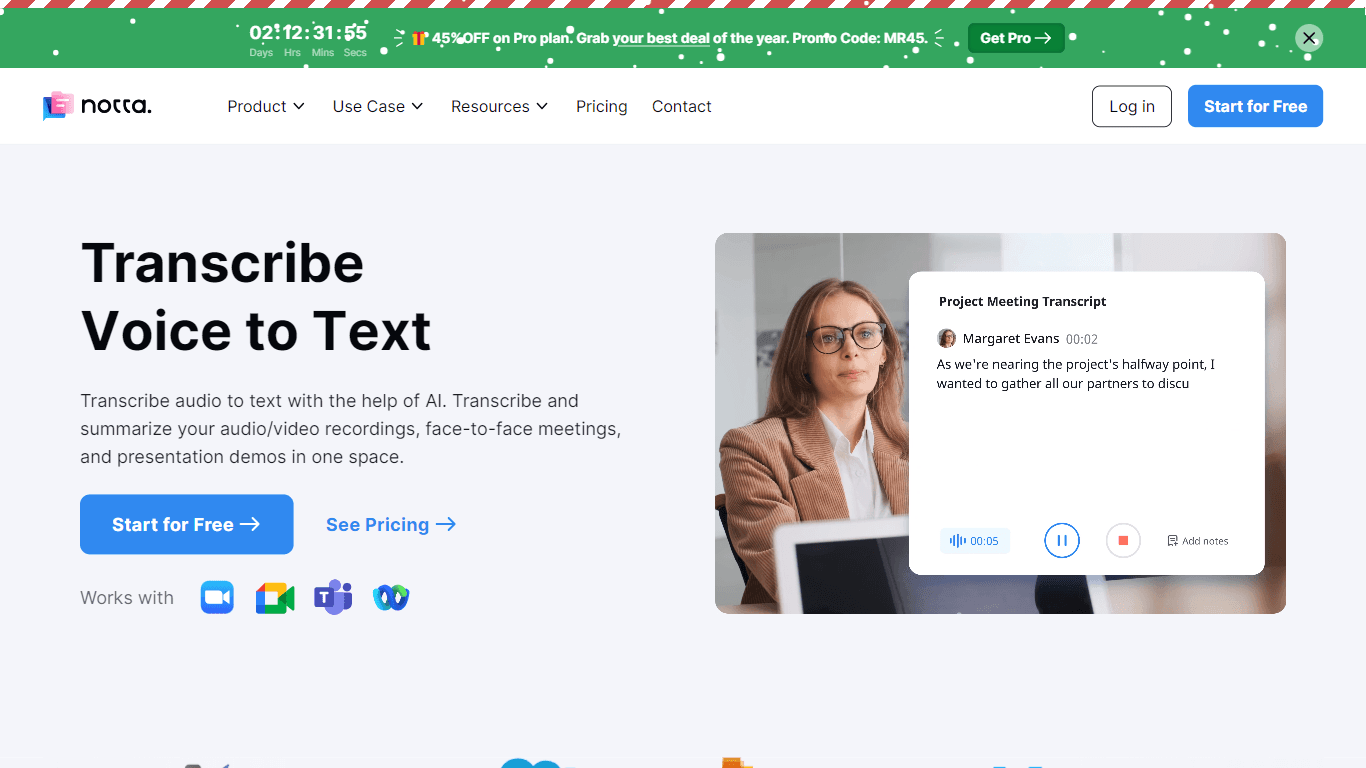
Notta offers a comprehensive solution for converting audio to text using advanced AI technology. With Notta, users can transcribe and summarize audio/video recordings, live meetings, and presentations

ZeroGPT
ZeroGPT.com stands out as the premier destination for AI detection, setting the gold standard in safeguarding digital landscapes. With cutting-edge algorithms and advanced machine learning models, Zer

Yuma
Yuma is revolutionizing customer support through the power of automation. By leveraging ChatGPT, we have developed an innovative solution that seamlessly integrates with help desk software to provide

SPUN
SPUN offers an innovative platform designed to streamline the global permit and visa application process through AI and automation. Aimed at helping individuals and organizations to efficiently pursue

10Web AI Website Builder
10Web AI Website Builder is a platform designed to help businesses and individuals create fully functional, production-ready WordPress websites quickly and without coding skills. Users simply describe