
CapGo
CapGo AI is a tool that automates filling spreadsheet cells with data based on user-defined headers and selected sources like web searches, LinkedIn, and databases. It uses AI models including GPT-4 t
17,408
Votes
27,012
Views
11,630
Bookmarks
About
CapGo AI is a tool that automates filling spreadsheet cells with data based on user-defined headers and selected sources like web searches, LinkedIn, and databases. It uses AI models including GPT-4 to quickly gather and organize information, saving users from manual data entry. This makes it ideal for sales professionals, marketers, small business owners, and students who need fast, accurate data for research and lead generation. Beyond data collection, CapGo supports programmatic SEO by enabling users to perform keyword research and generate SEO-optimized content directly within spreadsheets. This helps improve website traffic by covering a broad range of keywords efficiently. The tool also allows mass production of personalized content and sending mass emails from Gmail with a single click, streamlining outreach efforts. CapGo integrates with over 10 databases and web sources, providing a wide range of data inputs. Its simple commands let users clean, extract, and manipulate data easily, making it accessible to users with varying technical skills. The Google Sheets add-on makes installation and workflow integration straightforward. Recent updates emphasize programmatic SEO and lead enrichment capabilities, enhancing market research and personalized messaging. Users can build or import lead lists, enrich and qualify leads with LinkedIn and email data, and automate manual data entry tasks. The tool also supports PDF processing via ChatPDF integration. Pricing plans offer monthly subscriptions with varying credit limits for data pulls and PDF processing. Users can also purchase one-time credit top-ups. CapGo is independent of Google Workspace subscriptions and uses Stripe for payments. Overall, CapGo AI stands out for combining data automation, SEO content generation, and email outreach in a single spreadsheet environment, making it a versatile tool for professionals focused on research, marketing, and sales.
Key Features
- 🧾 Automate data entry from web and databases to save time
- 🔍 Perform keyword research and generate SEO content in sheets
- 📧 Send personalized mass emails directly from Gmail with one click
- 🧹 Clean and manipulate data using simple spreadsheet commands
- 📊 Integrate over 10 data sources including LinkedIn and PDFs
- ⚡ Process and analyze PDFs with ChatPDF integration
- 📈 Enrich and qualify leads with combined email and LinkedIn data
Pros
- Automates data collection from multiple sources saving hours
- Supports programmatic SEO and mass content generation
- Enables sending personalized mass emails directly from Gmail
- Integrates easily with Google Sheets for familiar workflows
- Offers flexible pricing with credit-based plans
Cons
- Subscription plans require monthly payments, no free tier
- Some usage limits apply based on plan credits
- Not affiliated with Google Workspace, requires separate account
FAQ
How do I cancel my CapGo subscription?
You can cancel anytime from your subscription page. Your Premium features remain active until the end of the billing period.
Can I upgrade or downgrade my subscription?
Yes, you can update your subscription anytime on your subscription page. Charges or credits will adjust automatically.
Does CapGo include Google Workspace features?
No, CapGo is independent and not included in any Google Workspace subscription.
What payment methods does CapGo accept?
Payments are processed securely via Stripe.
How does CapGo support programmatic SEO?
CapGo lets you research keywords and generate SEO-optimized content directly in spreadsheets to improve Google traffic.
What data sources can CapGo pull from?
CapGo integrates with web searches, LinkedIn, multiple databases, and AI models like GPT-4.
You may also like
More tools in Other

WriteSmart
WriteSmart is an AI-powered tool that generates personalized and thoughtful comments to add value to conversations and build relationships on LinkedIn. With WriteSmart, you can boost engagement, warm

Postfluencer
Postfluencer is a cutting-edge online platform designed to empower individuals in enhancing their personal branding on Linkedin. With the capability to generate over 60,000 posts for users, Postfluenc

AI Img
aiimg.me is a comprehensive platform that integrates advanced AI imaging technologies to provide high-quality image generation, editing, and enhancement services. It allows users to create images from

Yepp AI
Yepp AI is an innovative platform that brings the power of artificial intelligence to marketing. With this platform, businesses can tap into the wealth of data they already have and leverage it throug

ICBINP | Civitai
Experience hyperrealistic image generation with ICBINP - "I Can't Believe It's Not Photography" - a powerful checkpoint for the Stable Diffusion model available on Civitai. The ICBINP LCM checkpoint i

Spikes Studio
Spikes helps creators extract captivating shorts from any video. Automatically get a title, description, hashtag recommendations, auto-captions, AI styling and quickly edit. Grow and give your audienc

MuseNet
MuseNet is a groundbreaking deep neural network that revolutionizes the way music is composed. With MuseNet, you have access to a powerful tool that can generate beautiful and intricate 4-minute music

SuperU AI
A nocode tool to create voice AI agents for customer communications.
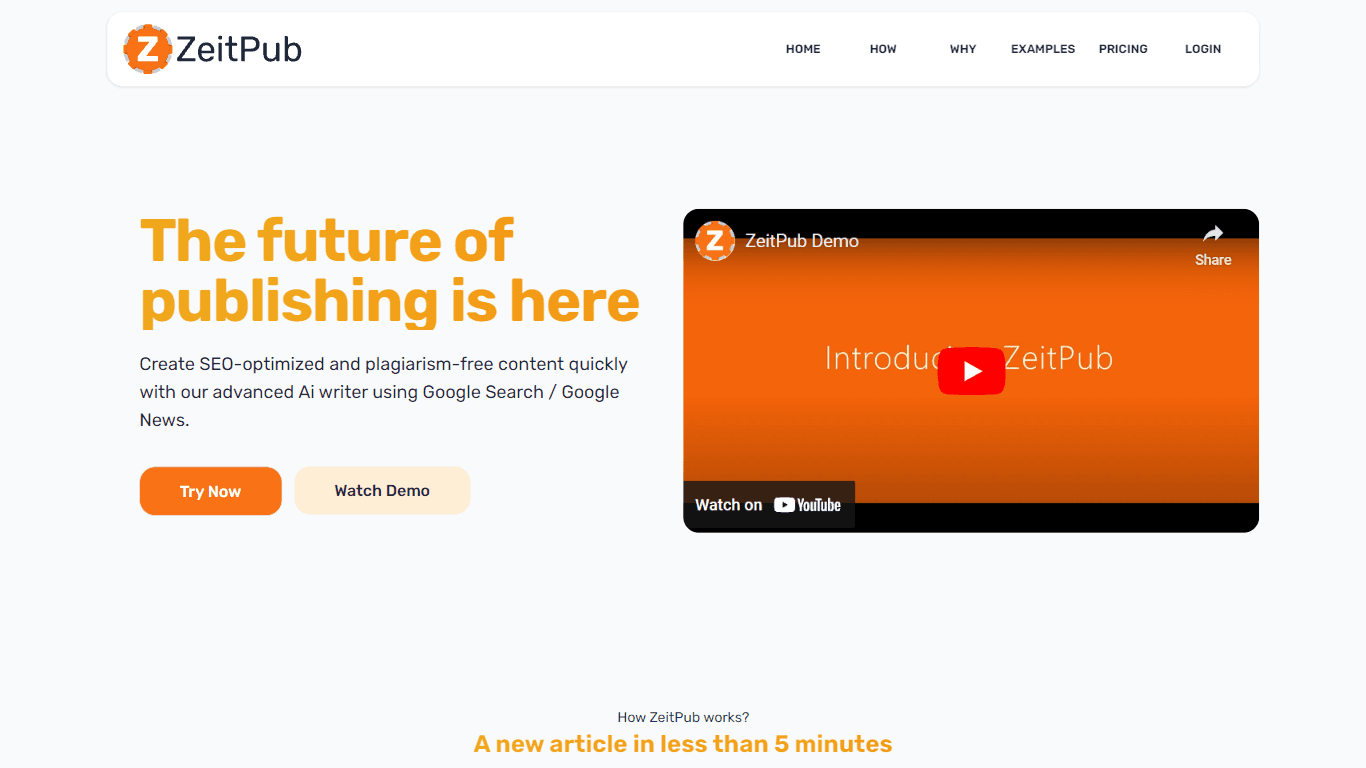
Zeitpub
Zeitpub revolutionizes the publishing industry by offering an advanced AI writer that creates SEO-optimized and plagiarism-free content at an incredible pace. With just the click of a button, users ca

ZAVATA
ZAVATA is revolutionizing the recruitment process with its sophisticated AI interview platform. With the motto "Automate Hiring with AI Interviewer," ZAVATA introduces a seamless hiring automation tha

Verbacall
A platform that automatically answers, qualifies, and follows up on calls 24/7.

XLM
Discover the power of Cross-lingual Language Modeling with XLM, the original PyTorch implementation designed for pretraining language models that operate across multiple languages. XLM is a repository