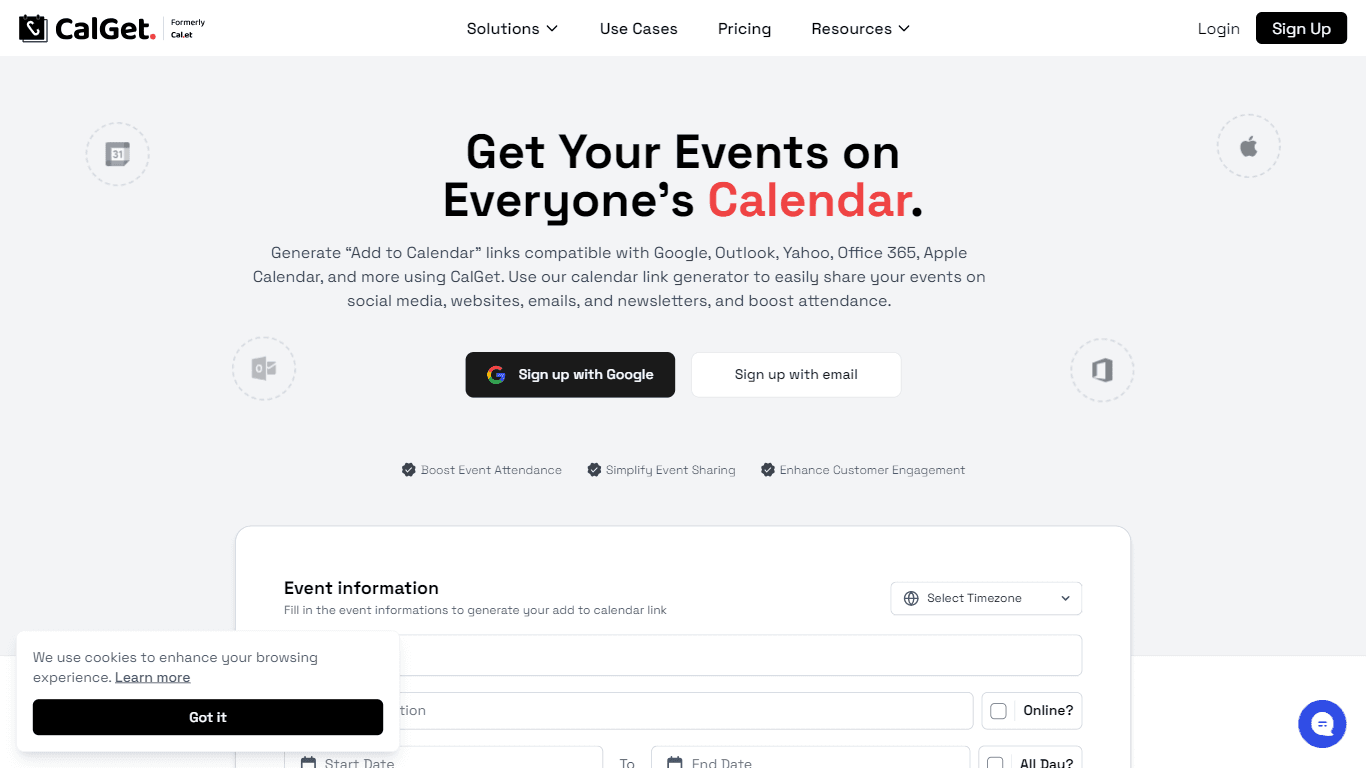
CalGet
CalGet is a powerful tool designed to generate 'Add to Calendar' links that are compatible with major calendar platforms such as Google Calendar, Outlook, Yahoo, Office 365, and Apple Calendar. This f
18,300
Votes
18,494
Views
11,814
Bookmarks
About
CalGet is a powerful tool designed to generate 'Add to Calendar' links that are compatible with major calendar platforms such as Google Calendar, Outlook, Yahoo, Office 365, and Apple Calendar. This functionality allows users to easily create and share calendar links for their events, making it simple for guests to save important dates. The tool is particularly beneficial for event organizers, marketers, and businesses looking to enhance attendance and engagement for their events. By providing a seamless way to integrate calendar links into social media, websites, emails, and newsletters, CalGet ensures that event information is readily accessible to potential attendees. The target audience for CalGet includes a wide range of users, from marketing agencies and sports teams to educational institutions and non-profit organizations. Each of these groups can leverage the tool to streamline their event management processes. For instance, marketing agencies can boost campaign engagement by including 'Add to Calendar' links in their promotional materials, while schools can keep students and parents informed about academic events. This versatility makes CalGet an essential tool for anyone involved in event planning and management. One of the unique value propositions of CalGet is its ability to simplify the event scheduling process. Users can generate calendar links quickly and efficiently, allowing them to focus on other aspects of their events. Additionally, the tool offers features such as RSVP tracking, customizable event pages, and the ability to embed calendars on websites. These functionalities set CalGet apart from other calendar link generators, making it a comprehensive solution for event organizers. Key differentiators of CalGet include its user-friendly interface, extensive compatibility with various calendar platforms, and the ability to collect RSVPs. The platform is designed to be intuitive, allowing users to create and manage events without needing extensive technical knowledge. Furthermore, the integration with tools like Zapier enables users to connect CalGet with over 7,000 applications, enhancing its functionality and making it a versatile addition to any event management toolkit. In terms of technical implementation, CalGet provides an API for developers looking to integrate its features into their own applications. This REST API access allows for seamless integration with existing systems, making it easier for organizations to adopt CalGet as part of their event management strategy. Overall, CalGet stands out as a reliable and efficient tool for generating calendar links and managing events effectively.
Key Features
- Generate 'Add to Calendar' links for major platforms like Google and Outlook, making it easy for guests to save events.
- Collect RSVPs for events, allowing organizers to track attendance and manage guest lists efficiently.
- Customize event pages with logos and colors to match branding, creating a professional look for events.
- Embed calendars on websites to keep visitors informed about upcoming events, enhancing engagement.
- Integrate with Zapier and other tools to streamline event management processes and connect with existing systems.
FAQ
Which calendars are supported?
CalGet supports all major calendar services including Google Calendar, Apple Calendar, Microsoft Outlook, Office 365, and Yahoo Calendar. It also provides an ICS file that works with almost any calendar app.
Can I collect RSVPs?
Yes! You can collect RSVPs for free with any event. This feature allows you to track responses, export guest lists to CSV, and customize RSVP forms to gather additional information.
Do I need to create an account?
You can create basic calendar links without an account, but signing up gives you access to features like RSVP tracking, custom branding, and analytics.
Can I customize how my event page looks?
Yes! You can add your logo, customize colors to match your brand, and remove the 'Powered by CalGet' footer.
What happens if I need to change my event details?
You can update the event details in your dashboard, and the changes will automatically reflect in your shared link. For those who have already added the event, it's best to send them the updated link.
Is there a limit to the number of events I can create?
No, you can create unlimited events with CalGet, making it suitable for both small and large-scale event management.
You may also like
More tools in Productivity

Dify
A platform to develop and operate AI applications.
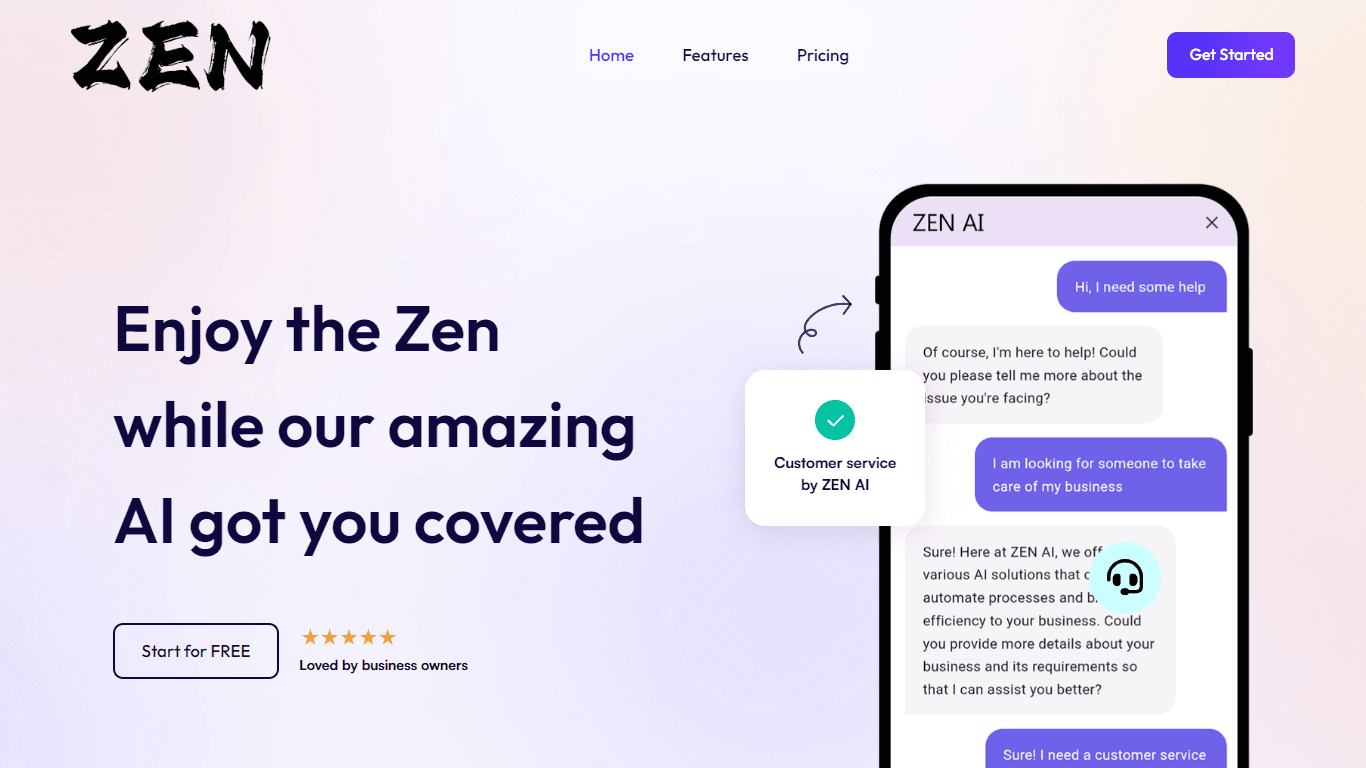
ZEN AI
Discover unparalleled customer service with ZEN AI, an intelligent customer support assistant designed for businesses of all sizes. ZEN AI operates around the clock, ensuring that your customers alway
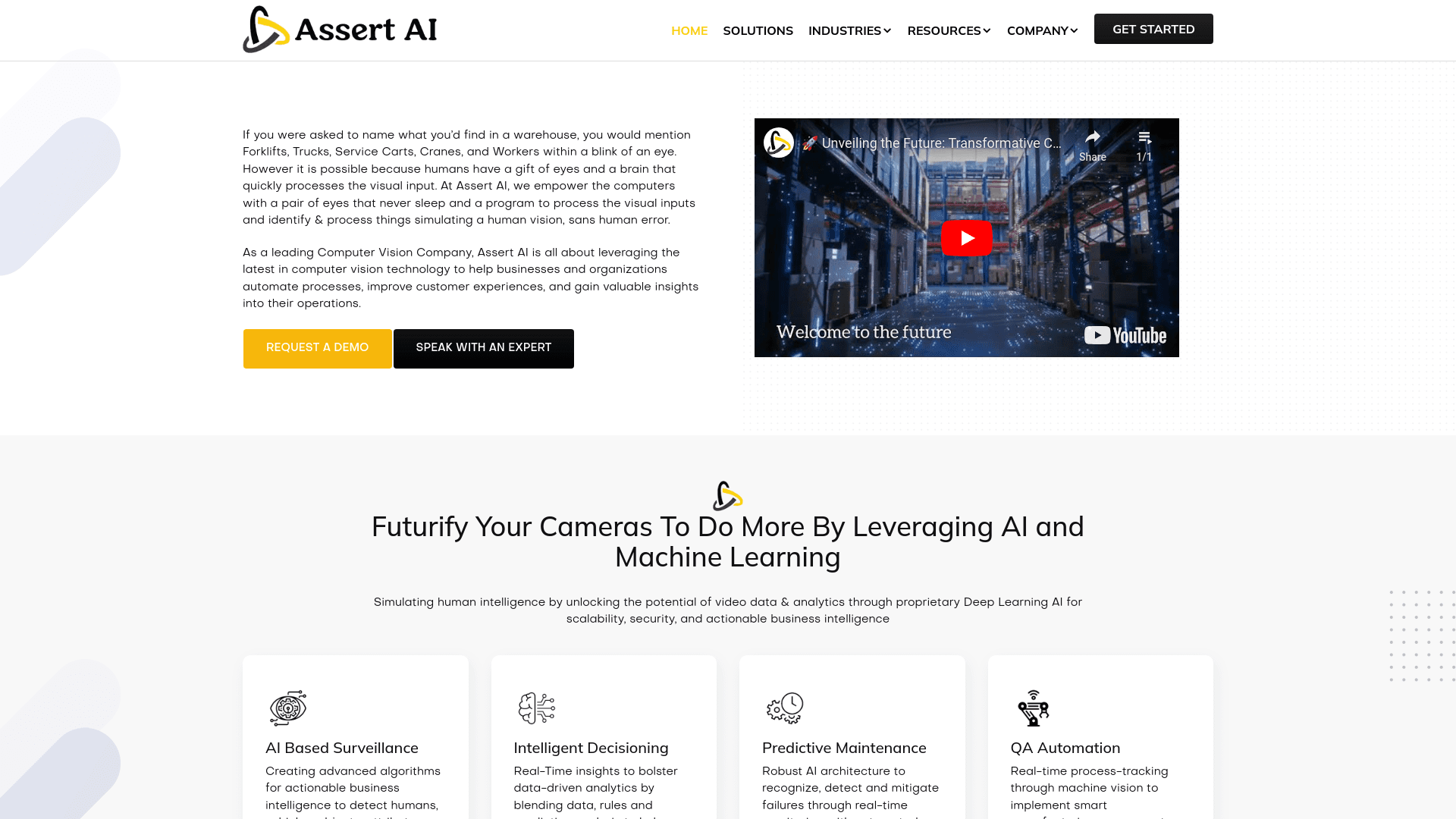
Assert AI
Automatically generates test cases, identifies bugs, and provides insights.
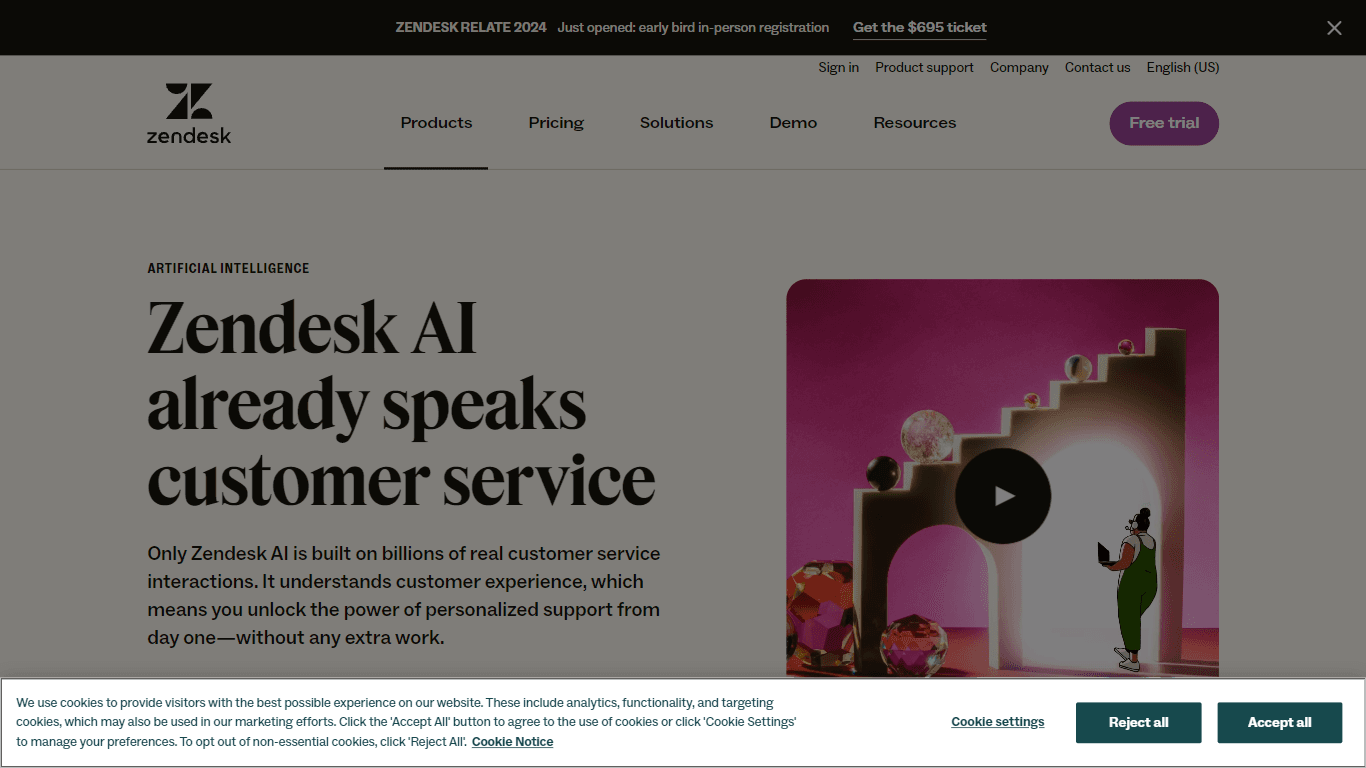
Zendesk AI
Explore the transformative power of AI-driven customer support with Zendesk AI. With a suite of intelligent tools, including sophisticated bots, enhanced self-service options, and a wealth of producti

Outreach
Optimize sales, enhance workflows, boost efficiency with AI-powered tools.

Convoso
A call center platform with dialing and omnichannel communication tools.
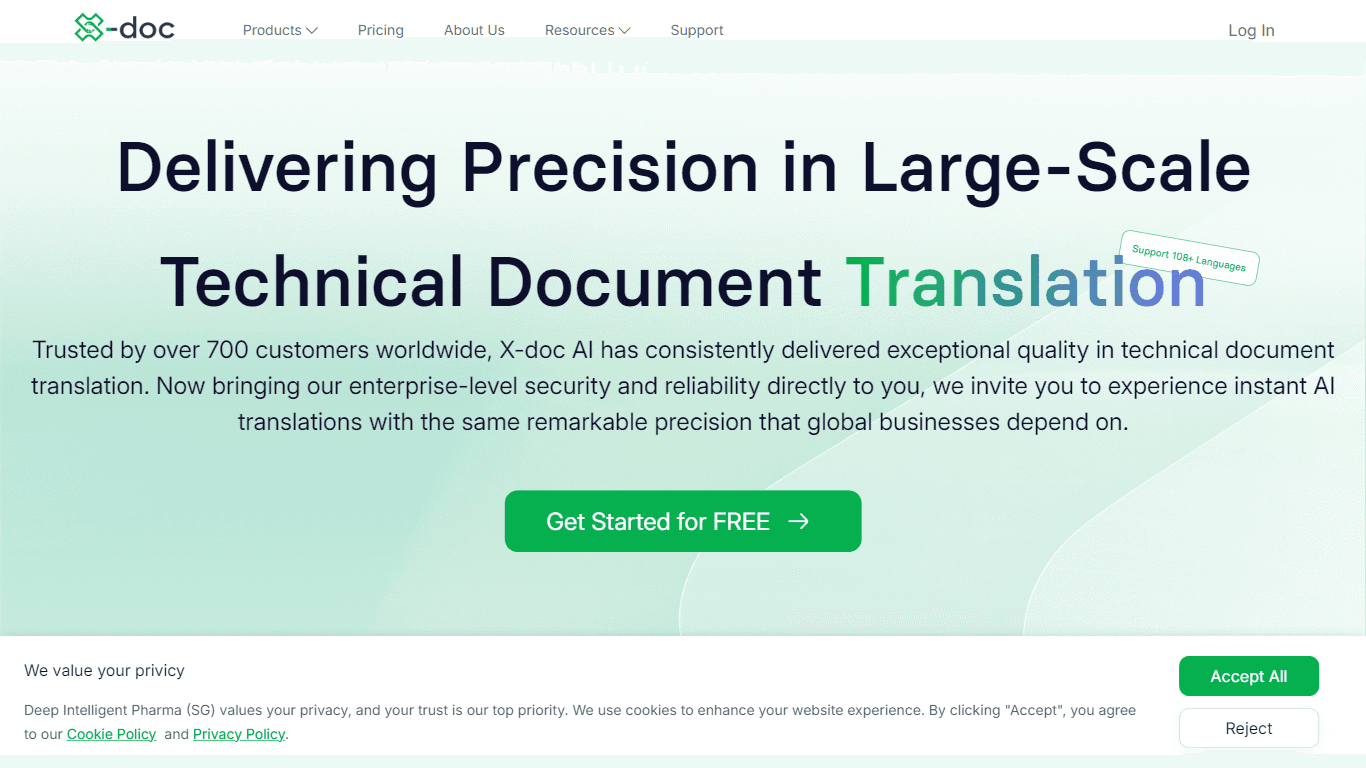
X-doc
X-doc is a cutting-edge AI-driven platform specializing in large-scale technical document translation. Its core functionality revolves around providing instant translations across 108 languages, ensur

Align AI
Streamlines AI strategy alignment with business objectives.

Tektonic AI
Streamline sales and revenue operations with advanced AI-driven automation.

Ada
Revolutionize customer service with AI across all digital platforms.

Retell AI
Create lifelike AI voice agents, deploy anywhere, analyze real-time.

ChatGPT for Google
ChatGPT response alongside search engine results