
Blur It
Blur It is a powerful tool designed to help users protect sensitive information while sharing their screens. Its core functionality revolves around blurring specific text, areas, or elements on a webp
17,371
Votes
24,824
Views
11,752
Bookmarks
About
Blur It is a powerful tool designed to help users protect sensitive information while sharing their screens. Its core functionality revolves around blurring specific text, areas, or elements on a webpage, ensuring that confidential data remains hidden during presentations or recordings. This tool is particularly beneficial for professionals across various industries, including software demonstrations, virtual training, tutorial recordings, customer support, financial presentations, and healthcare consultations. By providing a simple and effective way to obscure sensitive information, Blur It empowers users to share their screens with confidence. The target audience for Blur It includes professionals who frequently engage in screen sharing, such as trainers, customer support representatives, and financial analysts. These users often need to present information that may contain sensitive data, and Blur It offers them a reliable solution to maintain privacy. The unique value proposition of Blur It lies in its ease of use and versatility, allowing users to choose from multiple blurring methods tailored to their specific needs. Key differentiators of Blur It include its ability to blur text, areas, and elements with just a few clicks, as well as its smart detection feature that automatically identifies and blurs email addresses and phone numbers. This level of functionality sets it apart from other screen sharing tools that may not offer such comprehensive privacy features. Additionally, Blur It operates entirely within the user's browser, ensuring that no data is sent to external servers, which enhances user trust and security. The technical implementation of Blur It is straightforward, requiring users to install a Chrome extension and activate their license. Once set up, users can easily select the blurring method that best suits their needs, whether it be text blurring, area blurring, element selection, or smart detection. This seamless integration into the Chrome browser makes it accessible and user-friendly, allowing professionals to focus on their presentations without worrying about exposing sensitive information. In summary, Blur It is an essential tool for anyone who needs to share their screen while keeping sensitive information secure. Its user-friendly interface, multiple blurring options, and commitment to privacy make it a valuable asset for professionals in various fields. With a one-time payment for lifetime access, Blur It offers a cost-effective solution for maintaining confidentiality during screen sharing sessions.
Key Features
- Text Blurring: Users can select specific text on any webpage to blur it out, making it perfect for hiding emails, messages, and form fields during presentations.
- Area Blurring: This feature allows users to draw a rectangle over any area of the page to blur that content, ideal for images, videos, and complex layouts.
- Element Selector: Users can click on any element to blur it entirely, which is great for user interfaces, navigation bars, and structured content.
- Smart Detection Blurring: With just a click, users can automatically blur out email addresses and phone numbers, ensuring personal data is not exposed.
- Clear All Blurs: After a presentation, users can easily restore all content to its original state by clicking the 'Clear All Blurs' button in the toolbar.
FAQ
Does Blur It work on all websites?
Yes, Blur It works on any website or web application that runs in Chrome.
Is my data sent to any servers?
No. Blur It operates entirely within your browser. The only external communication is to validate your license key.
How do I unblur content after a presentation?
Simply click the 'Clear All Blurs' button in the toolbar or extension popup to restore all content.
Can Blur It help with GDPR compliance?
While Blur It can help prevent accidental exposure of personal data, it should be part of a comprehensive GDPR compliance strategy.
What is the cost of Blur It?
Blur It is available for a one-time payment of $19.97, which includes lifetime access and free updates.
How do I install Blur It?
You can add Blur It to Chrome with a single click from the Chrome Web Store.
You may also like
More tools in Productivity

Dify
A platform to develop and operate AI applications.
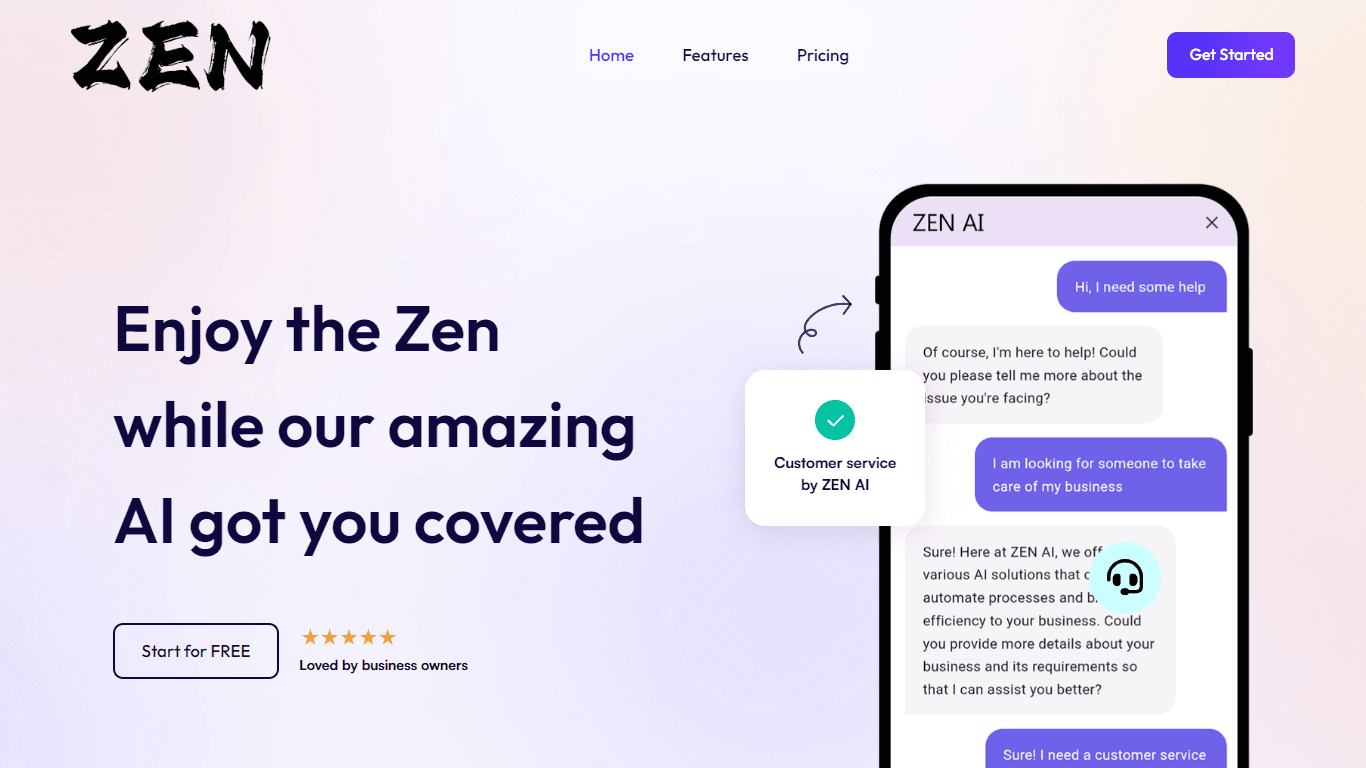
ZEN AI
Discover unparalleled customer service with ZEN AI, an intelligent customer support assistant designed for businesses of all sizes. ZEN AI operates around the clock, ensuring that your customers alway

Assert AI
Automatically generates test cases, identifies bugs, and provides insights.
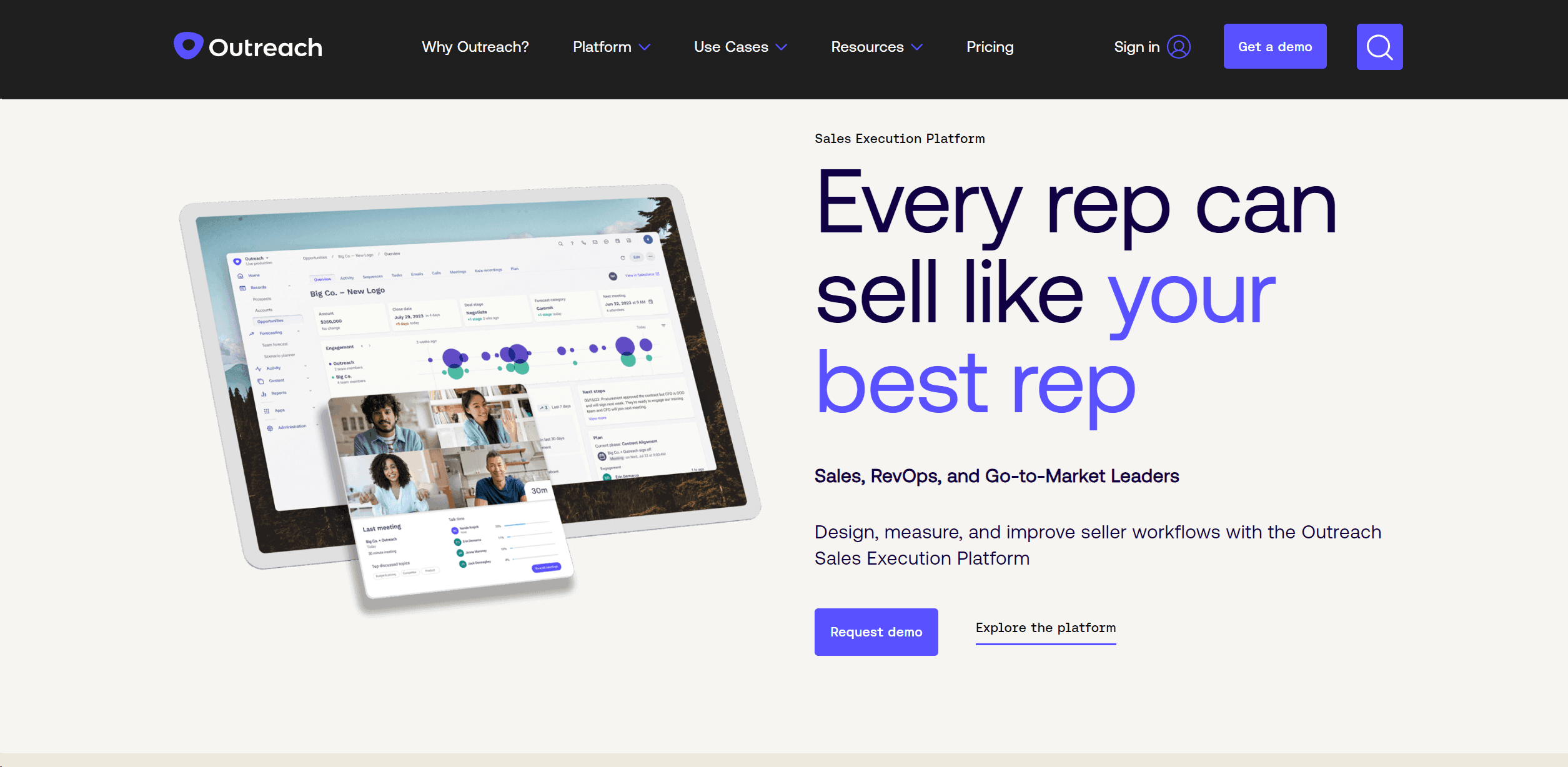
Outreach
Optimize sales, enhance workflows, boost efficiency with AI-powered tools.
Zendesk AI
Explore the transformative power of AI-driven customer support with Zendesk AI. With a suite of intelligent tools, including sophisticated bots, enhanced self-service options, and a wealth of producti

Convoso
A call center platform with dialing and omnichannel communication tools.

X-doc
X-doc is a cutting-edge AI-driven platform specializing in large-scale technical document translation. Its core functionality revolves around providing instant translations across 108 languages, ensur
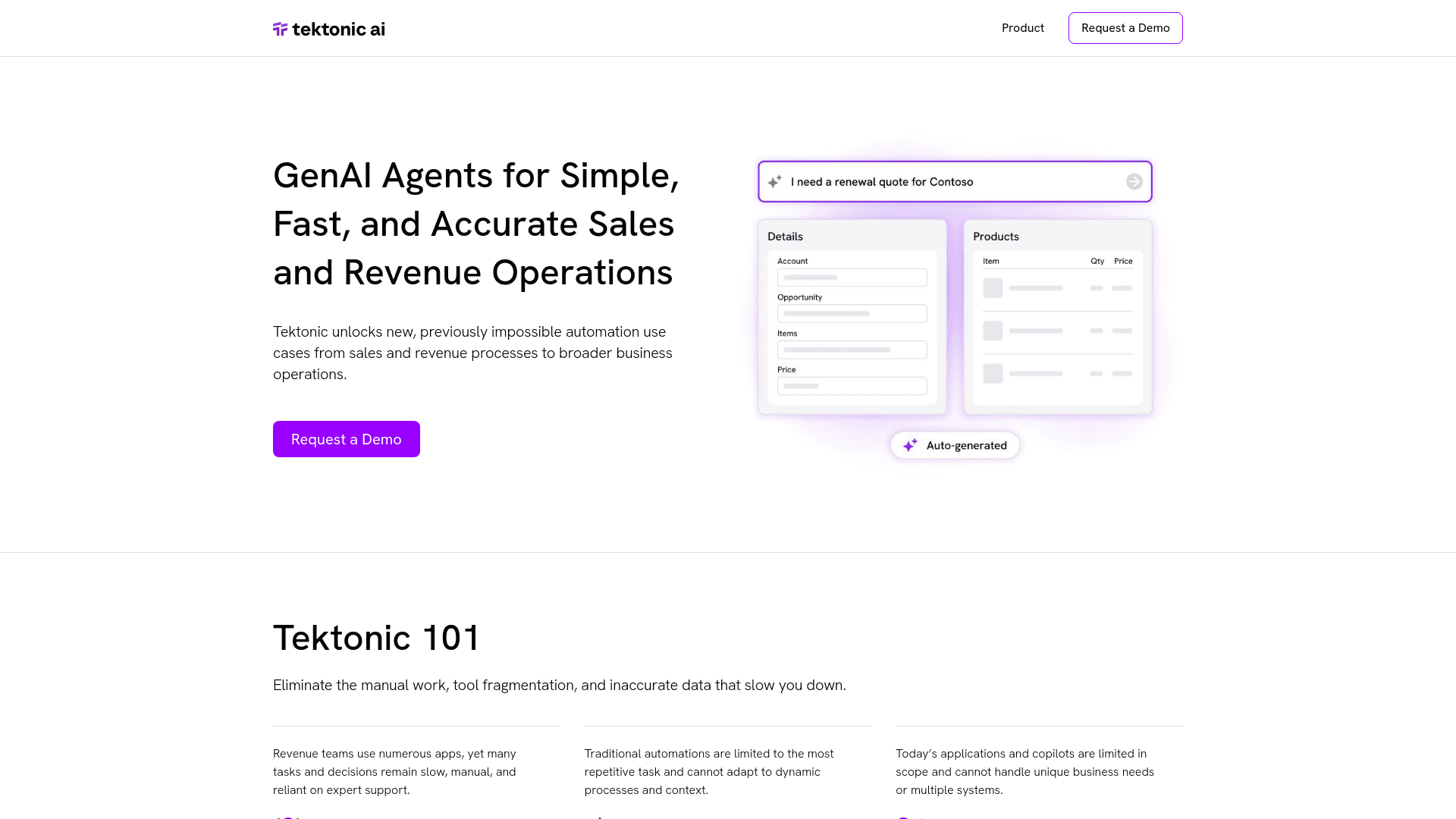
Tektonic AI
Streamline sales and revenue operations with advanced AI-driven automation.
Align AI
Streamlines AI strategy alignment with business objectives.

Ada
Revolutionize customer service with AI across all digital platforms.

ChatGPT for Google
ChatGPT response alongside search engine results

Supametas.AI
A tool to transform unstructured data into structured formats for AI models and knowledge bases.