BillOver
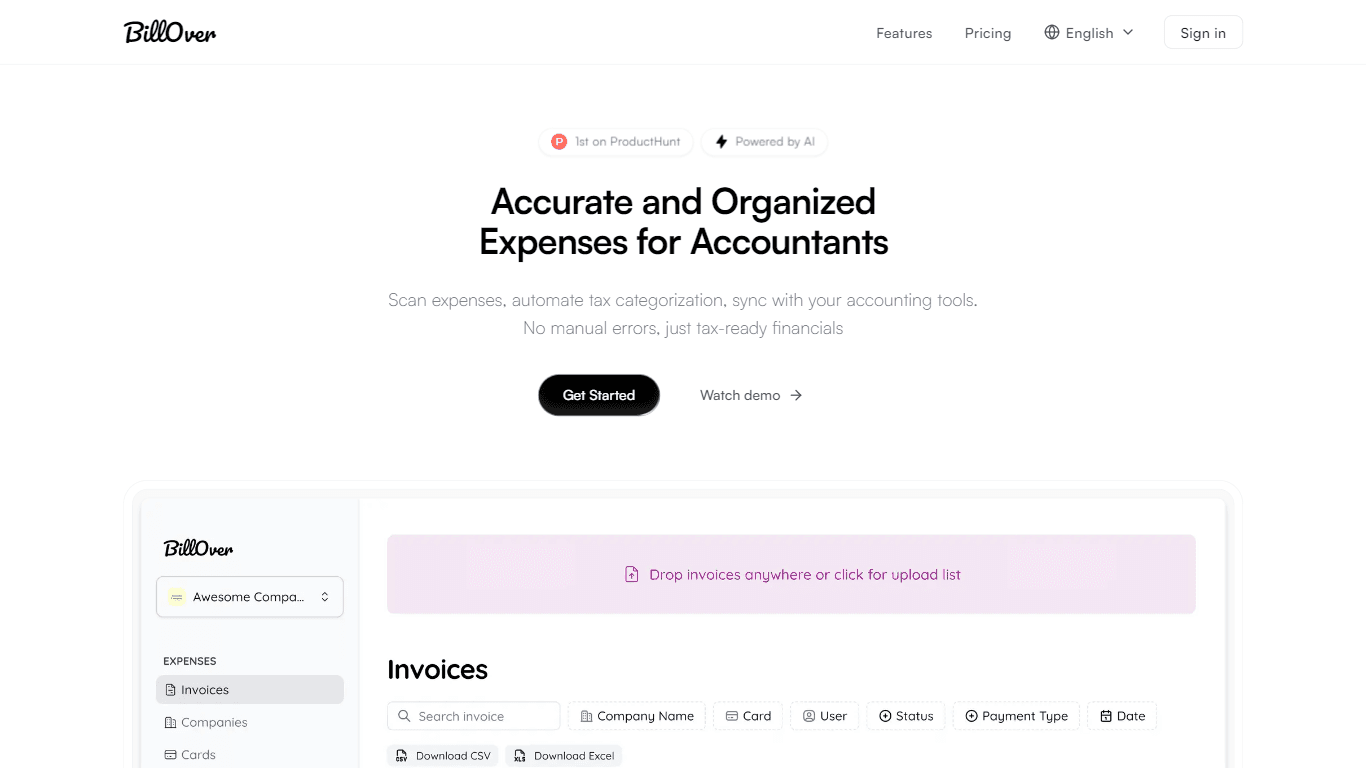
BillOver is a smart invoice scanner and processor designed to streamline the expense management process for accountants and businesses. Its core functionality revolves around scanning receipts, automa
14,327
Votes
25,564
Views
11,500
Bookmarks
About
BillOver is a smart invoice scanner and processor designed to streamline the expense management process for accountants and businesses. Its core functionality revolves around scanning receipts, automating tax categorization, and syncing with various accounting tools. This tool aims to eliminate manual errors, ensuring that users have tax-ready financials at their fingertips. By capturing every detail from receipts, BillOver helps users maintain accurate and organized expense records, which is crucial for effective financial management. The target audience for BillOver includes accountants, small to medium-sized businesses, and organizations that require efficient expense tracking and management. These users often deal with numerous receipts and invoices, making it essential to have a reliable tool that simplifies the process. BillOver addresses these needs by providing a user-friendly interface that allows for easy scanning and categorization of expenses, making it an ideal solution for busy professionals. One of the unique value propositions of BillOver is its ability to automate the tax categorization process. This feature not only saves time but also reduces the risk of errors that can occur during manual entry. Additionally, BillOver allows users to create separate organizations within the platform, enabling them to manage multiple clients' data efficiently. This level of organization is a key differentiator that sets BillOver apart from other expense management tools. BillOver's technical implementation includes support for various file formats such as PDF, PNG, and JPEG, allowing users to upload receipts easily. The tool captures every detail from the scanned receipts, ensuring that no data is missed during the processing. Furthermore, users can review expenses with a single click and sync them directly to their accounting tools, streamlining the workflow and enhancing productivity. In summary, BillOver is a powerful tool for anyone looking to simplify their expense management process. With its focus on accuracy, speed, and user organization, it provides a comprehensive solution for managing receipts and expenses. Whether you are an accountant or a business owner, BillOver offers the features you need to keep your financials in order and ready for tax season.
Key Features
- Scan Receipts: Easily scan receipts individually or in bulk, supporting PDF, PNG, or JPEG formats for seamless processing.
- Automated Tax Categorization: BillOver captures every detail from receipts and automatically categorizes expenses, reducing manual errors.
- Organize Client Data: Create separate accounts for each client, allowing for better organization and management of multiple receipts.
- One-Click Review: Review expenses with just one click and send them directly to your accounting tools, streamlining your workflow.
- Simple Pricing Plans: Choose from various plans that fit your organization's needs, making it easy to get started with BillOver.
FAQ
How can I ensure tax accuracy for my receipts?
BillOver automatically categorizes expenses from scanned receipts, which helps ensure tax accuracy by reducing manual entry errors.
Can I categorize receipts by client?
Yes, BillOver allows you to create separate accounts for each client, making it easy to categorize and manage receipts.
Can I export receipt data to accounting software?
Yes, you can sync expenses directly to your accounting tools with BillOver, allowing for easy data export.
How do I manage receipts from multiple clients?
You can create separate organizations within BillOver for each client, helping you keep their receipts organized.
Is receipt processing automated?
Yes, BillOver automates the receipt processing by scanning and categorizing expenses without manual input.
How do I organize multiple receipts?
BillOver allows you to upload receipts in bulk and categorize them by client, making organization simple.
You may also like
More tools in Automation

Skail
Skail is an AI-powered platform designed to help organizations empower their teams by enabling them to create personalized, human-like messages. The core functionality of Skail revolves around its pro

eNotify
eNotify is a powerful tool designed to replace unreliable SMS and cluttered emails with secure, one-click push notifications delivered directly to users' eNotify app. Its core functionality revolves a

Quilgo
Quilgo is an innovative online testing platform designed to streamline the process of creating and administering quizzes and tests. With a focus on simplicity and reliability, Quilgo integrates AI-pow

Zight
Zight is a comprehensive screen recording tool designed for users across various platforms including Mac, Windows, Chrome, and iOS. Its core functionality revolves around enabling users to easily capt

Insight Pipeline
Insight Pipeline is a tool designed to simplify the process of scheduling research calls with customers. Its core functionality revolves around automatically arranging these calls for validation, usab

Testsigma
Testsigma offers a cutting-edge cloud-based test automation platform that revolutionizes how QA teams approach testing. With the ability to automate tests for a wide range of applications—web, mobile,

Doc ai
Docai is a powerful tool designed to automate the generation of project documentation directly from JIRA releases. Its core functionality revolves around simplifying the documentation process, which i

HeyCloud
HeyCloud revolutionizes cloud management by allowing you to build and manage your AWS stack using plain English commands. It acts as an AI copilot for DevOps teams, streamlining cloud integration and

Summit
Summit is a comprehensive AI-powered platform designed to revolutionize the way businesses optimize their operations. With an array of cutting-edge features and advanced algorithms, Summit offers unpa

Hakanai
Hakanai is a powerful toolbox designed specifically for blogs of all sizes, catering to everyone from personal storytellers to large enterprises. Its core functionality revolves around providing a sin

Super Send
The only outbound automation tool dedicated to founders looking to get their first 100 customers.Automate Cold Outreach Across Email, Linkedin and Twitter and includes email warmup, email validator, u
Virtuoso
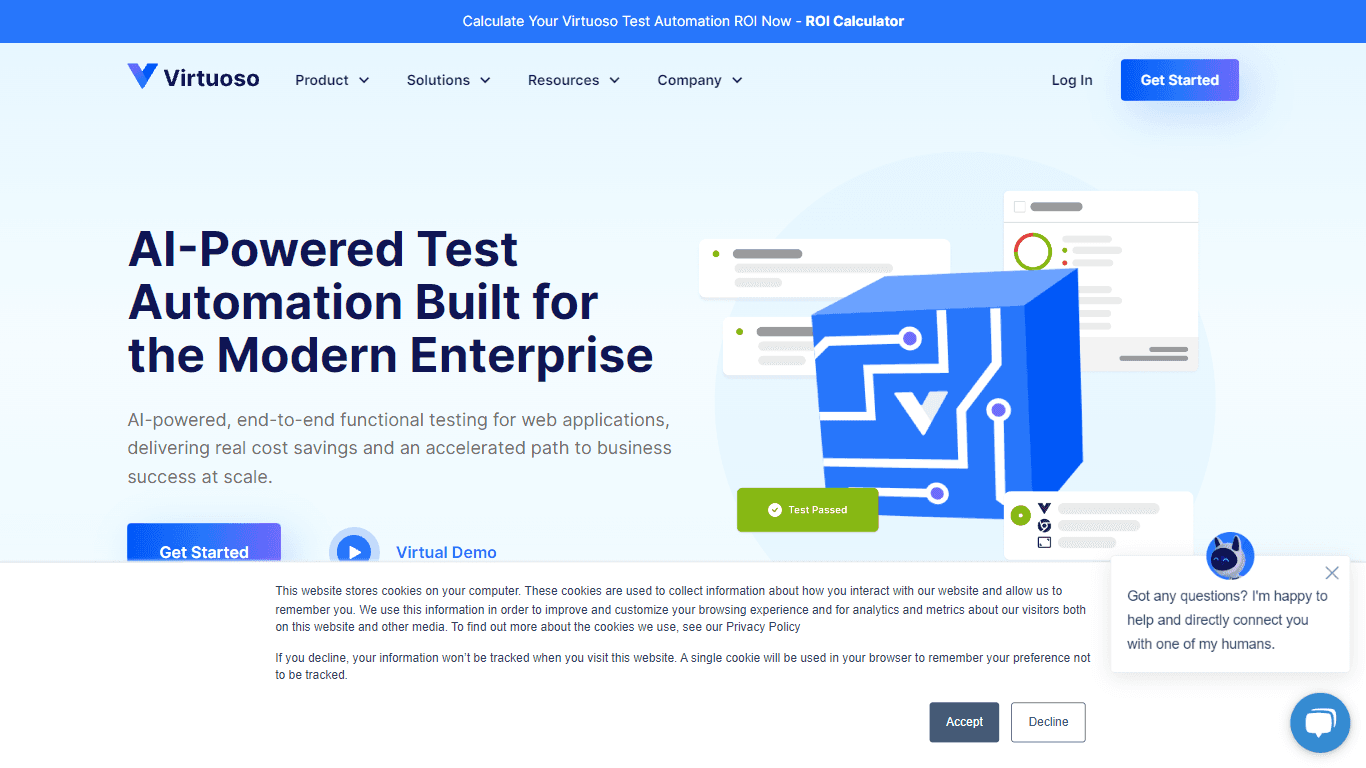
Virtuoso is a cutting-edge QA automation testing tool that utilizes the power of Natural Language Programming (NLP), AI, and machine learning. With its unique combination of these advanced technologie