Audyo
Write scripts, instantly create natural multilingual voiceovers.
16,549
Votes
24,635
Views
11,574
Bookmarks
About
Audyo converts written text into natural-sounding speech through an online, document-style editor. Users type or paste scripts, choose from over 100 AI voices in multiple languages, fine tune pronunciation, then download audio for videos, podcasts, audiobooks, and presentations. The focus is on writing and revising words, not editing waveforms, which makes voice production feel closer to word processing than traditional audio work.
Key Features
- Doc-style text editor: Edit scripts like a document while Audyo regenerates matching audio.
- 100+ AI voices: Large catalog of male, female, and character-style voices.
- Multilingual output: Supports major global languages including English, Spanish, French, German, Portuguese, Chinese, Hindi, Arabic, Turkish, Russian, Japanese, and Korean.
- Custom pronunciation controls: Adjust how names, jargon, and brand terms sound using phonetic spelling.
- AI-assisted scripting and Markdown: Built in AI helper plus Markdown headings, lists, and dividers that influence pacing.
Pros
- Simple learning curve: Browser editor feels familiar to anyone used to word processors.
- Rich voice variety: Many accents and styles suit everything from tutorials to ads.
- Strong for dialogue: Quick switching between speakers speeds up scripting of conversations.
- Quick iteration: Small text edits regenerate updated audio instead of re-recording.
Cons
- Unclear automation story: Public site highlights the editor more than API or integration options.
- Pronunciation tweaking knowledge: Phonetic editing can feel technical to users who prefer pure point-and-click.
- Still synthetic at times: Like other neural voices, some phrases may sound slightly artificial.
Who Uses It
- Video creators and YouTubers: Generating narration for explainers, product demos, shorts, and trailers.
- Podcast and audio producers: Creating intros, ads, episode segments, and backup narration.
- E-learning teams and educators: Turning lessons, onboarding flows, and quizzes into spoken modules.
- Marketing and product teams: Producing brand-safe voiceovers for campaigns, feature announcements, and in-app content.
- Uncommon Use Cases: Used by indie game developers to prototype character dialogue; Adopted by researchers to create spoken surveys and accessible study materials.
Pricing
- Audio by the Hour (1 Hour): $3 one-time; includes 1 hour of audio; no subscription, no expiry.
- Audio by the Hour (3 Hours): $7 one-time (discounted from $9); includes 3 hours of audio; no subscription, no expiry.
- Audio by the Hour (6 Hours): $12 one-time; includes 6 hours of audio; no subscription, no expiry.
- Free (Pro account): $0; includes 15 minutes of audio, audio watermark, unlimited downloads, unlimited listening, embeddable player, and sharable web player.
- Pro (Lifetime Deal): $29 one-time (discounted from $49); includes everything in Free plus no audio watermark, custom embed player colors, subtitle downloads, custom intro creation, multilingual translation, MP3 upload, ZIP download for block MP3s, and +3 hours of audio free.
You may also like
More tools in Audio Generators

Noisee AI
Find powerful Noisee AI alternatives for creators.

Retell AI
Create lifelike AI voice agents, deploy anywhere, analyze real-time.

DaVinci Resolve
Unify editing, color, VFX, and audio post-production.
Vocallab AI
A tool to generate speech and clone voices from text.
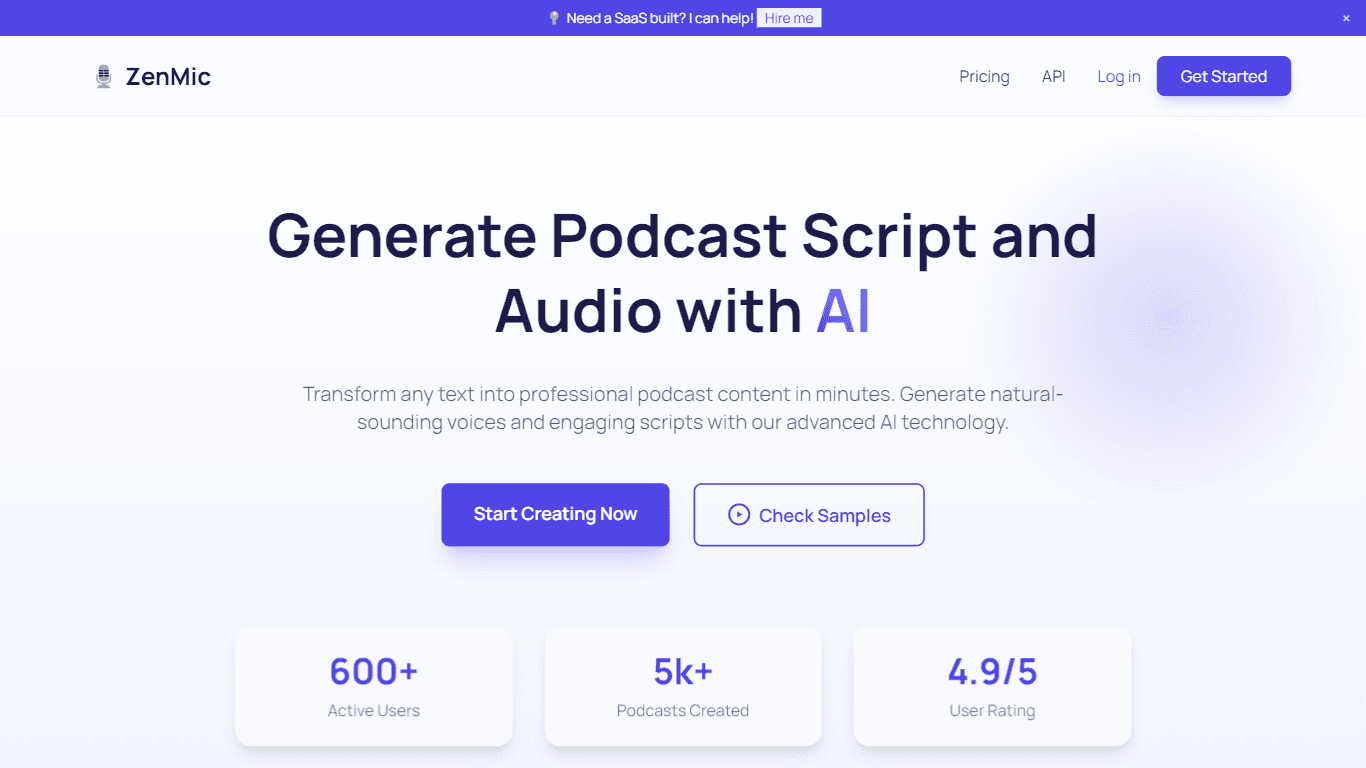
ZenMic
ZenMic is an innovative AI-driven podcast generator designed to transform any text into professional podcast content within minutes. The platform leverages advanced artificial intelligence technology

PlexiGen AI
A tool to create videos with matching audio from text or images.

BanterAI
BanterAI offers a unique platform for influencers and personalities to engage with their audience like never before. By creating a personalized AI voice bot on Banter AI, users can monetize their pers

Smallest.ai
A tool with ultra-low latency text-to-speech and AI voice agents for conversational applications.
Replicate
Unlock AI's potential: run, fine-tune, deploy models easily and cost-effectively.

Instadesk
Instadesk is a robust cloud contact solution focused on transforming customer interactions and enhancing service efficiency for enterprises. With a comprehensive suite of AI-powered tools, including a

Heidi
Streamline healthcare admin tasks, and enhance patient focus.

Soniox Speech-to-Text
Transcribe, diarize, and translate live global conversations.