
Atomic Bot
Delegate email, scheduling, docs, and browser work 24/7.
18,102
Votes
23,064
Views
12,090
Bookmarks
About
Atomic Bot packages the open source OpenClaw agent stack into a polished desktop and cloud app so regular users can run a 24/7 AI coworker without wrestling with terminals and scripts. Instead of manual installs, users download the app, sign in with Google, connect Gmail, calendar, files, and other tools, then let an AI agent handle real work such as email triage, scheduling, document digestion, and browser actions. It runs locally on macOS or Windows or in a personal cloud setup, and it supports multiple LLM backends including Claude, GPT, and Gemini.
Key Features
- Guided OpenClaw setup: Wraps the full OpenClaw stack in a click-to-install experience with a stepwise onboarding wizard.
- Persistent memory: Stores preferences, context, and ongoing tasks so the assistant behaves more like a long-term coworker than a stateless chatbot.
- Local or cloud execution: Lets users run the agent on their own machine for tighter data control or spin it up in the cloud for always-on access.
- Browser automation: Controls a real browser to click, fill forms, and complete multi step flows directly from chat instructions.
- Multiple AI models: Connects to Claude, GPT, Gemini, and others, with the option to switch models as needs or pricing change.
- Skill marketplace and integrations: Connects to 100+ apps and offers hundreds of prebuilt skills for Gmail, calendars, CRM, GitHub, PDFs, and more.
- Task scheduling and monitoring: Can run on a schedule, send proactive messages, and watch for events such as new emails or upcoming deadlines.
- Open source macOS app: Source code is available, which makes behavior auditable and attractive for technical teams that care about transparency.
Pros
- Real task execution, not just chat: Controls email, calendars, files, and the browser so users can offload repetitive workflows, not only question answering.
- Strong privacy posture: Can keep all data on a local machine, with cloud usage optional, which helps privacy conscious users and teams.
- High customizability: OpenClaw skills, multiple models, and a large integration set make it easy for advanced users to build very tailored agents.
- Lower total cost potential: The app itself is free, and users can pick whichever LLM plans or API keys offer the best value for their workload.
- Good bridge for non‑terminal users: Brings a complex open source agent stack into a GUI that product managers, founders, and non developers can actually operate.
- Community and ecosystem energy: OpenClaw’s fast growing community means new skills, integrations, and how to guides appear quickly.
Cons
- Setup still has moving parts: Even with a GUI, users must understand API keys, model choices, and permissions across connected apps.
- Depends on third party LLMs and skills: Reliability, costs, and security are influenced by model providers and community built skills, which some companies may find hard to govern.
- Early stage UX and docs: Compared to mature SaaS automation suites, onboarding materials and support channels still feel more “enthusiast” than enterprise.
Who Uses It
- Indie developers and tinkerers: Using it to script personal workflows, scrape data through the browser, and experiment with multi step agents.
- Solo founders and small startups: Delegating inbox triage, investor follow ups, customer outreach, and calendar wrangling to an always on agent.
- Knowledge workers and consultants: Summarizing long PDFs, contracts, and research packets into concise briefs and action lists.
- Operations and support teams: Automating routine support emails, CRM updates, and escalation workflows tied to multiple SaaS tools.
- Uncommon Use Cases: Adopted by students who connect it to course portals and assignment calendars; Used by home lab enthusiasts running it on dedicated mini PCs as “AI butlers” for their digital infrastructure.
Pricing
- Free: $0 per month; includes Atomic Bot with manual API key setup.
- Optional paid plan: Custom pricing; for users who do not want to set up API keys manually.
You may also like
More tools in AI Chatbots

UiPath
Streamline workflows with AI-driven automation and seamless integration.

One AI
Boost website engagement and sales with adaptive AI-driven interactions.

Spoke.ai
AI-powered tool revolutionizes team communication and project management.

Ada
Revolutionize customer service with AI across all digital platforms.
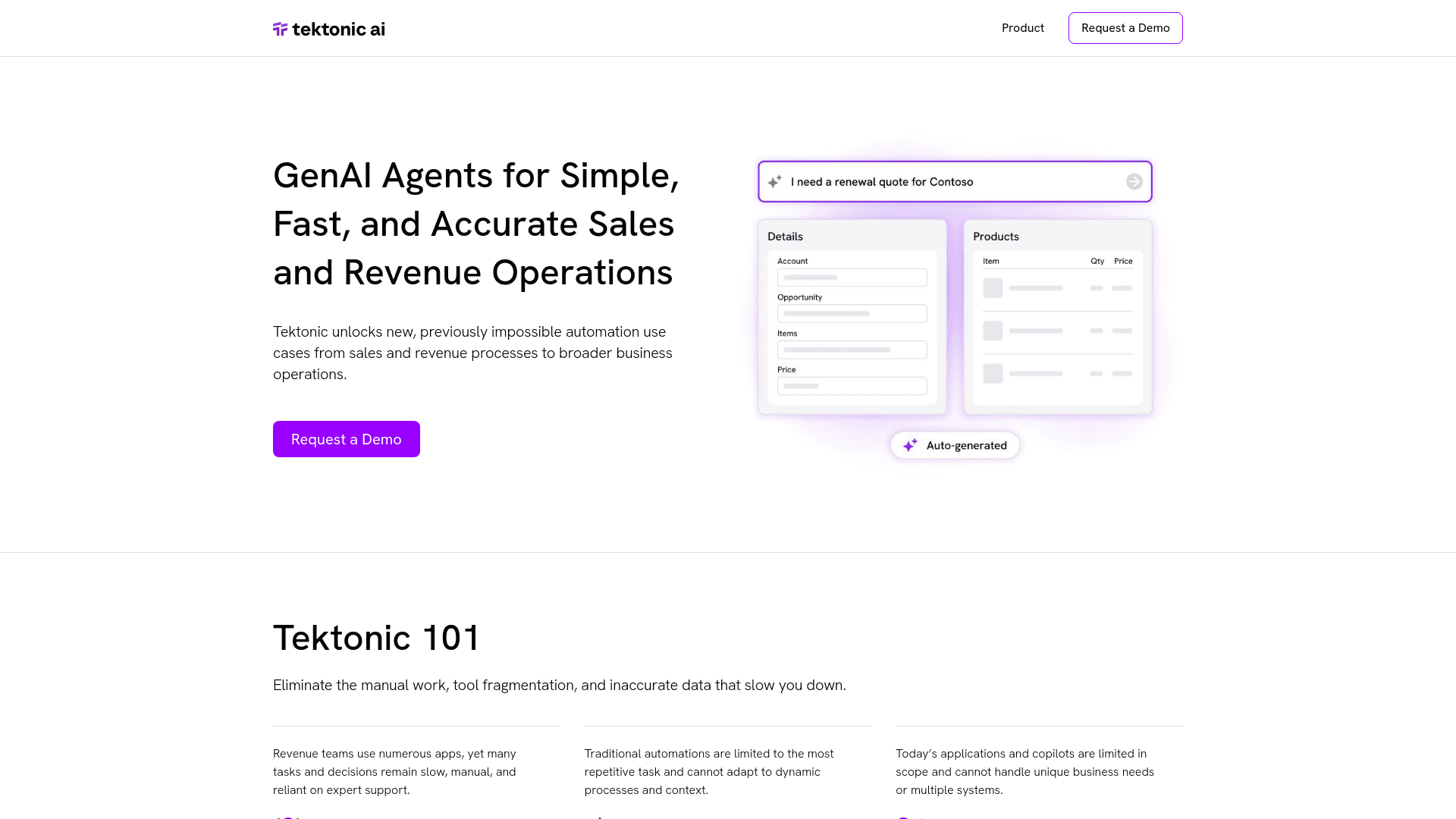
Tektonic AI
Streamline sales and revenue operations with advanced AI-driven automation.
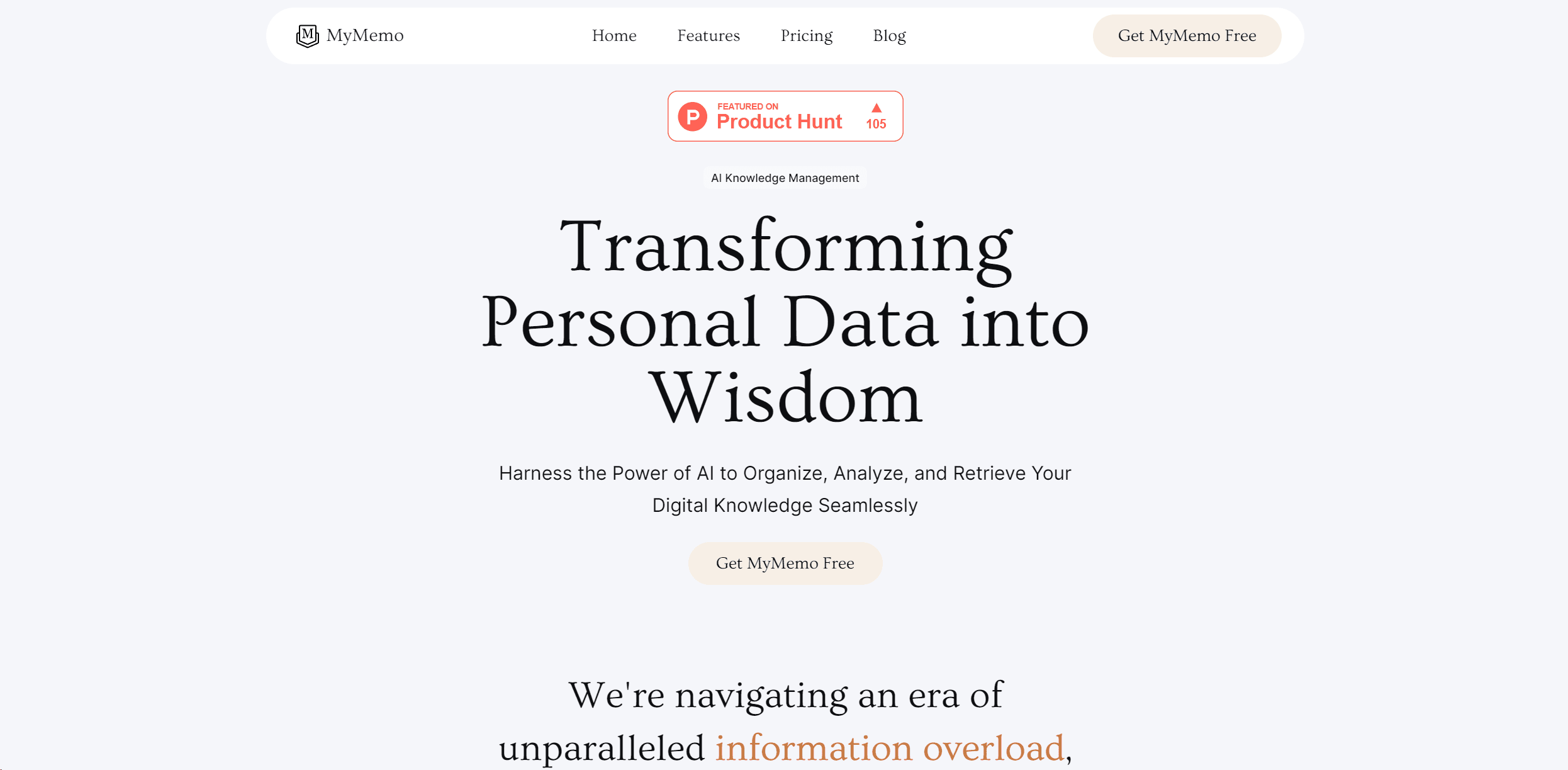
MyMemo AI
Transform digital chaos into an organized, AI-enhanced knowledge oasis.

Retell AI
Create lifelike AI voice agents, deploy anywhere, analyze real-time.

Inworld
Elevate game development with dynamic NPCs, immersive worlds, and AI-driven content creation.
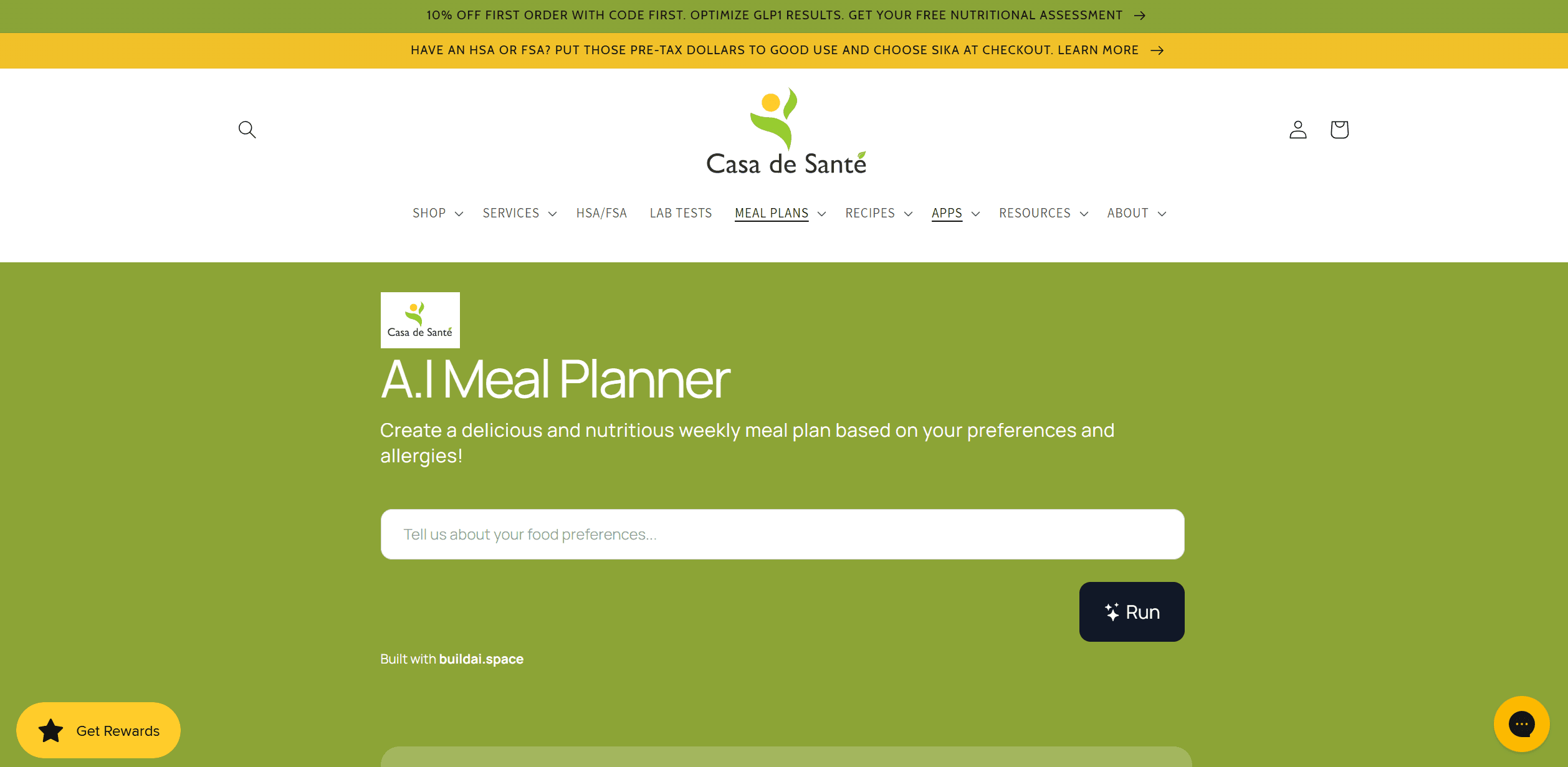
AI Meal Planner
Personalized meal plans tailored to individual dietary needs.
Whoop
Optimize fitness, sleep, and recovery with real-time health insights.
AI Trip Planner
AI-driven tool for personalized, efficient travel itinerary creation.
Hume AI
Transforms AI with emotional intelligence for natural, empathetic interactions.