
AppHalt
AppHalt is a powerful tool designed to enhance the performance of your Mac by pausing resource-heavy applications. Its core functionality revolves around the ability to freeze demanding apps in real-t
14,437
Votes
23,395
Views
12,012
Bookmarks
About
AppHalt is a powerful tool designed to enhance the performance of your Mac by pausing resource-heavy applications. Its core functionality revolves around the ability to freeze demanding apps in real-time, allowing users to free up CPU and memory without the need to quit or lose their work. This feature is particularly beneficial for those who find their Macs slowing down due to multiple applications running simultaneously. By simply pausing these apps, users can regain speed and improve their overall computing experience. The target audience for AppHalt includes Mac users who experience performance issues, especially those who run multiple applications at once. This tool is ideal for professionals, students, and anyone who relies on their Mac for productivity. With its intuitive interface, AppHalt caters to users of all technical backgrounds, making it accessible for both tech-savvy individuals and those who may not be as familiar with technology. AppHalt's unique value proposition lies in its ability to optimize Mac performance instantly. Unlike traditional methods that require quitting applications, AppHalt allows users to pause apps, which means they can resume their work exactly where they left off. This feature sets it apart from other performance optimization tools, as it provides a seamless experience without the hassle of reopening applications or losing progress. Key differentiators of AppHalt include its real-time monitoring capabilities, which allow users to see which applications are consuming the most resources. This transparency empowers users to make informed decisions about which apps to pause. Additionally, the software is designed to improve battery life by reducing CPU consumption, making it especially useful for MacBook users who need to extend their device's battery life during long work sessions. In terms of technical implementation, AppHalt is compatible with most Mac applications, ensuring that users can optimize their performance across a wide range of software. However, it is important to note that some system-protected applications cannot be paused to maintain macOS stability. Overall, AppHalt is a reliable solution for anyone looking to enhance their Mac's performance and productivity.
Key Features
- Instant Optimization: Pause heavy applications in one click to free up CPU and memory without losing your work.
- CPU Reduction: Improve system responsiveness by keeping only essential apps active, reducing background activity.
- Enhanced Battery Life: Optimize your Mac’s battery by limiting unnecessary processes, helping to extend battery life and reduce overheating.
- Intuitive Interface: A clean and minimal design that makes managing running apps easy, even for non-tech-savvy users.
- Real-Time Monitoring: Analyze which apps are slowing down your Mac and take action instantly to improve performance.
FAQ
Why would I need to pause an app instead of quitting it?
Pausing an app lets you save resources without closing it. It’s like putting an app in the freezer — when you reopen it, it’s exactly as you left it.
Will pausing an app make me lose my work?
No, pausing an app does not close it or make you lose your work. It simply freezes the app in its current state.
Can AppHalt improve my Mac’s battery life?
Yes! By reducing CPU activity and pausing unnecessary apps, AppHalt helps decrease power consumption and extend battery life.
Is AppHalt free?
A free version is available, but it only allows you to pause 2 applications at a time.
How is AppHalt different from Activity Monitor?
Unlike Activity Monitor, which only lets you quit apps, AppHalt allows you to temporarily pause them without closing completely.
What’s the difference between the free and premium versions?
The free version allows you to pause 2 apps at a time, while the premium version lets you pause as many as you want and save paused states.
You may also like
More tools in Productivity

Dify
A platform to develop and operate AI applications.
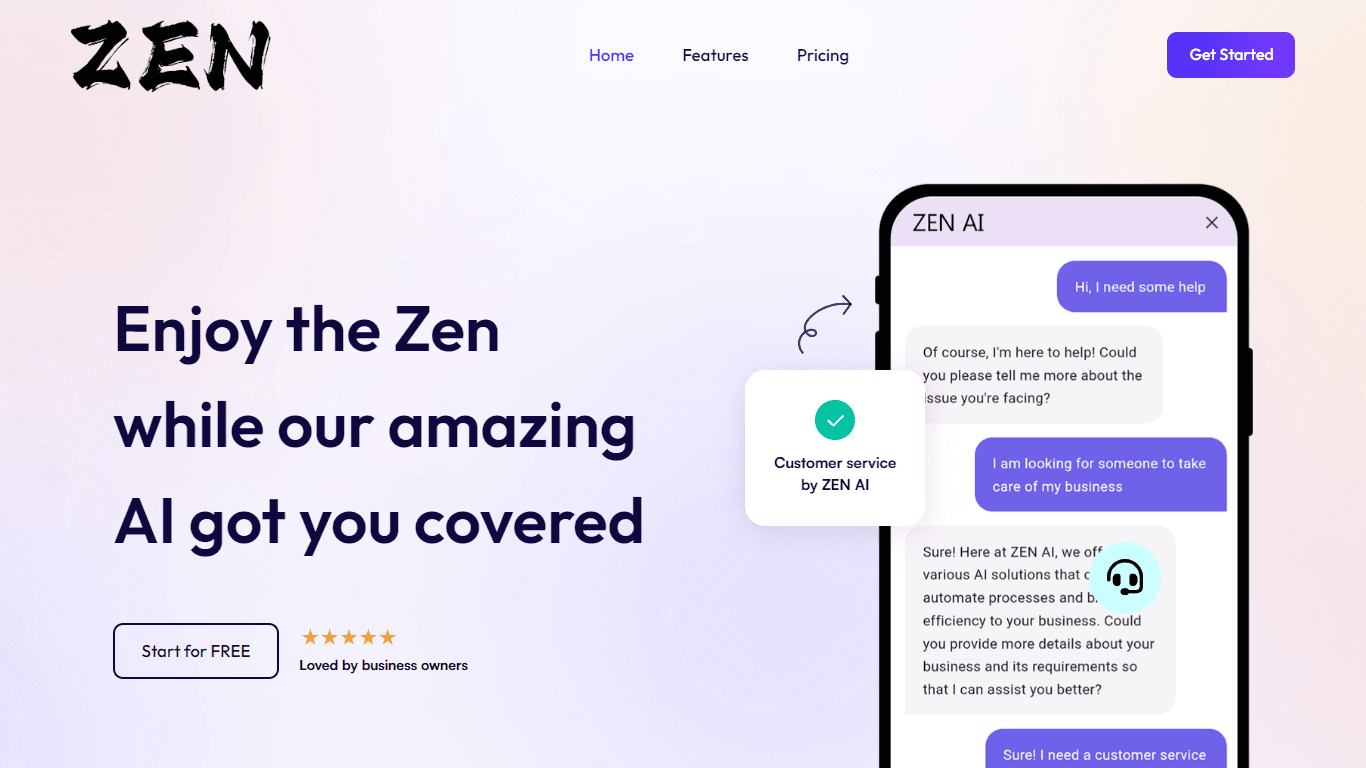
ZEN AI
Discover unparalleled customer service with ZEN AI, an intelligent customer support assistant designed for businesses of all sizes. ZEN AI operates around the clock, ensuring that your customers alway
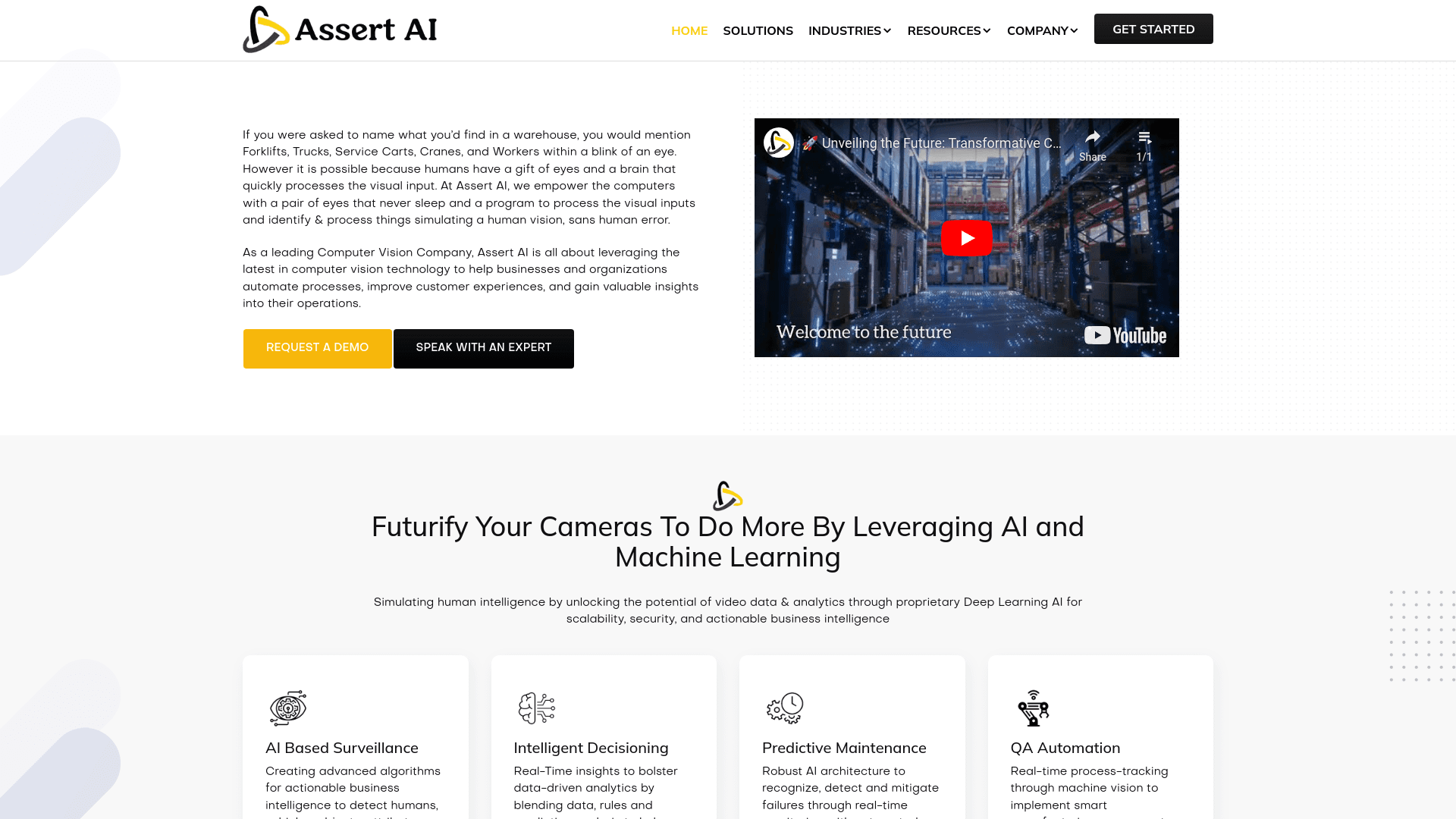
Assert AI
Automatically generates test cases, identifies bugs, and provides insights.

Outreach
Optimize sales, enhance workflows, boost efficiency with AI-powered tools.
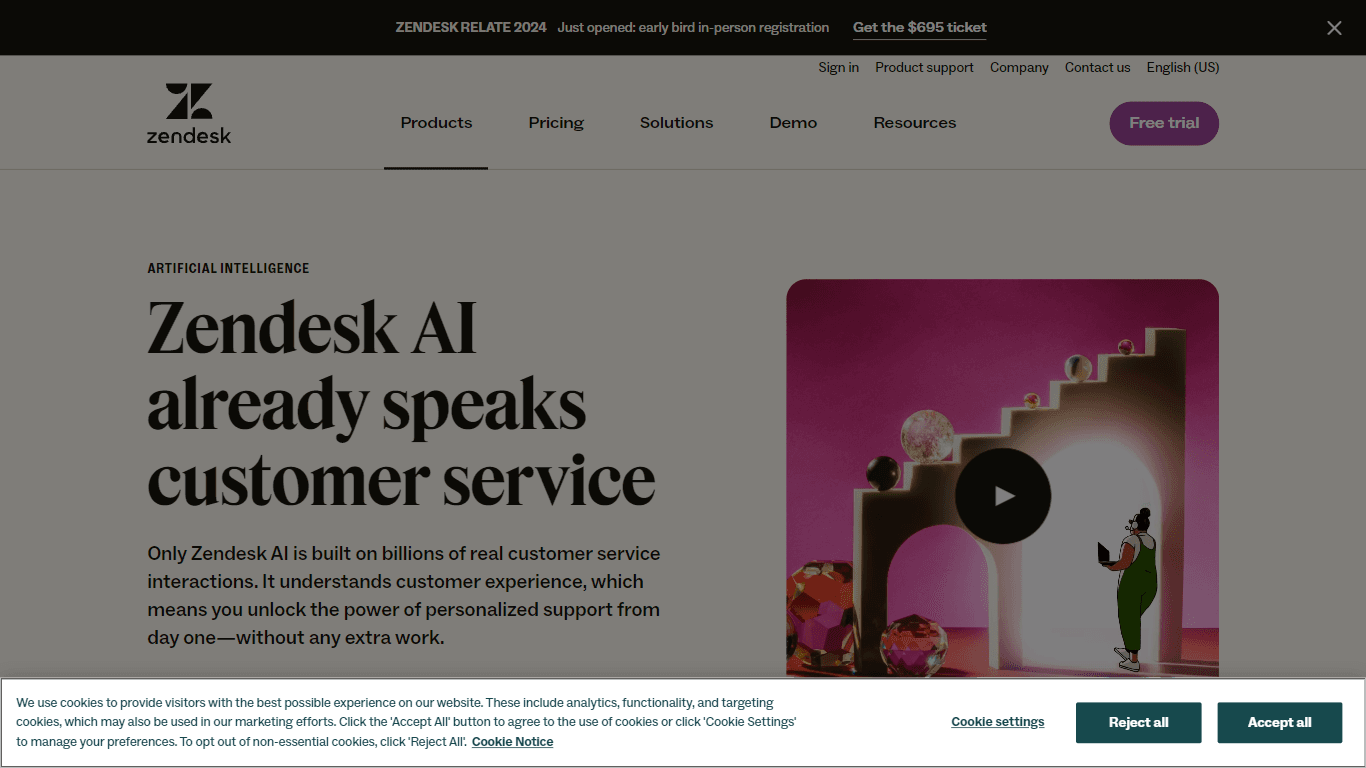
Zendesk AI
Explore the transformative power of AI-driven customer support with Zendesk AI. With a suite of intelligent tools, including sophisticated bots, enhanced self-service options, and a wealth of producti

Convoso
A call center platform with dialing and omnichannel communication tools.
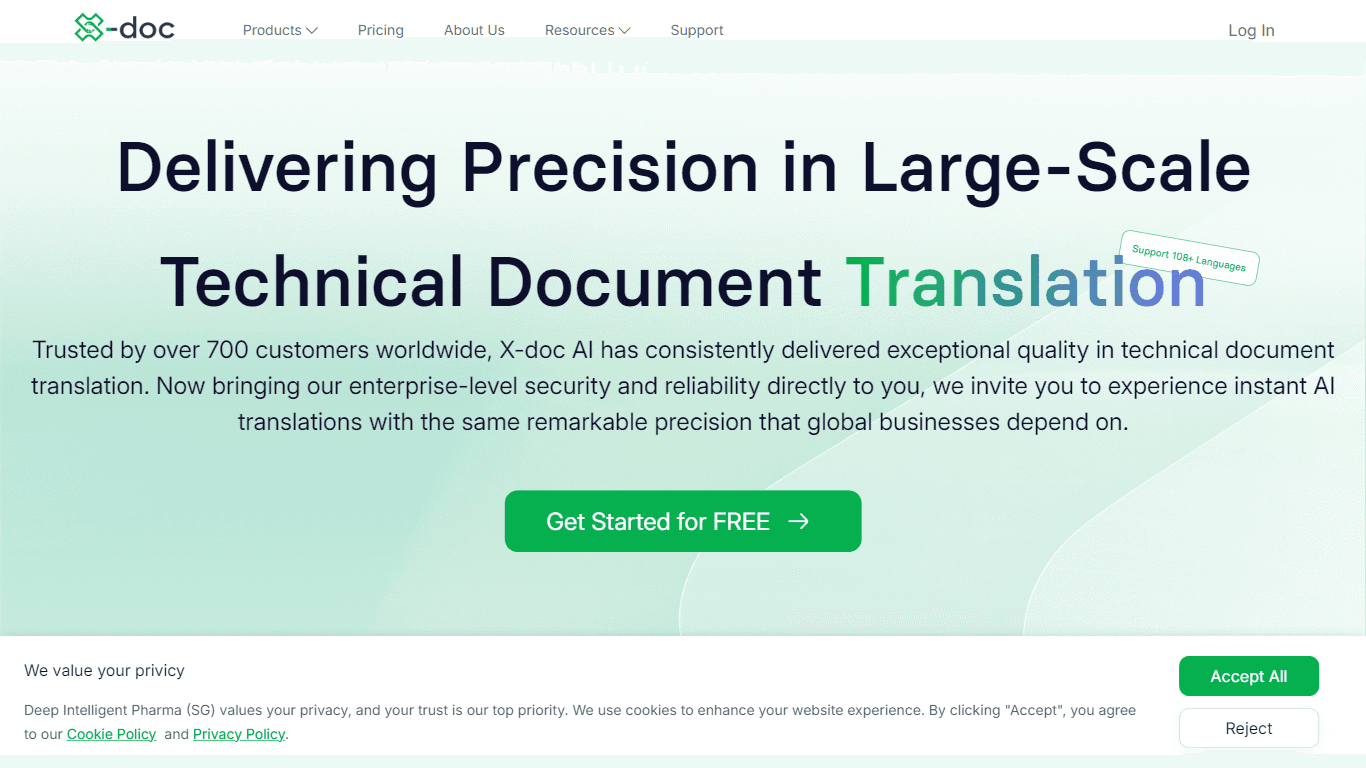
X-doc
X-doc is a cutting-edge AI-driven platform specializing in large-scale technical document translation. Its core functionality revolves around providing instant translations across 108 languages, ensur

Tektonic AI
Streamline sales and revenue operations with advanced AI-driven automation.

Align AI
Streamlines AI strategy alignment with business objectives.

Ada
Revolutionize customer service with AI across all digital platforms.

Supametas.AI
A tool to transform unstructured data into structured formats for AI models and knowledge bases.

ChatGPT for Google
ChatGPT response alongside search engine results